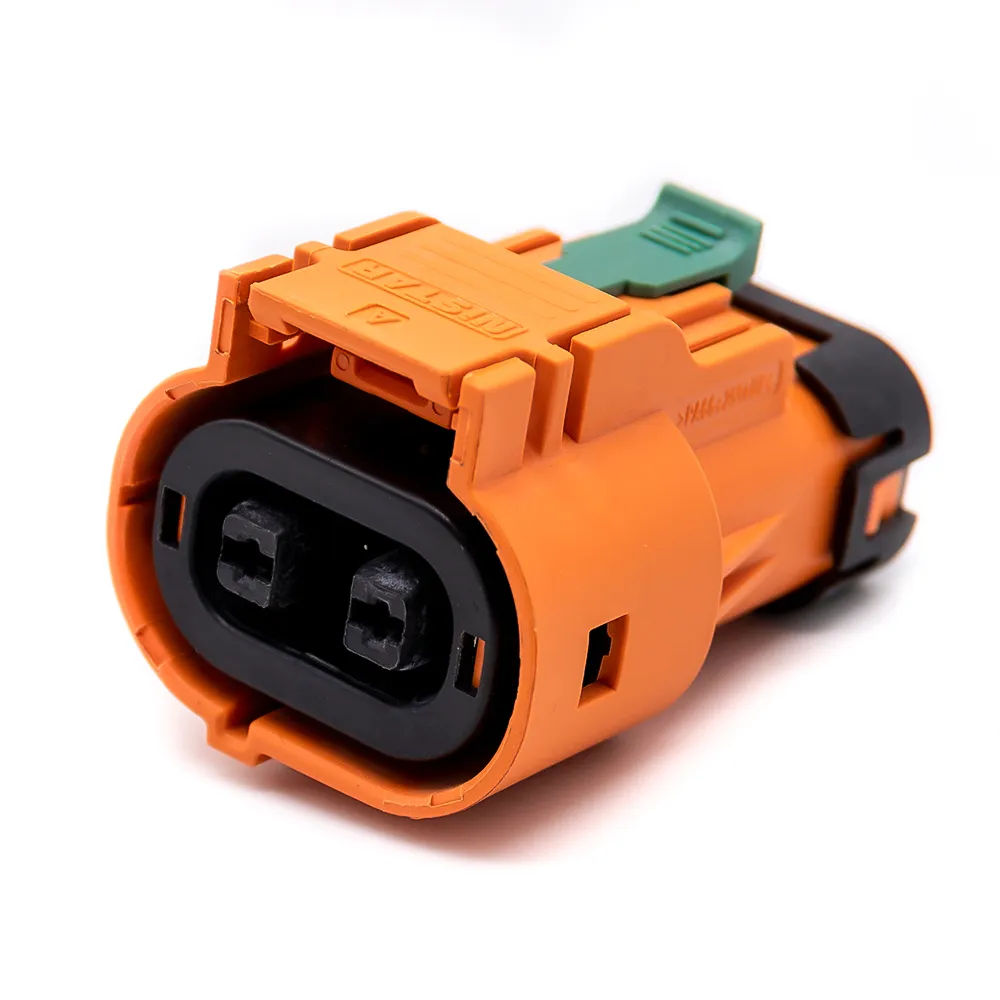
60A - 120A
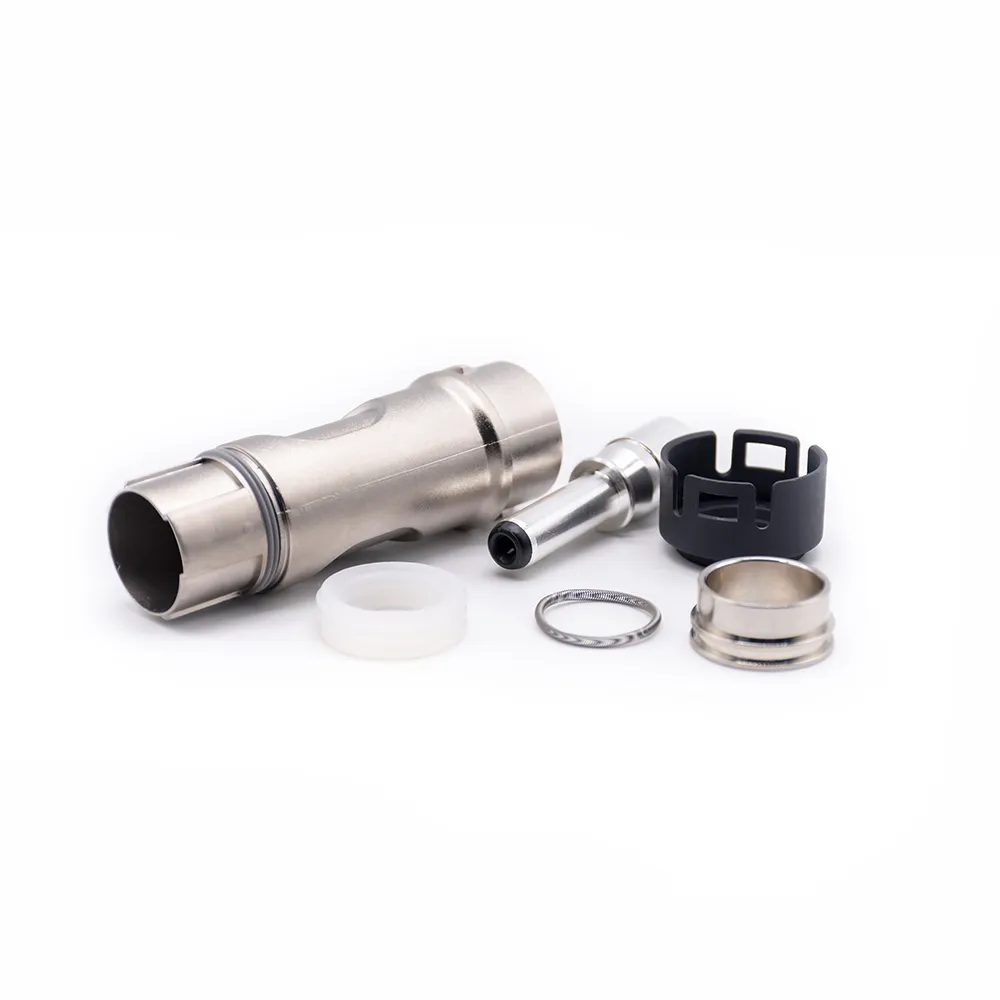
125A - 200A
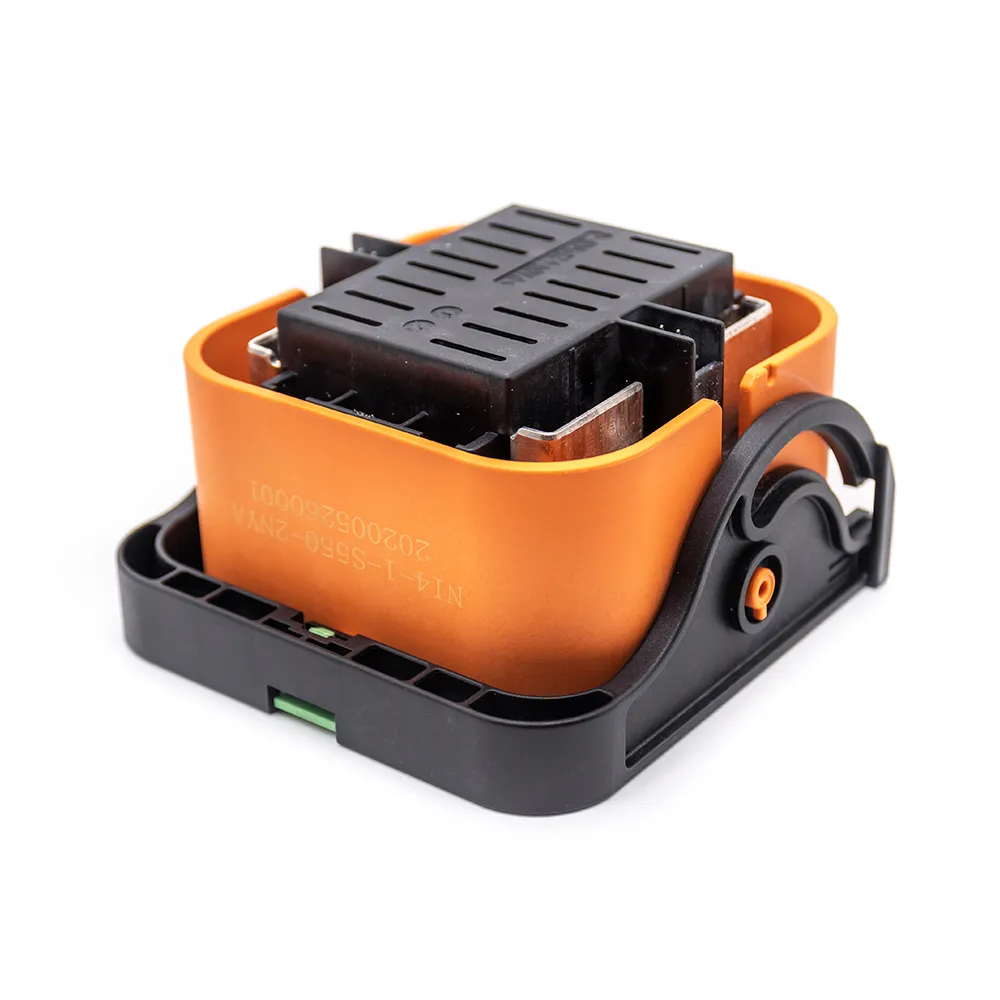
250A - 350A
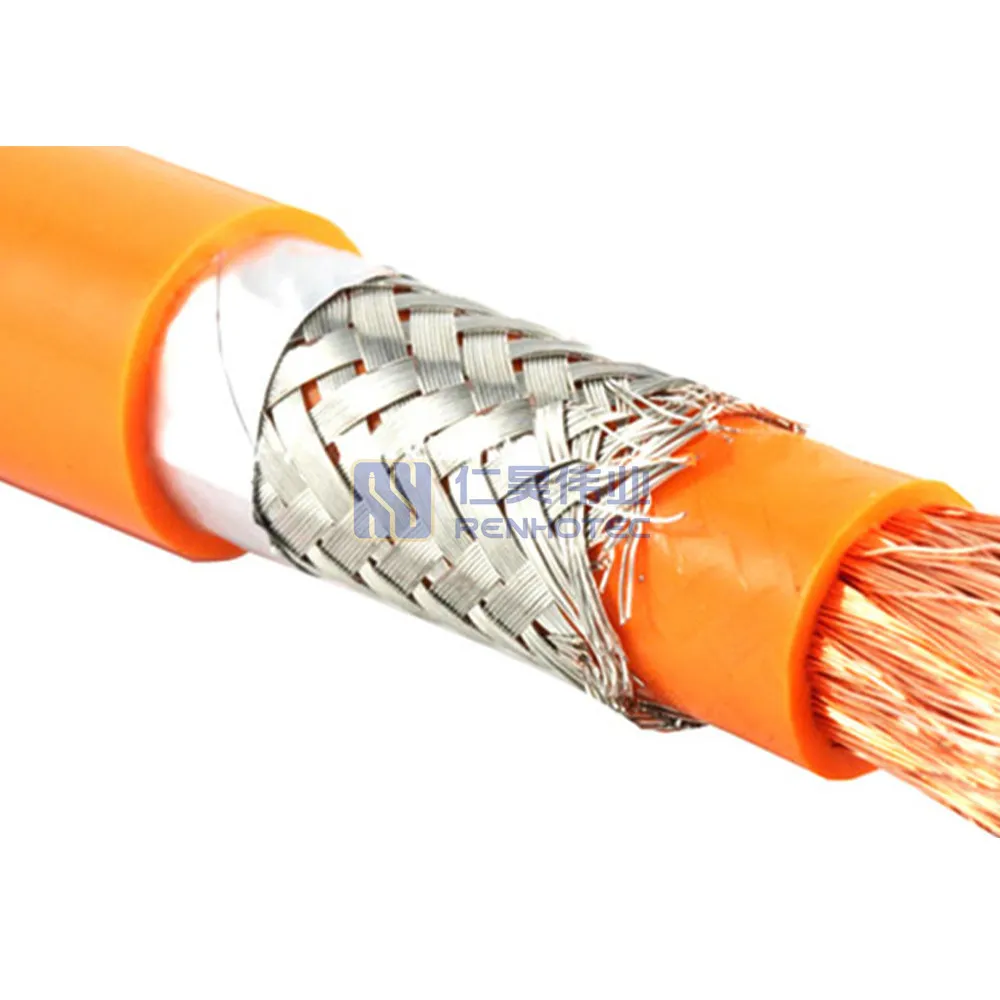
400A - 480A
Renhotec · Cable Assemblies
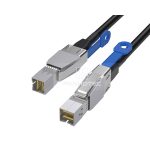
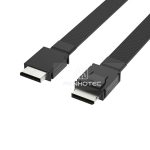
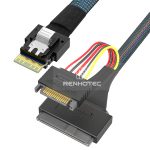
Explore MCIO, SlimSAS, Mini-SAS, Mini-SAS HD, OCuLink and U.2 cable assemblies. Start with the connector at each end, then compare the breakout arrangement, cable exit and power connection for your design.
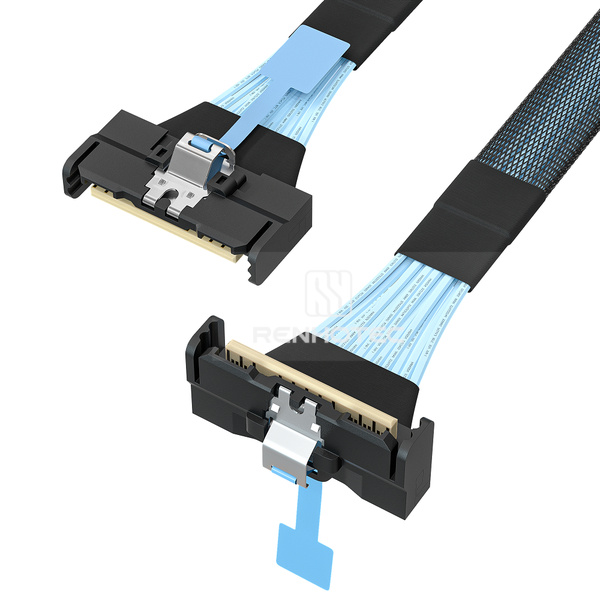 MCIO x8 · RHT-726-0001
Find your interface
Six product families. Direct, cross-interface and breakout configurations.
x4 & x8 configurations
Straight, angled and breakout assemblies, including connections to SlimSAS, Mini-SAS HD, OCuLink and U.2.
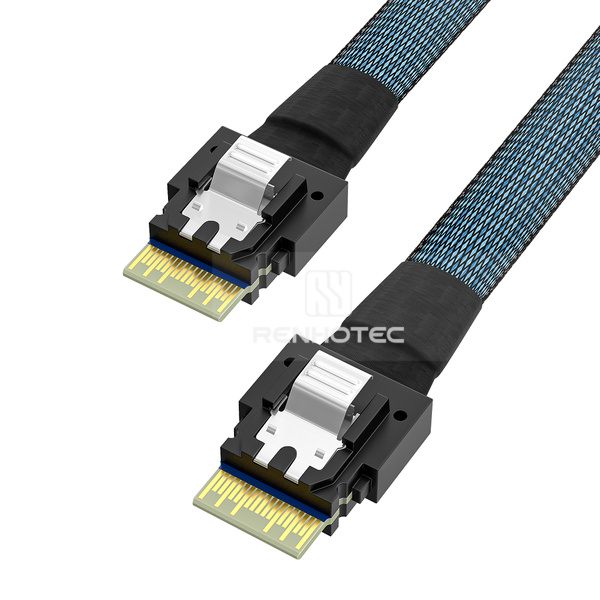
SFF-8654 · 4i & 8i
Same-interface cables and breakout assemblies to SATA, SAS, Mini-SAS, Mini-SAS HD, OCuLink and U.2.
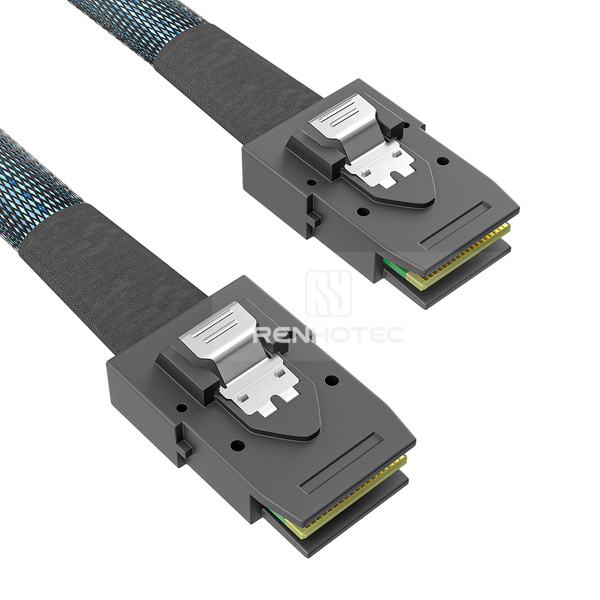
SFF-8087 & SFF-8088
Internal and external connector configurations, with SATA and SAS breakout options in the range.
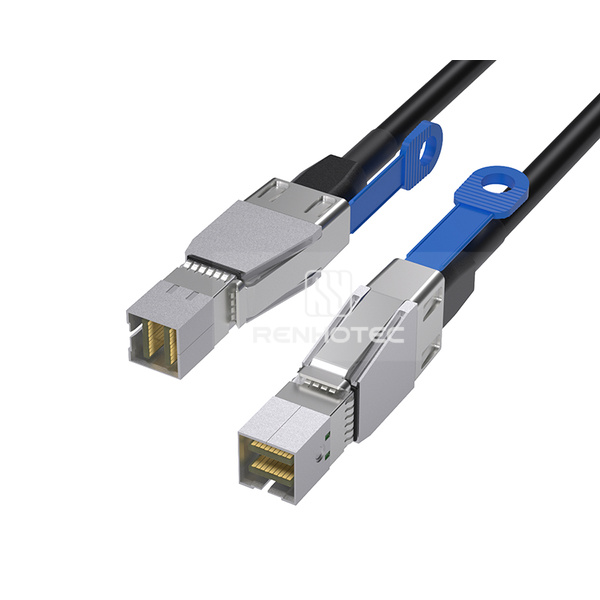
SFF-8643 & SFF-8644
Internal and external HD assemblies, including same-interface cables, cross-interface cables and breakouts.
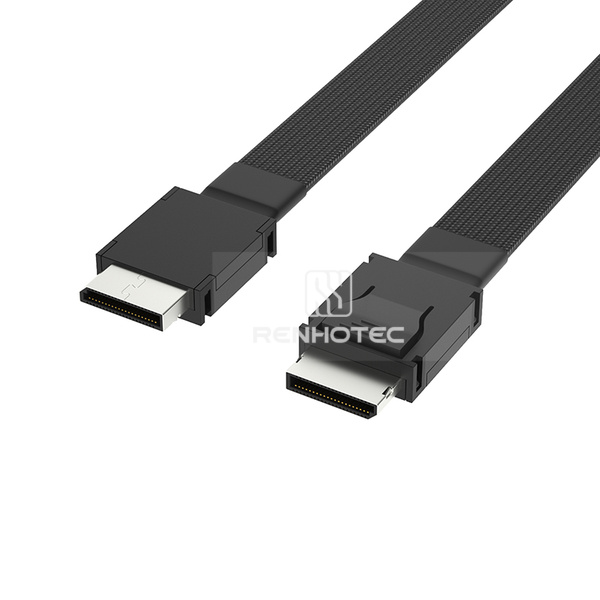
SFF-8611 · 4i
OCuLink-to-OCuLink assemblies and connections to Mini-SAS, Mini-SAS HD and U.2.
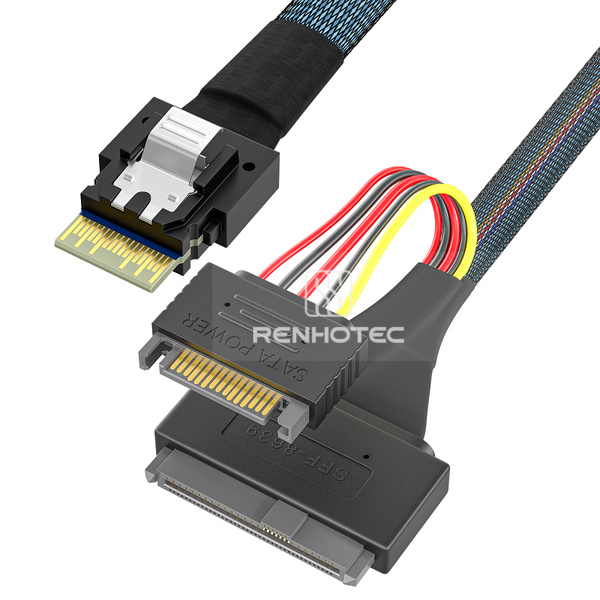
Drive-side connections
Assemblies with SlimSAS, OCuLink or Mini-SAS HD connections and 15-pin power leads; selected models include mounting ears.
Selection guide
Identify connector A and B, host and device, and the required pin assignment.
Check length, exit direction, available clearance and the breakout arrangement.
Review power leads, mounting details and the selected SKU drawing before ordering.
Explore the range
Use the SKU when discussing a configuration with our team.
Straight, angled and breakout assemblies, including connections to SlimSAS, Mini-SAS HD, OCuLink and U.2.
| Product image | Renhotec SKU | Cable configuration | Key specifications |
|---|---|---|---|
|
RHT-726-0001 | MCIO x8 Cable, Straight to right angle |
|
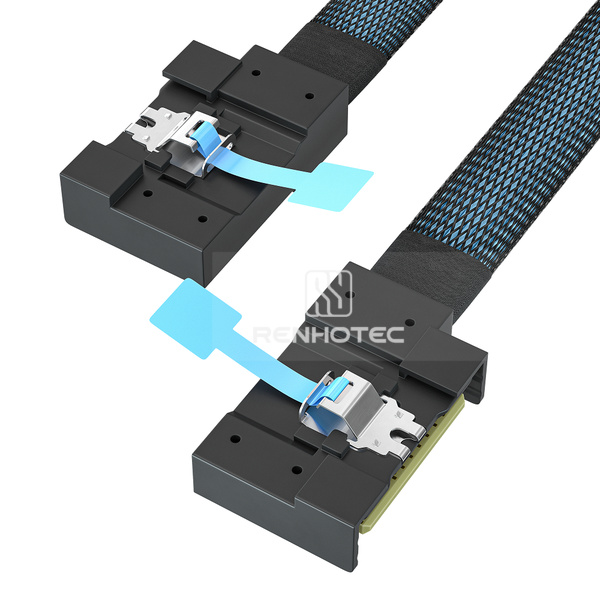 |
RHT-726-0002 | MCIO x8 Cable, Right exit to left exit |
|
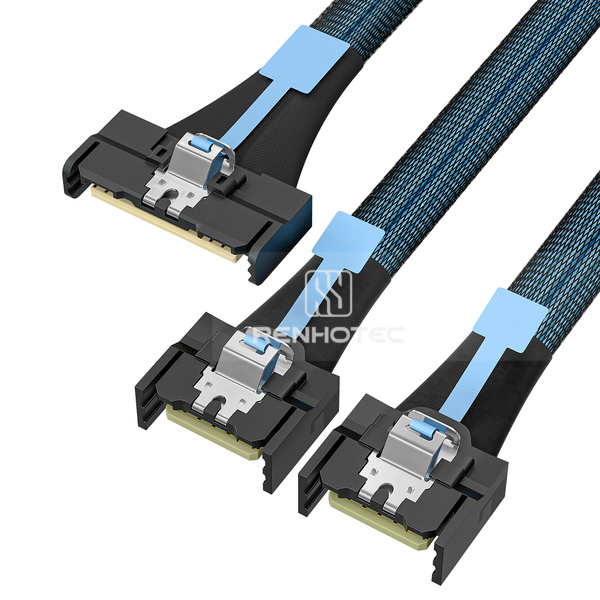 |
RHT-726-0003 | MCIO x8 to 2 x MCIO x4 Breakout Cable |
|
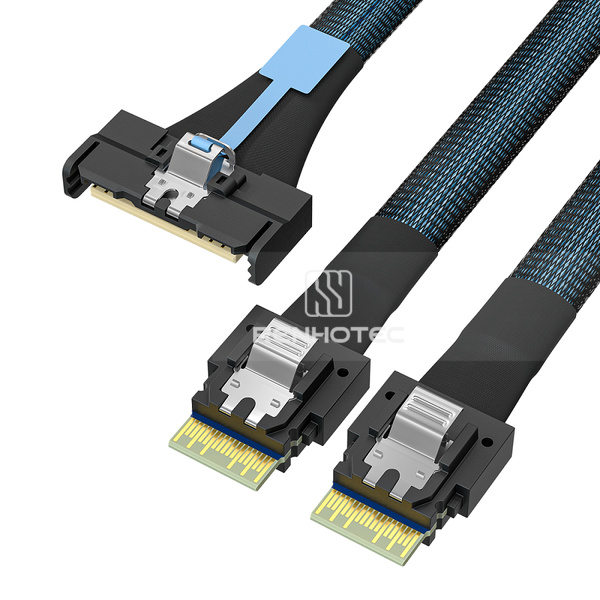 |
RHT-726-0004 | MCIO x8 to 2 x SlimSAS SFF-8654 4i Breakout Cable |
|
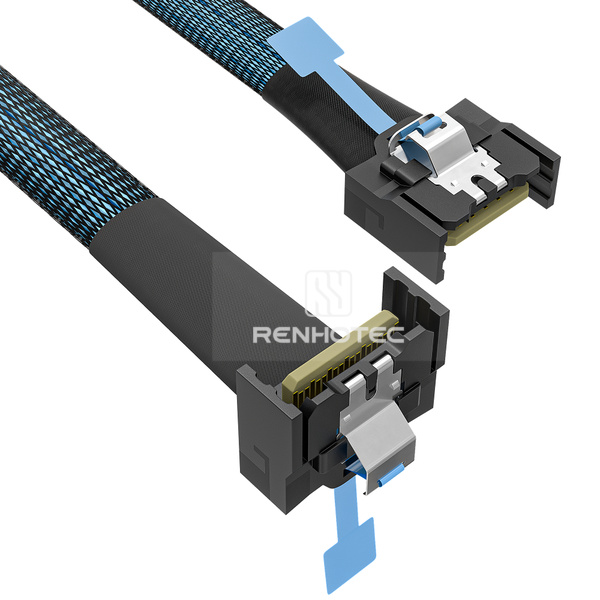 |
RHT-726-0005 | MCIO x4 Cable, Straight to right angle |
|
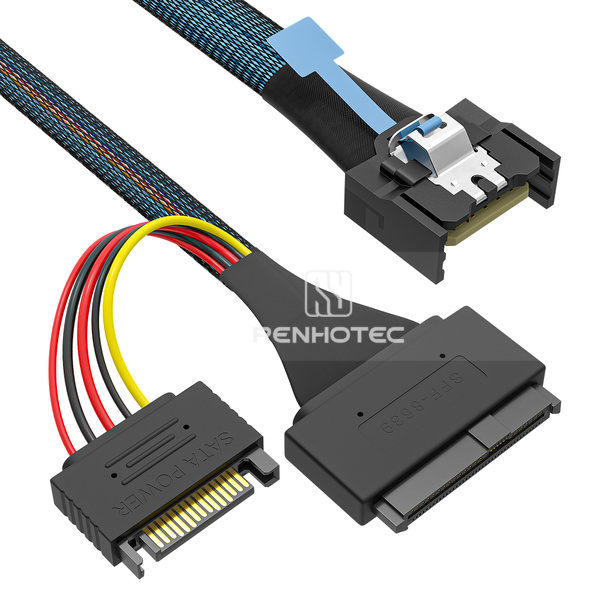 |
RHT-726-0006 | MCIO x4 to U.2 SFF-8639 Cable, 15-pin power |
|
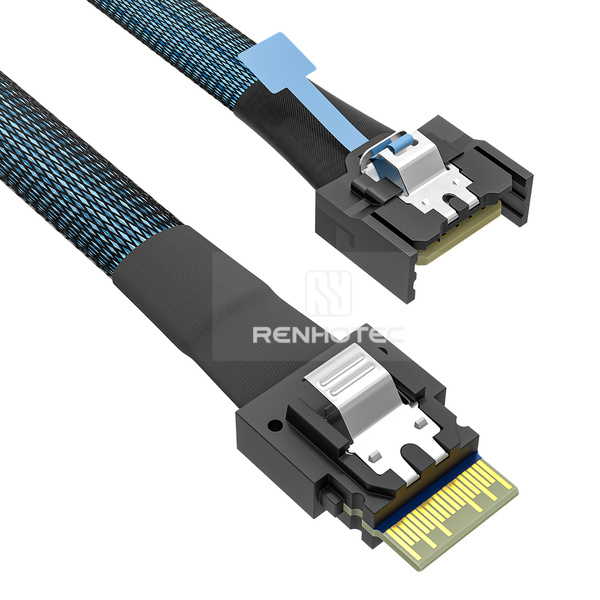 |
RHT-726-0007 | MCIO x4 to SlimSAS SFF-8654 4i Cable |
|
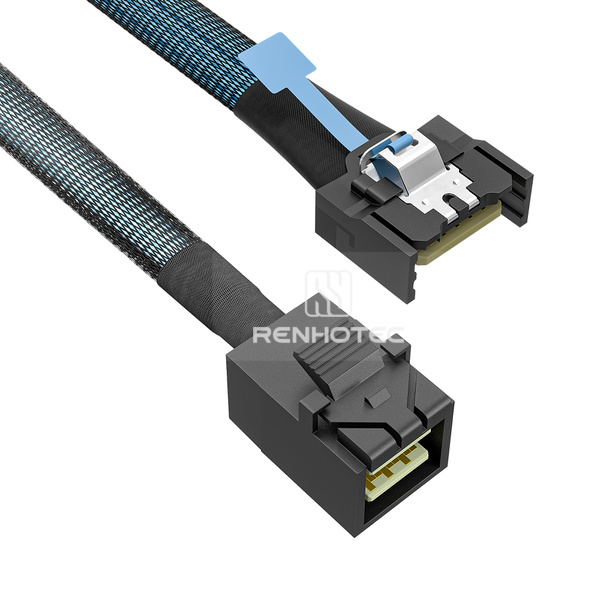 |
RHT-726-0008 | MCIO x4 to Mini-SAS HD SFF-8643 Cable |
|
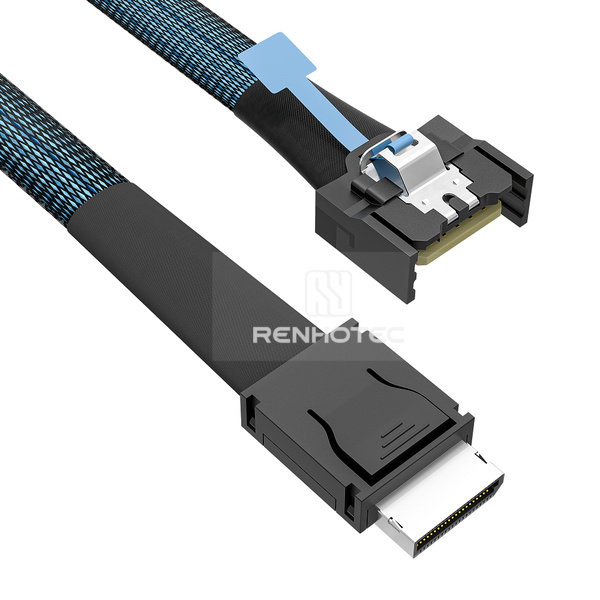 |
RHT-726-0009 | MCIO x4 to OCuLink SFF-8611 Cable |
|
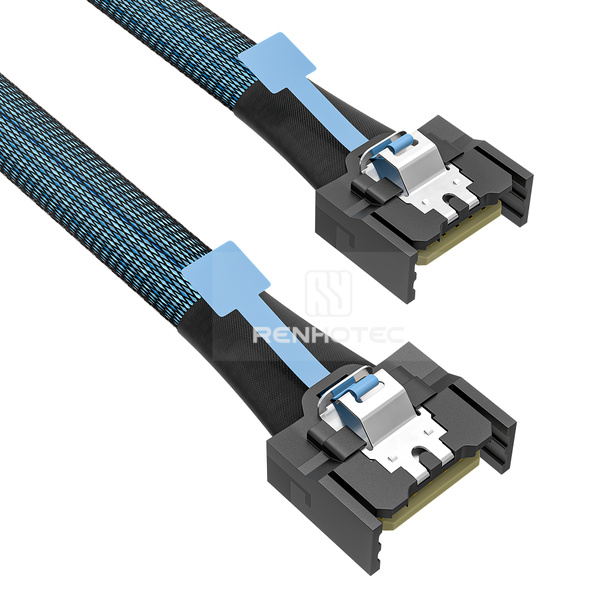 |
RHT-726-0010 | MCIO x4 Cable |
|
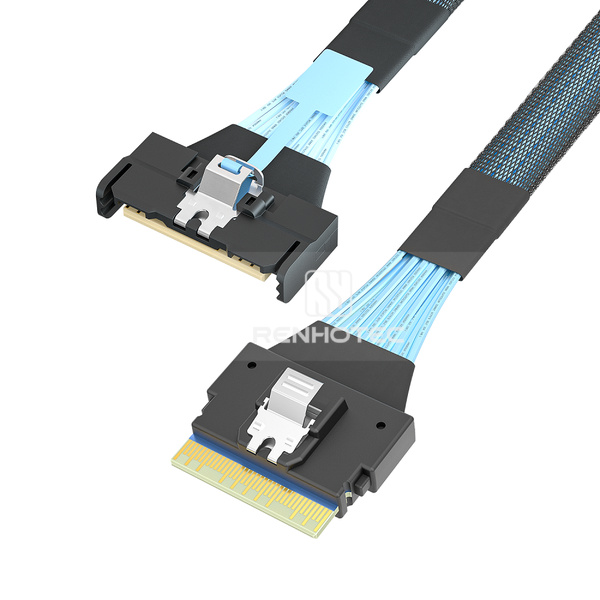 |
RHT-726-0011 | MCIO x8 to SlimSAS SFF-8654 8i Cable |
|
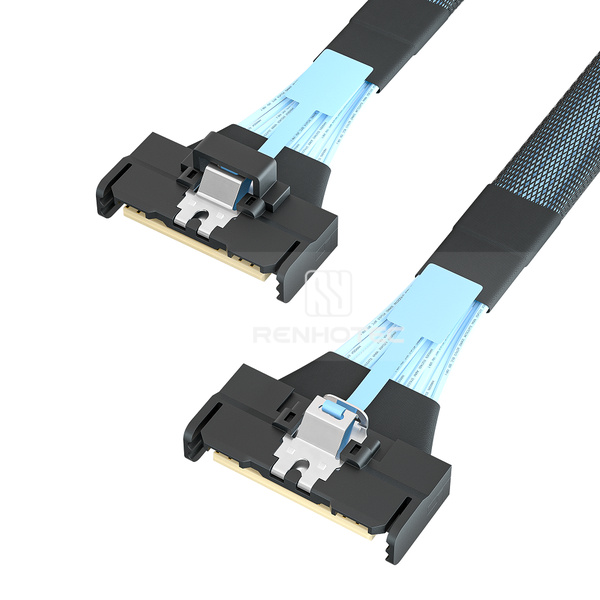 |
RHT-726-0012 | MCIO x8 Cable, Straight to straight |
|
Same-interface cables and breakout assemblies to SATA, SAS, Mini-SAS, Mini-SAS HD, OCuLink and U.2.
| Product image | Renhotec SKU | Cable configuration | Key specifications |
|---|---|---|---|
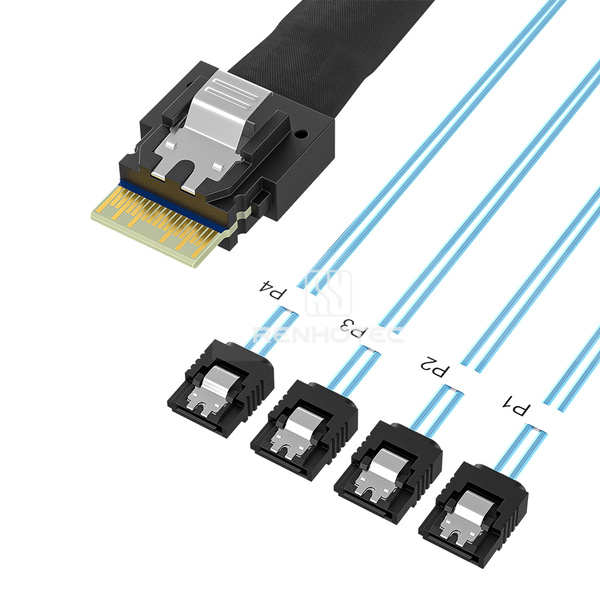 |
RHT-726-1001 | SlimSAS SFF-8654 4i to 4 x SATA Breakout Cable |
|
|
RHT-726-1002 | SlimSAS SFF-8654 4i Cable |
|
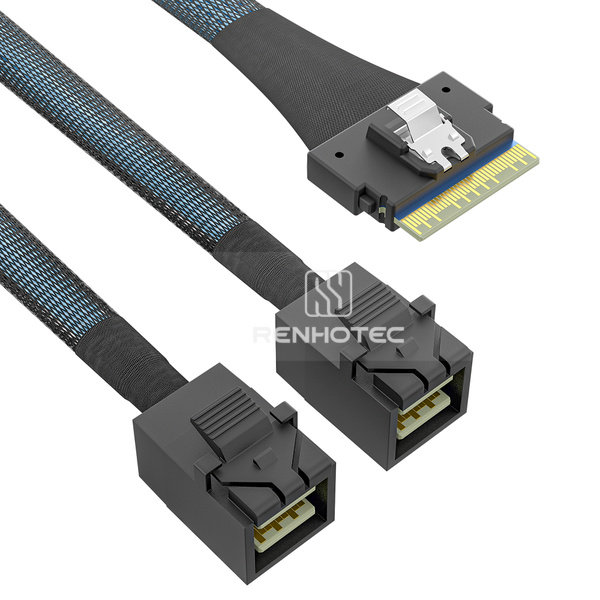 |
RHT-726-1003 | SlimSAS SFF-8654 8i to 2 x Mini-SAS HD SFF-8643 Breakout Cable |
|
 |
RHT-726-1004 | SlimSAS SFF-8654 8i to 2 x Mini-SAS SFF-8087 Breakout Cable |
|
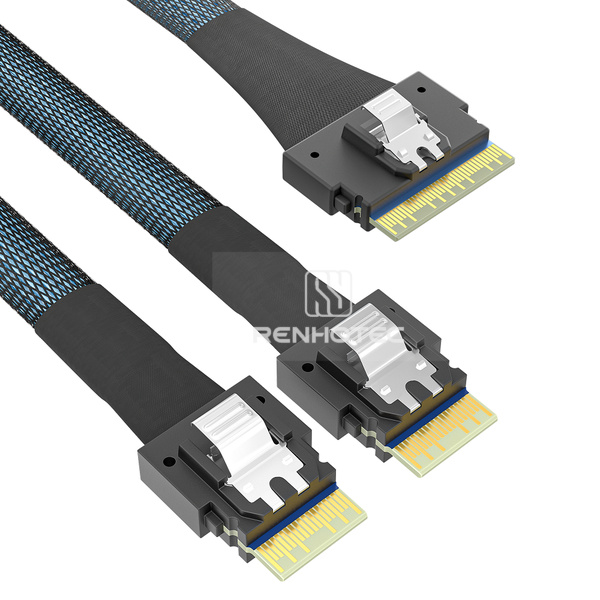 |
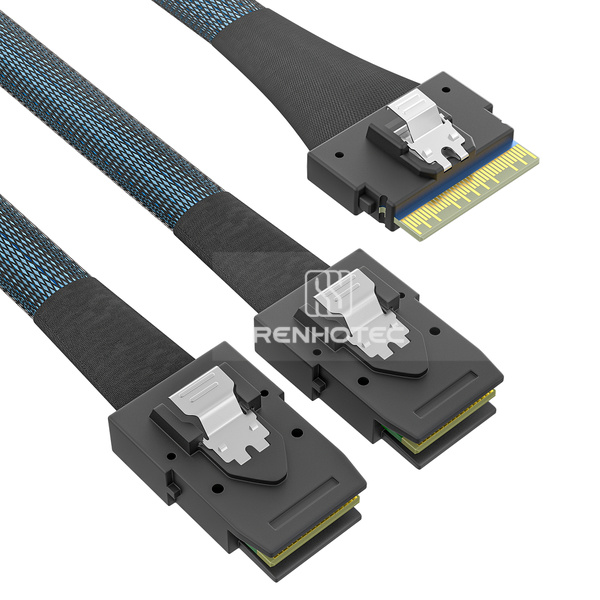
RHT-726-1005 | SlimSAS SFF-8654 8i to 2 x SFF-8654 4i Breakout Cable |
|
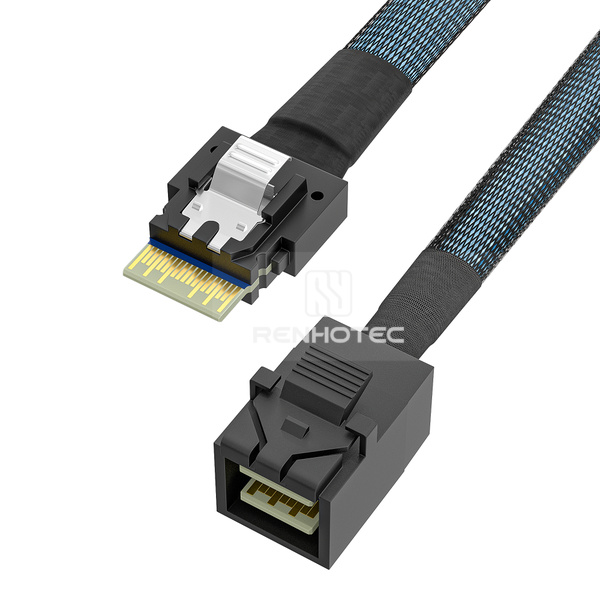 |
RHT-726-1006 | SlimSAS SFF-8654 4i to Mini-SAS HD SFF-8643 Cable |
|
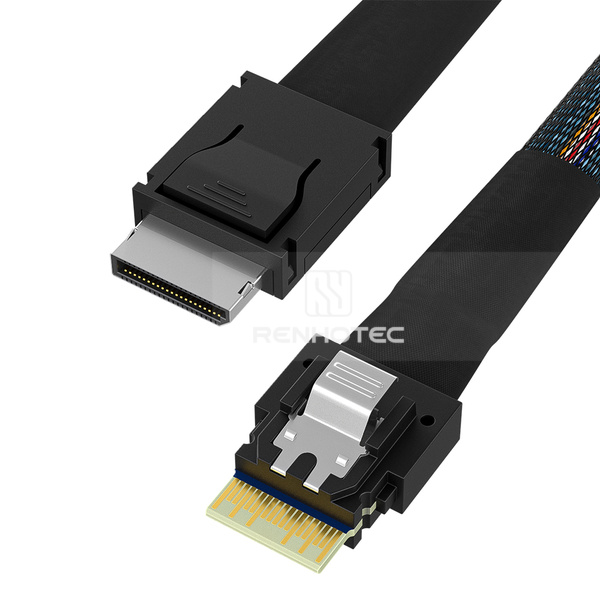 |
RHT-726-1007 | SlimSAS SFF-8654 4i to OCuLink SFF-8611 Cable |
|
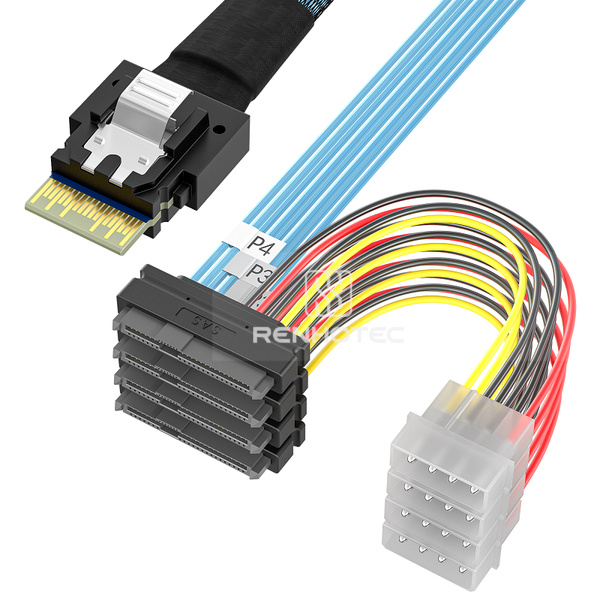 |
RHT-726-1008 | SlimSAS SFF-8654 4i to 4 x SAS SFF-8482 Breakout Cable, 4-pin power |
|
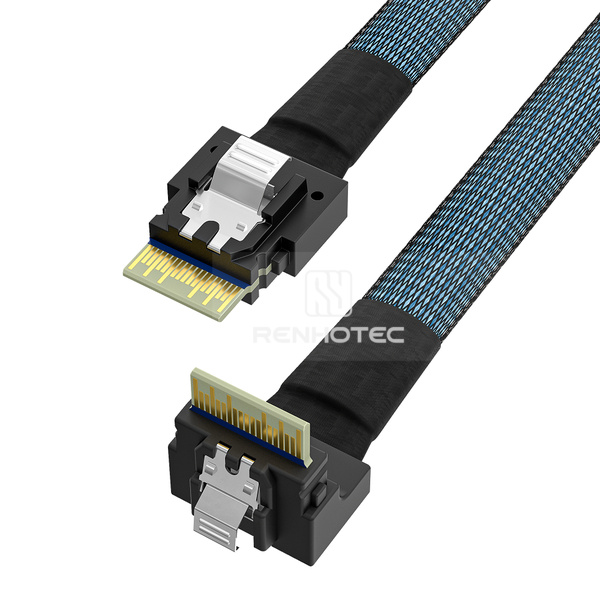 |
RHT-726-1009 | SlimSAS SFF-8654 4i Cable, Right angle |
|
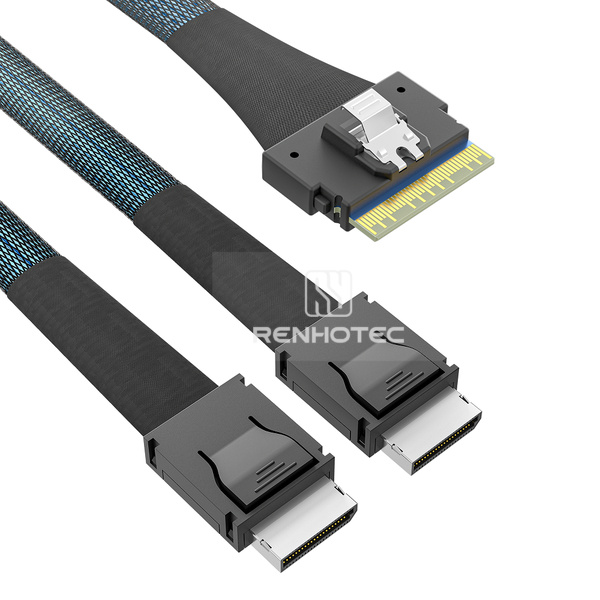 |
RHT-726-1010 | SlimSAS SFF-8654 8i to 2 x OCuLink SFF-8611 Breakout Cable |
|
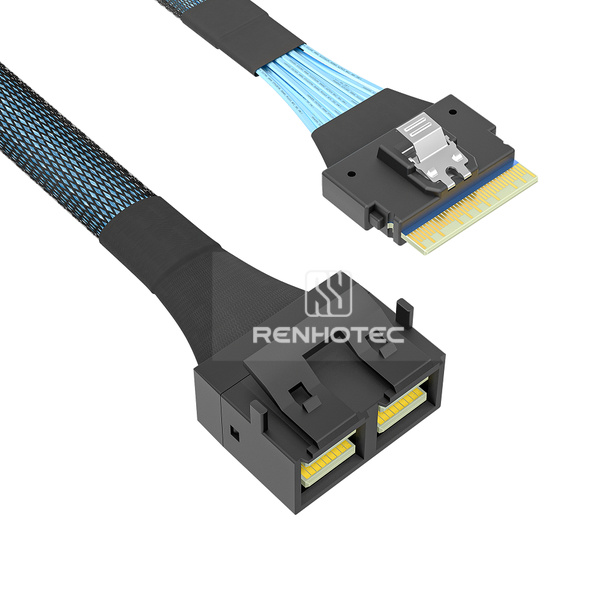 |
RHT-726-1011 | SlimSAS SFF-8654 8i to Mini-SAS HD SFF-8643 8i Cable |
|
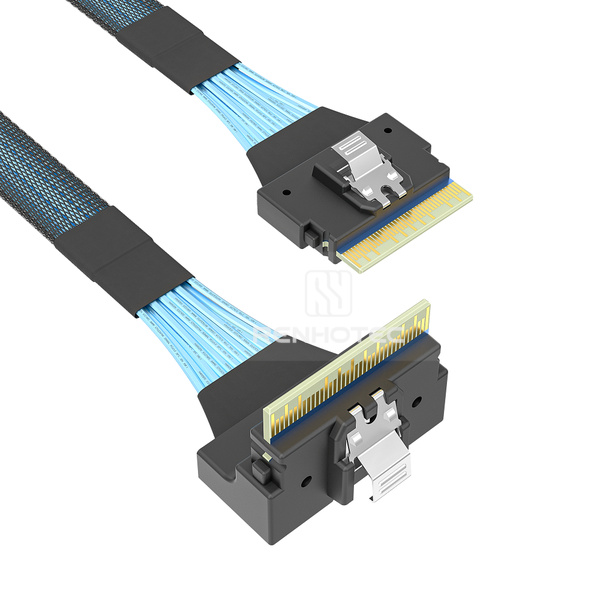 |
RHT-726-1012 | SlimSAS SFF-8654 8i Cable, Right angle |
|
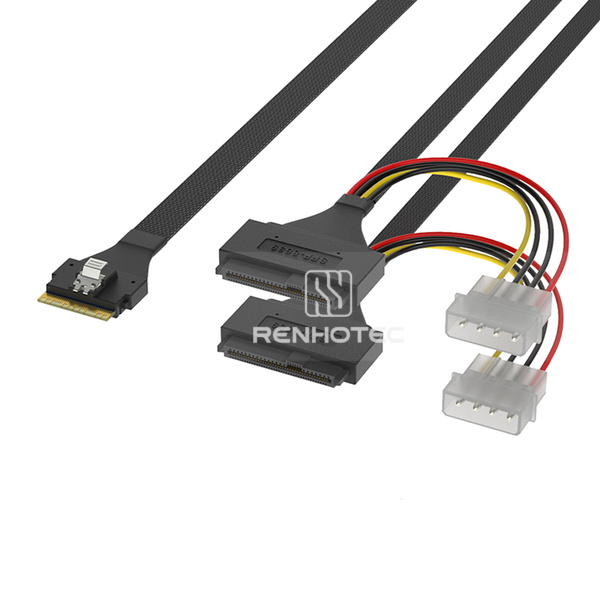 |
RHT-726-1013 | SlimSAS SFF-8654 8i to 2 x U.2 SFF-8639 Breakout Cable, 4-pin power |
|
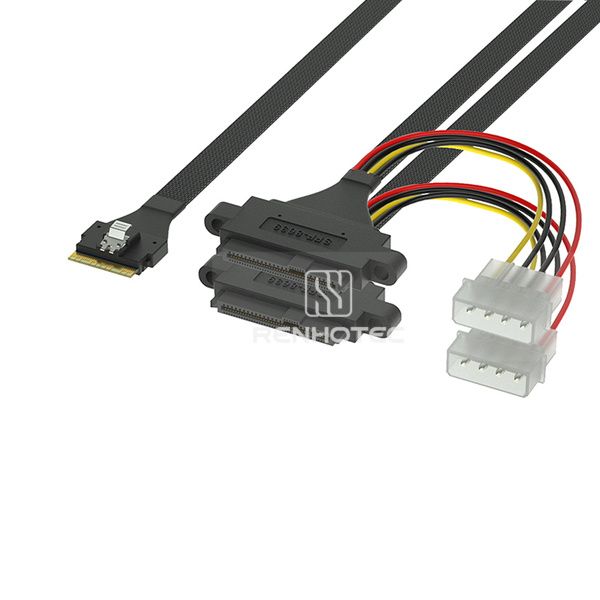 |
RHT-726-1014 | SlimSAS SFF-8654 8i to 2 x U.2 SFF-8639 Breakout Cable, 4-pin power, Mounting ears |
|
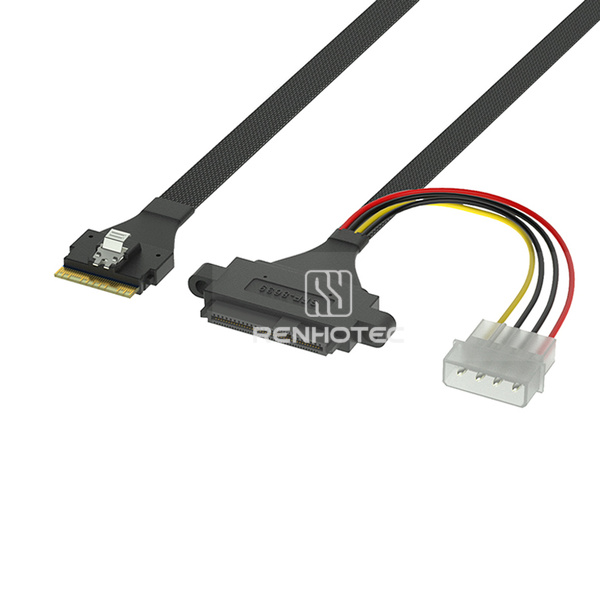 |
RHT-726-1015 | SlimSAS SFF-8654 8i to U.2 SFF-8639 Cable, 4-pin power, Mounting ears |
|
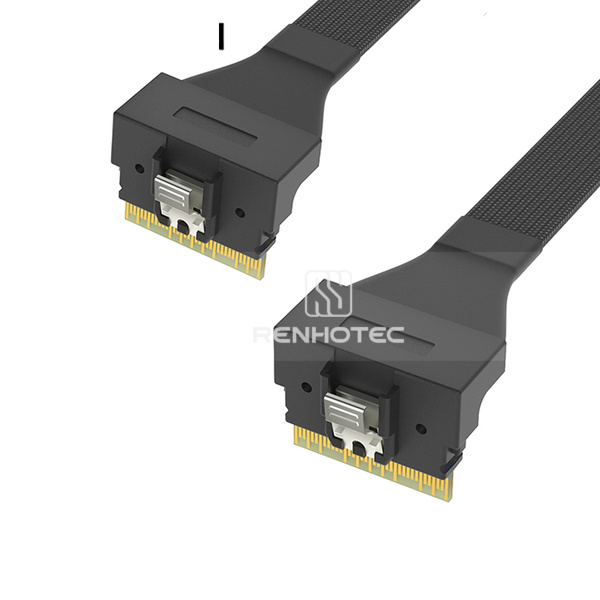 |
RHT-726-1016 | SlimSAS SFF-8654 8i Cable, Right angle to right angle |
|
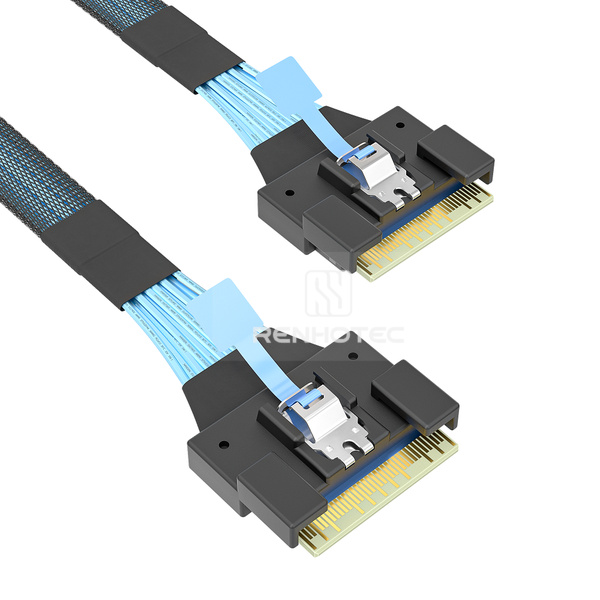 |
RHT-726-1017 | SlimSAS SFF-8654 8i Cable, Insertion alignment |
|
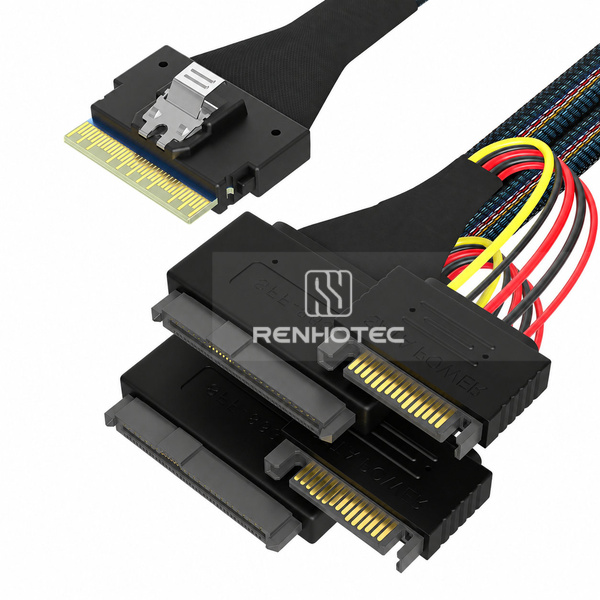 |
RHT-726-1018 | SlimSAS SFF-8654 8i to 2 x U.2 SFF-8639 Breakout Cable, 15-pin power, Mounting ears |
|
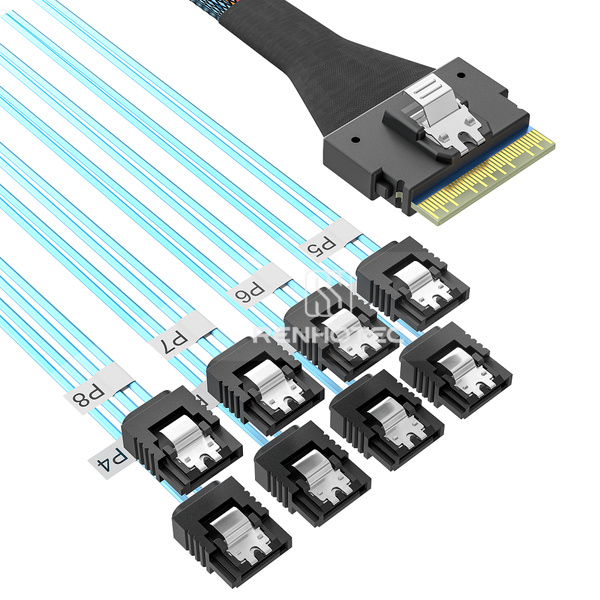 |
RHT-726-1019 | SlimSAS SFF-8654 8i to 8 x SATA Breakout Cable |
|
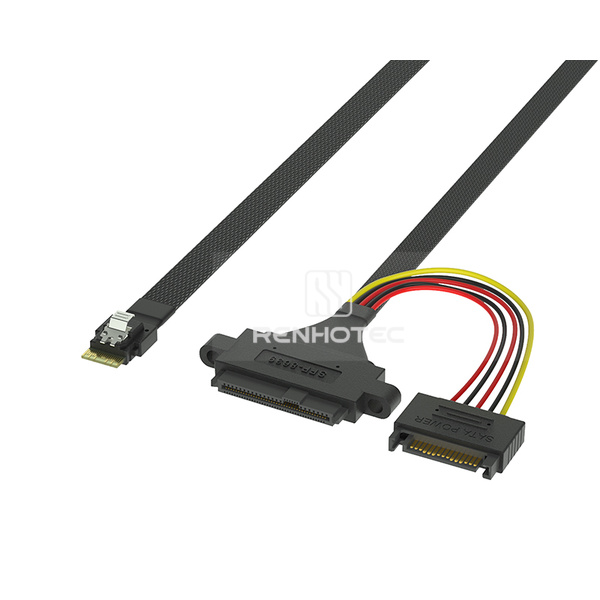 |
RHT-726-1020 | SlimSAS SFF-8654 4i to U.2 SFF-8639 Cable, 15-pin power, Mounting ears |
|
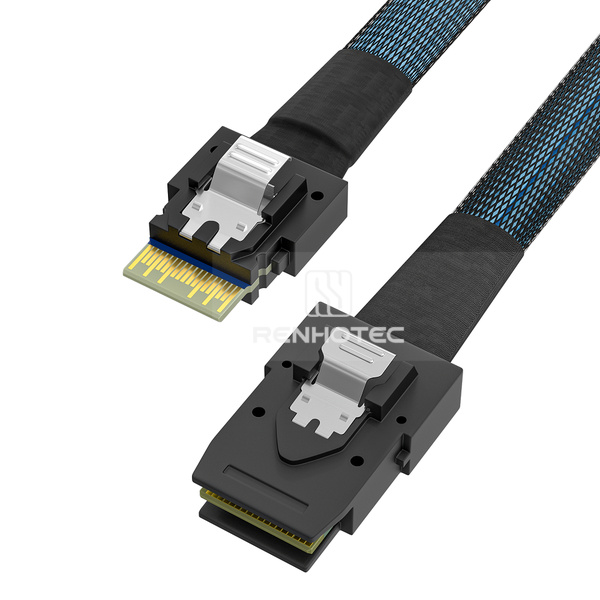 |
RHT-726-1021 | SlimSAS SFF-8654 4i to Mini-SAS SFF-8087 Cable |
|
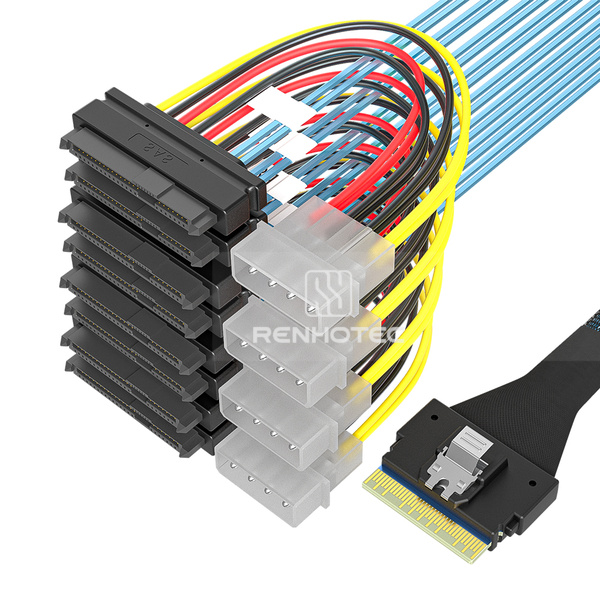 |
RHT-726-1022 | SlimSAS SFF-8654 8i to 8 x SAS SFF-8482 Breakout Cable, 4-pin power |
|
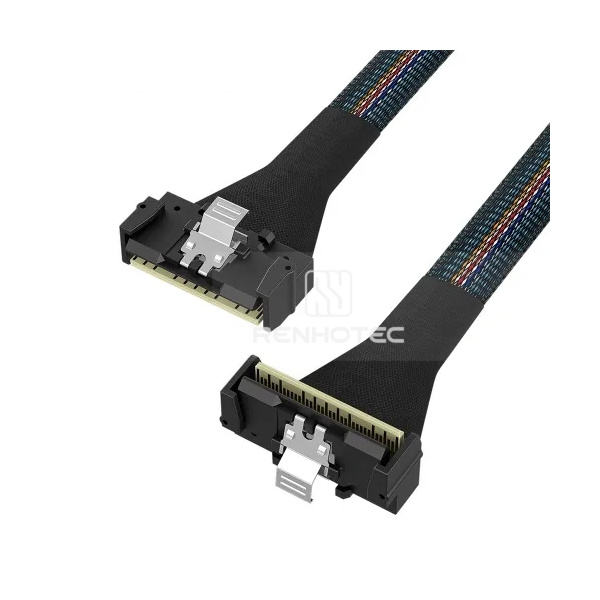 |
RHT-726-1023 | LP SlimSAS SFF-8654 8i Cable, Right angle |
|
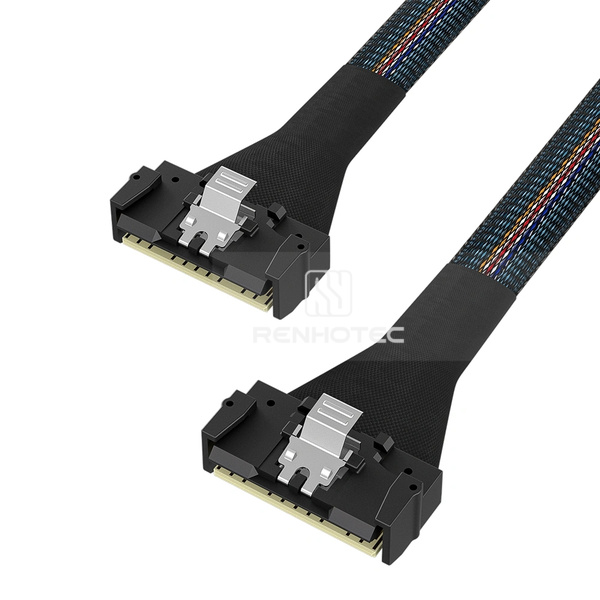 |
RHT-726-1024 | LP SlimSAS SFF-8654 8i Cable |
|
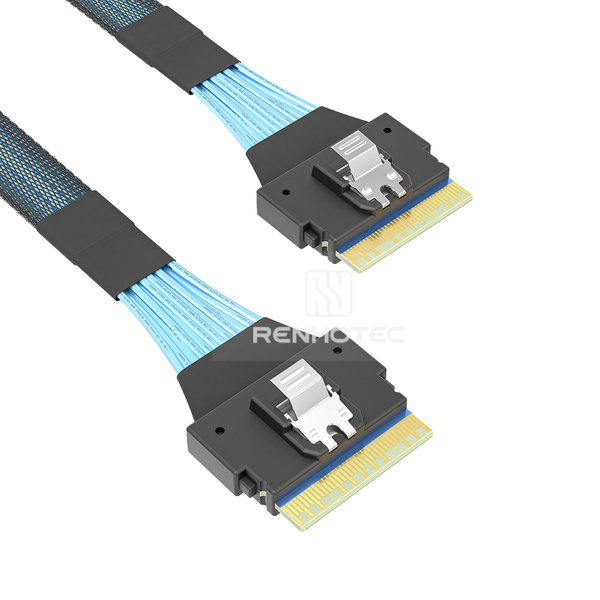 |
RHT-726-1025 | SlimSAS SFF-8654 8i Cable |
|
Internal and external connector configurations, with SATA and SAS breakout options in the range.
| Product image | Renhotec SKU | Cable configuration | Key specifications |
|---|---|---|---|
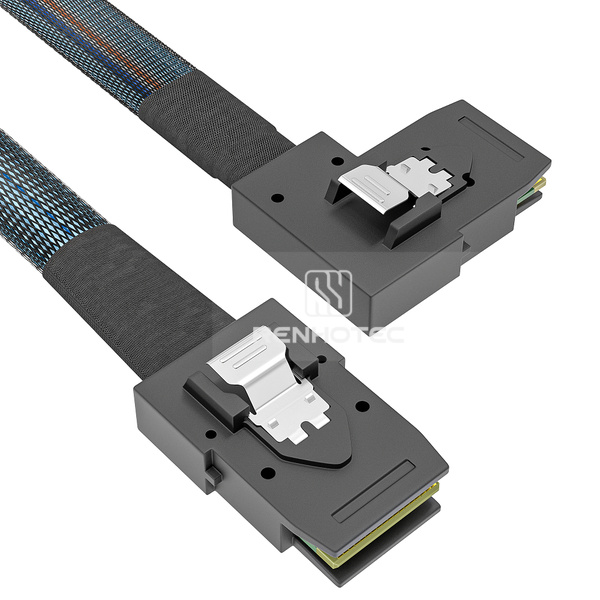 |
RHT-726-2001 | Mini-SAS SFF-8087 Cable, Straight to right bend |
|
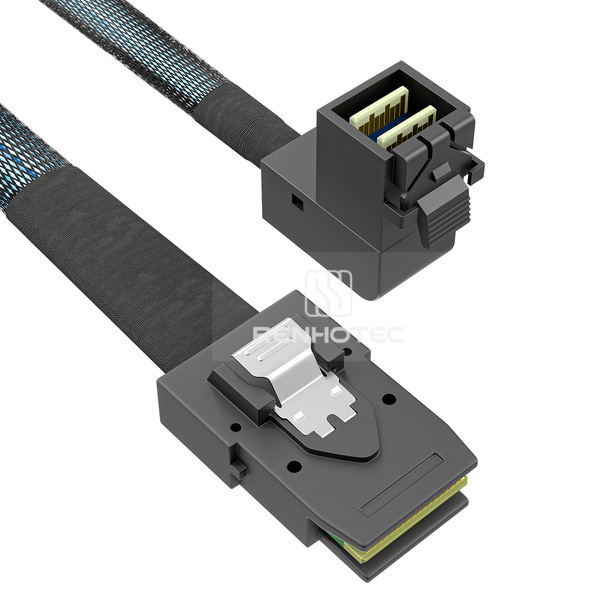 |
RHT-726-2002 | Mini-SAS HD SFF-8643 to SFF-8087 Cable, Angled Mini-SAS HD end |
|
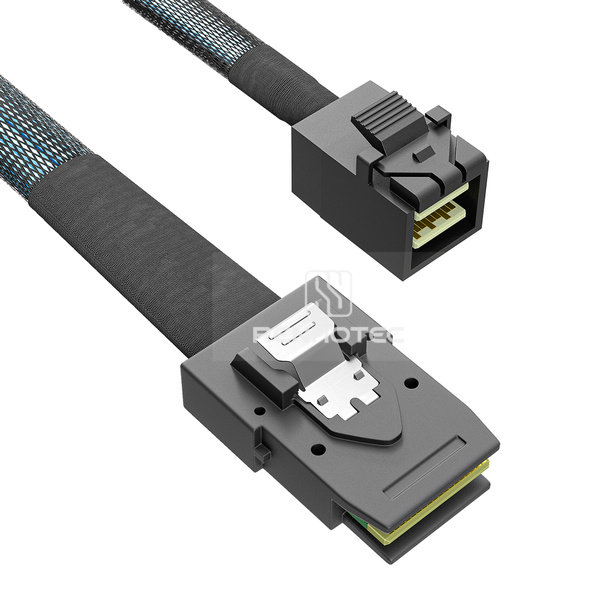 |
RHT-726-2003 | Mini-SAS HD SFF-8643 to SFF-8087 Cable |
|
|
RHT-726-2004 | Mini-SAS SFF-8087 Cable, Straight to straight |
|
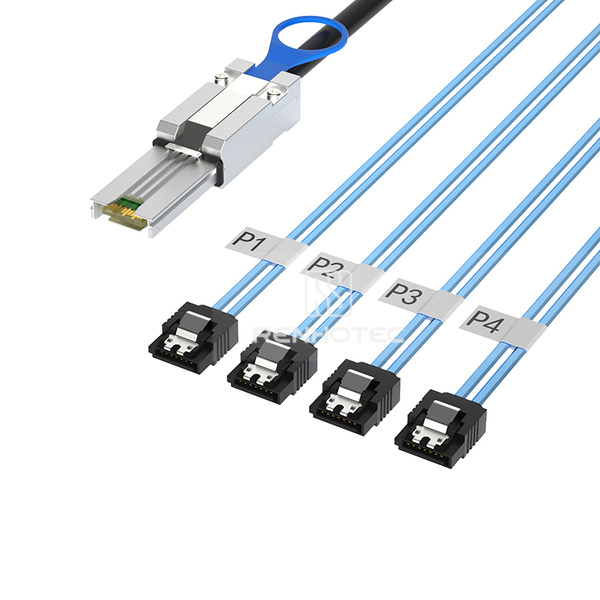 |
RHT-726-2005 | Mini-SAS SFF-8088 to 4 x SATA 7-pin Breakout Cable |
|
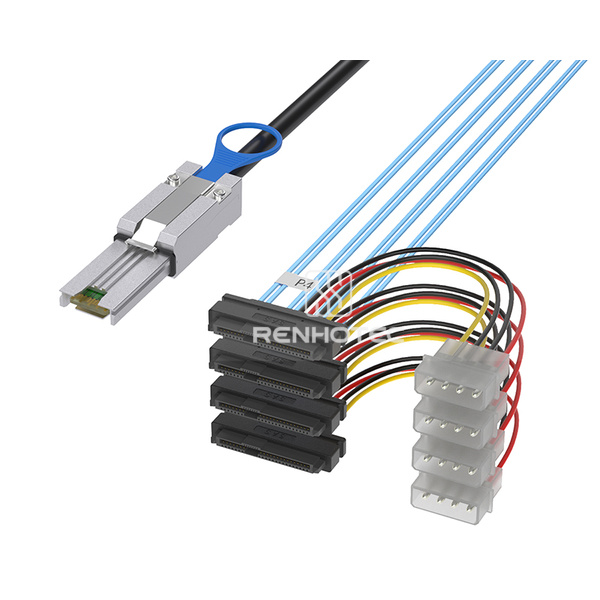 |
RHT-726-2006 | Mini-SAS SFF-8088 to 4 x SAS SFF-8482 Breakout Cable, 4-pin power |
|
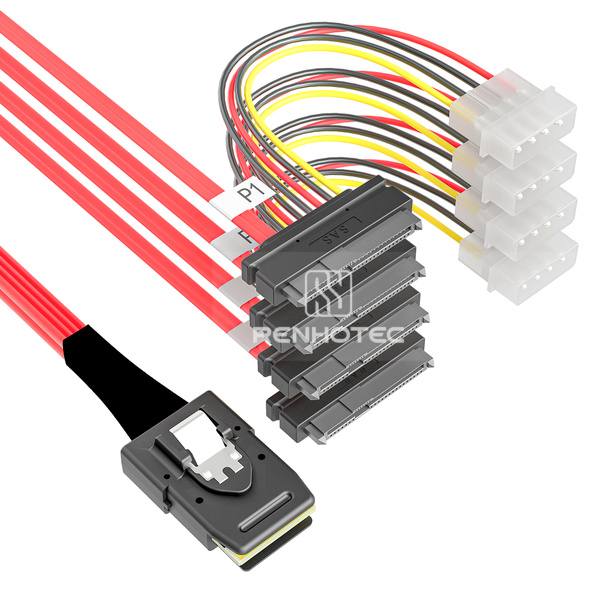 |
RHT-726-2007 | Mini-SAS SFF-8087 to 4 x SAS SFF-8482 Breakout Cable, Power leads, Red |
|
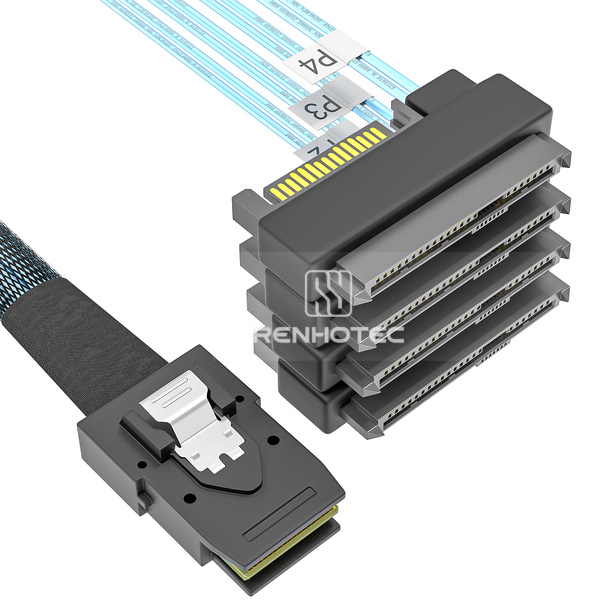 |
RHT-726-2008 | Mini-SAS SFF-8087 to 4 x SAS SFF-8482 Breakout Cable |
|
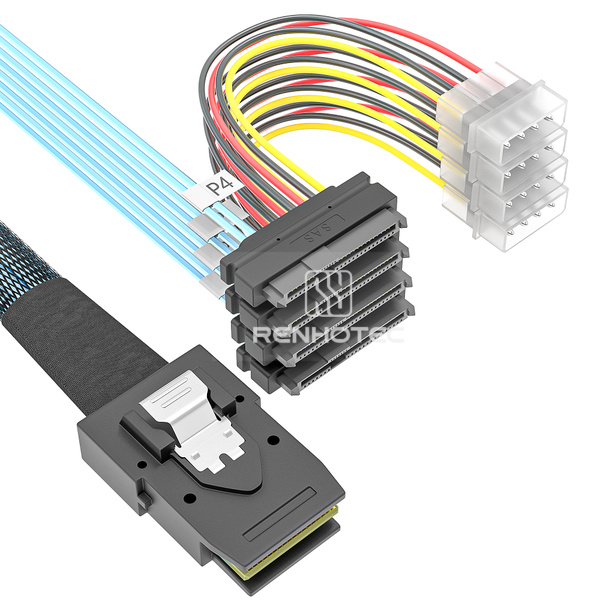 |
RHT-726-2009 | Mini-SAS SFF-8087 to 4 x SAS SFF-8482 Breakout Cable, Power leads |
|
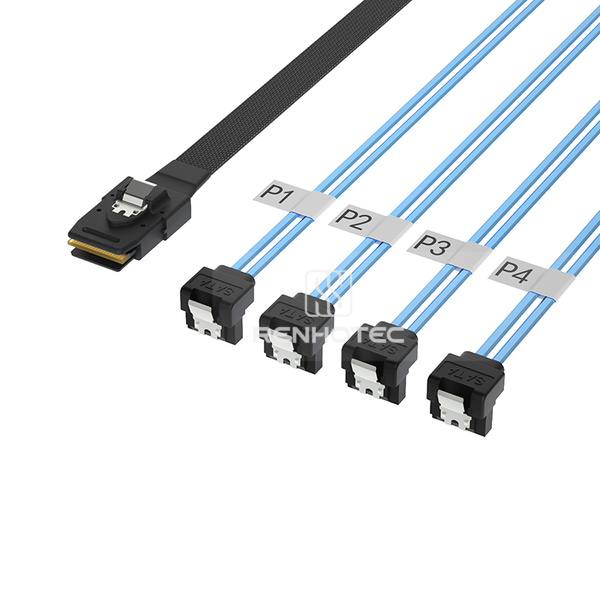 |
RHT-726-2010 | Mini-SAS SFF-8087 to 4 x SATA Breakout Cable, Straight to right angle |
|
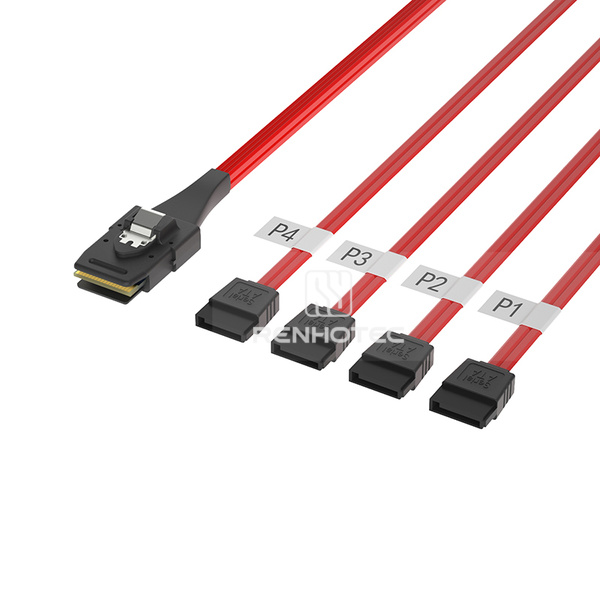 |
RHT-726-2011 | Mini-SAS SFF-8087 to 4 x SATA 7-pin Breakout Cable, Red |
|
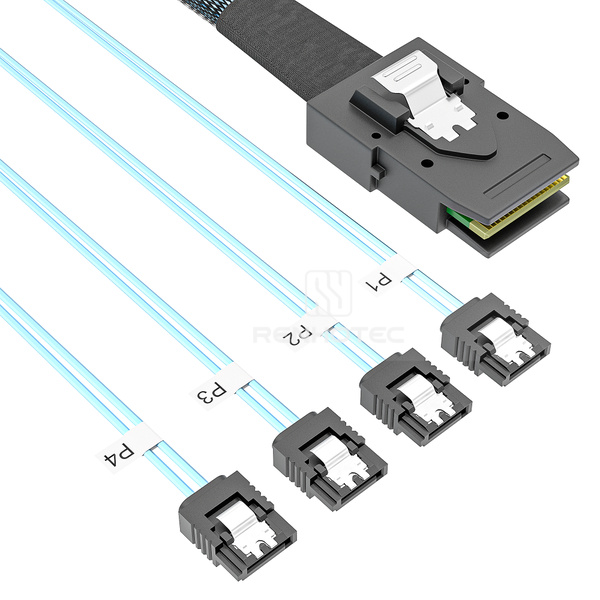 |
RHT-726-2012 | Mini-SAS SFF-8087 to 4 x SATA 7-pin Breakout Cable |
|
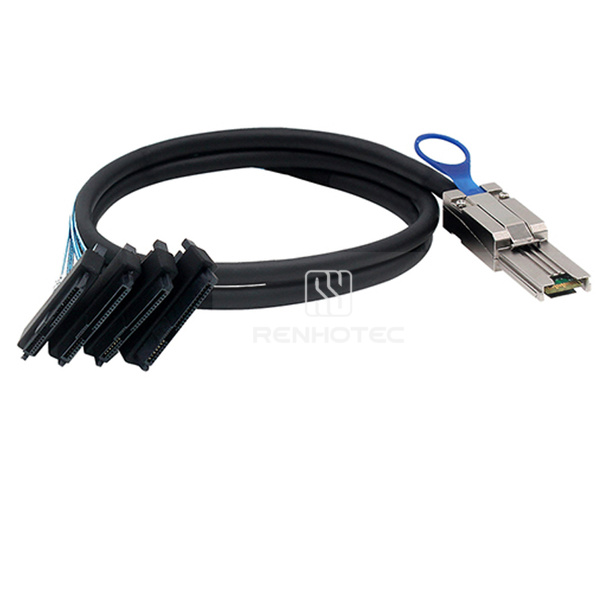 |
RHT-726-2013 | Mini-SAS SFF-8088 to 4 x SAS SFF-8482 Breakout Cable |
|
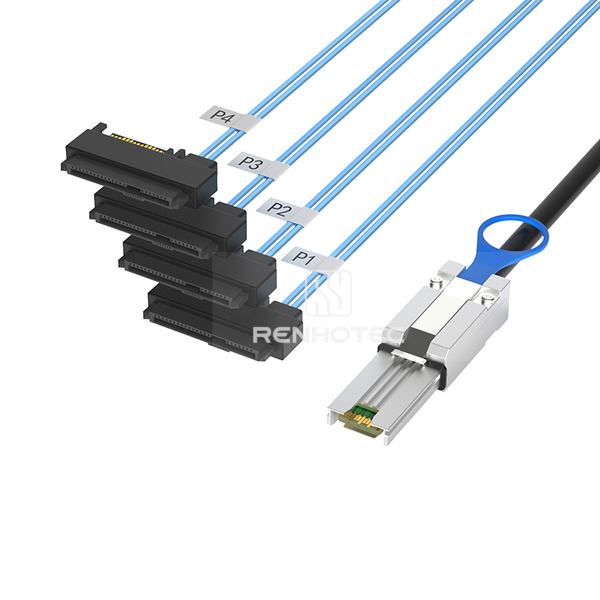 |
RHT-726-2014 | Mini-SAS SFF-8088 to 4 x SAS SFF-8482 Breakout Cable, Power leads |
|
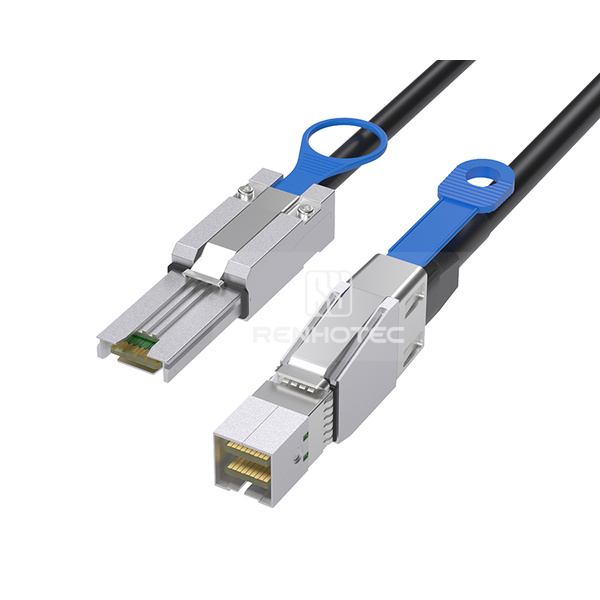 |
RHT-726-2015 | Mini-SAS HD SFF-8644 to SFF-8088 Cable |
|
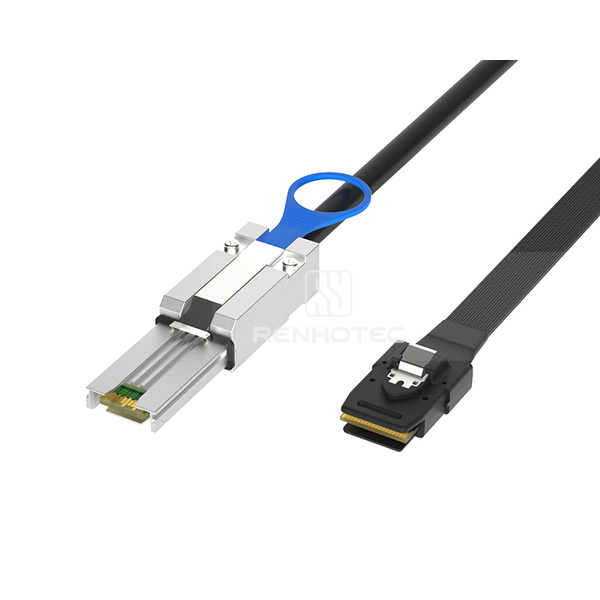 |
RHT-726-2016 | Mini-SAS SFF-8088 to SFF-8087 Cable |
|
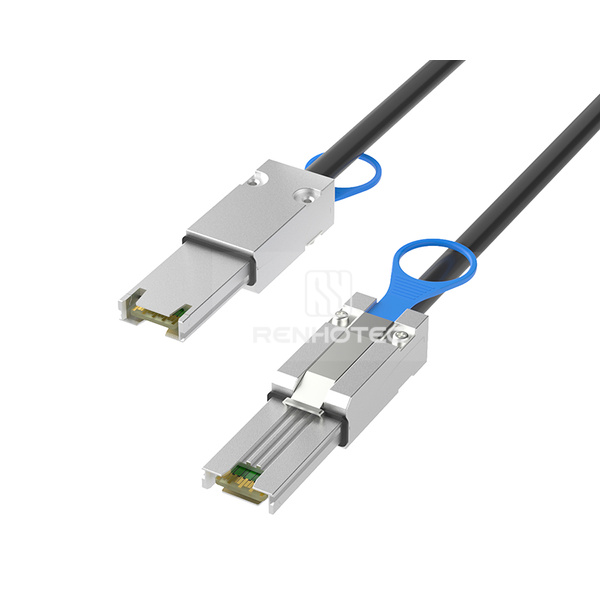 |
RHT-726-2017 | Mini-SAS SFF-8088 Cable |
|
Internal and external HD assemblies, including same-interface cables, cross-interface cables and breakouts.
| Product image | Renhotec SKU | Cable configuration | Key specifications |
|---|---|---|---|
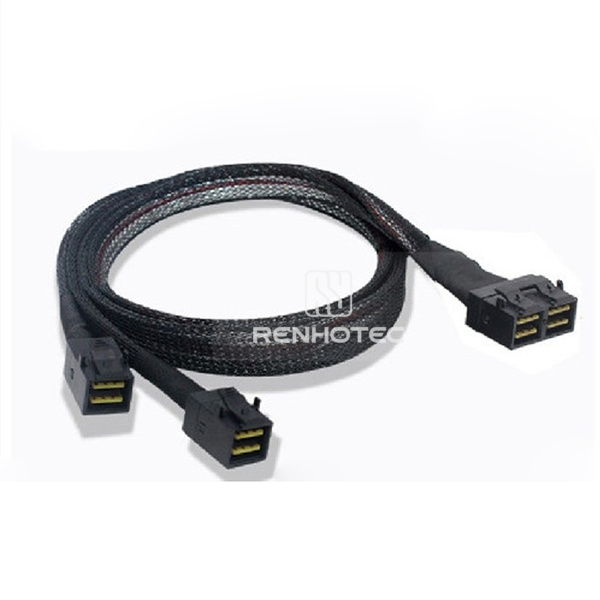 |
RHT-726-3001 | Mini-SAS HD SFF-8643 8i to 2 x SFF-8643 Breakout Cable |
|
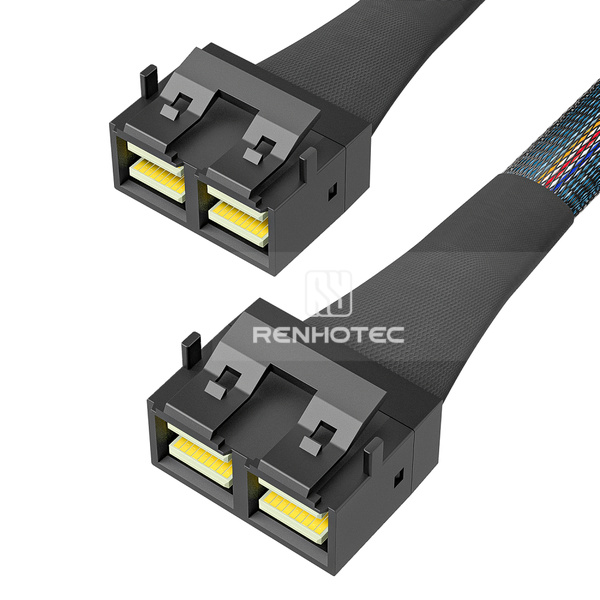 |
RHT-726-3002 | Mini-SAS HD SFF-8643 8i Cable |
|
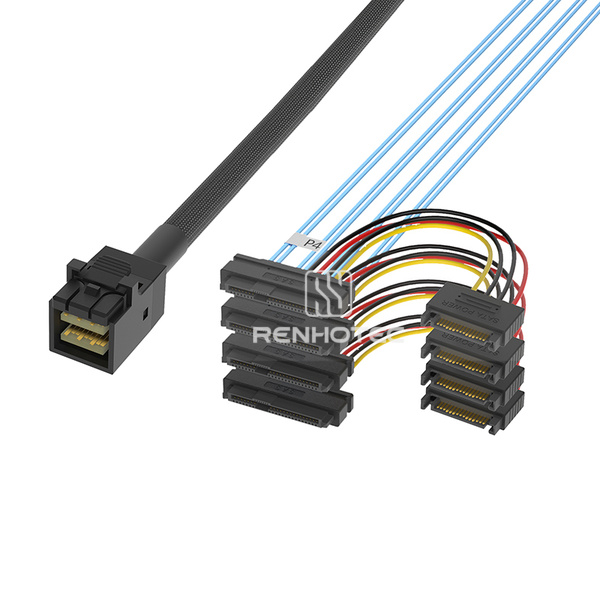 |
RHT-726-3003 | Mini-SAS HD SFF-8643 to 4 x SAS SFF-8482 Breakout Cable, Power leads |
|
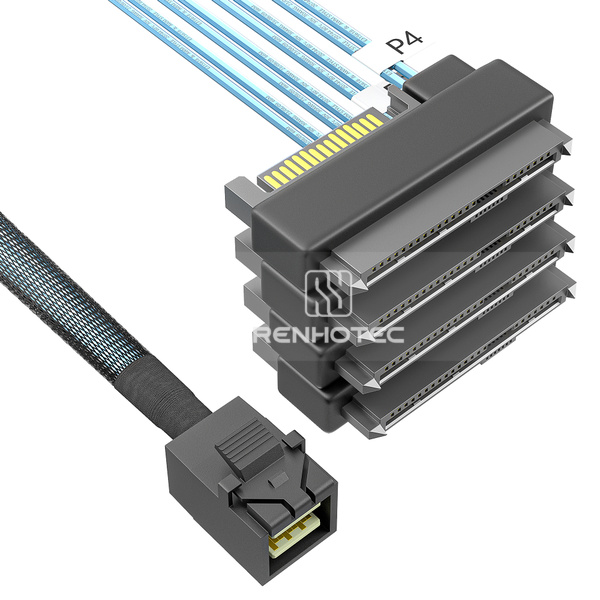 |
RHT-726-3004 | Mini-SAS HD SFF-8643 to 4 x SAS SFF-8482 Breakout Cable |
|
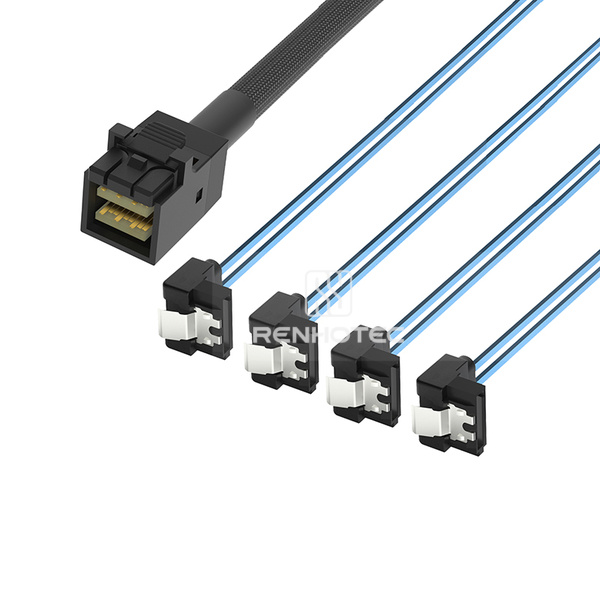 |
RHT-726-3005 | Mini-SAS HD SFF-8643 to 4 x SATA Breakout Cable, Right angle |
|
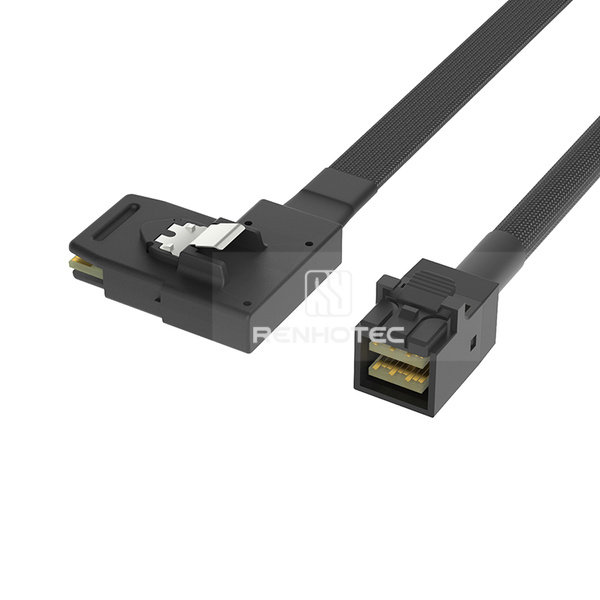 |
RHT-726-3006 | Mini-SAS HD SFF-8643 to SFF-8087 Cable, Right bend |
|
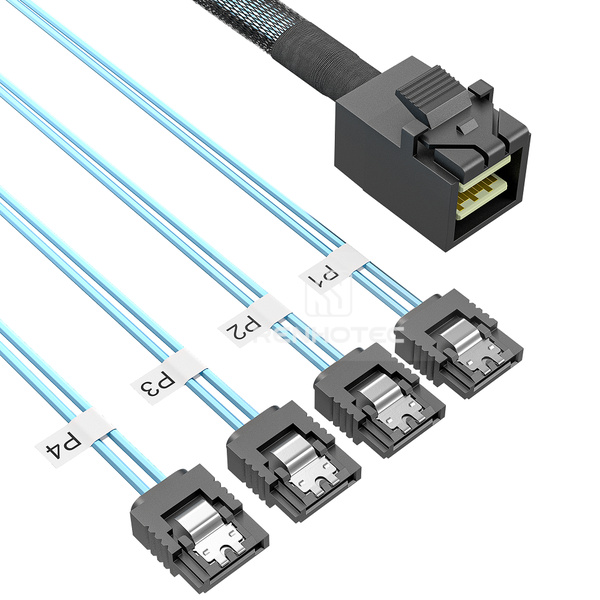 |
RHT-726-3007 | Mini-SAS HD SFF-8643 to 4 x SATA Breakout Cable |
|
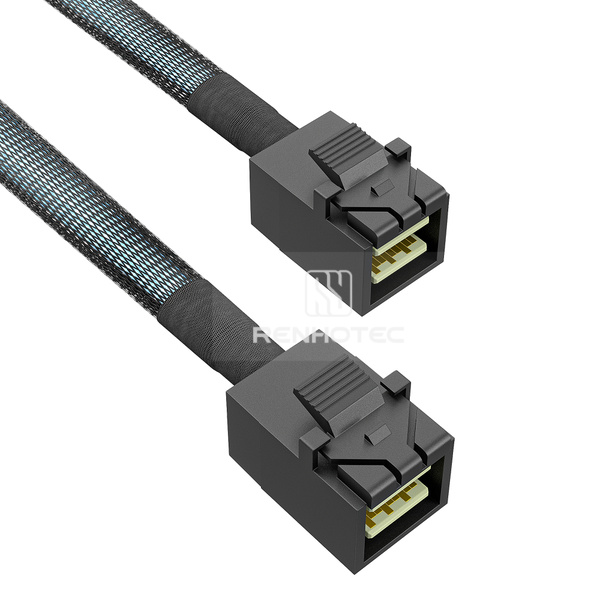 |
RHT-726-3008 | Mini-SAS HD SFF-8643 Cable |
|
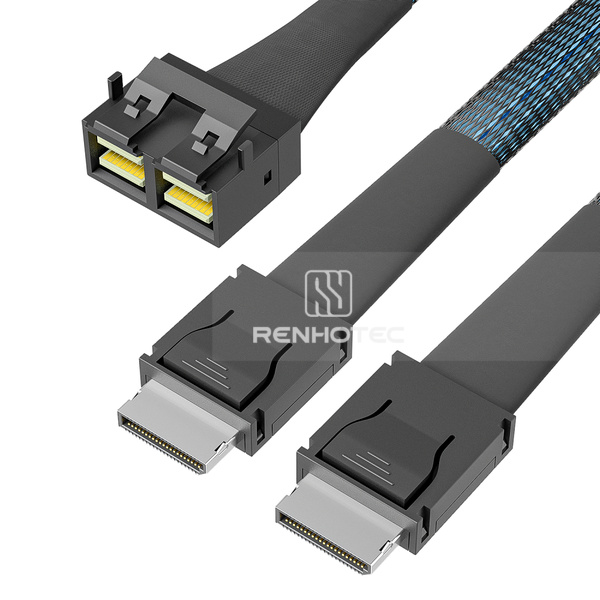 |
RHT-726-3009 | Mini-SAS HD SFF-8643 8i to 2 x OCuLink SFF-8611 Breakout Cable |
|
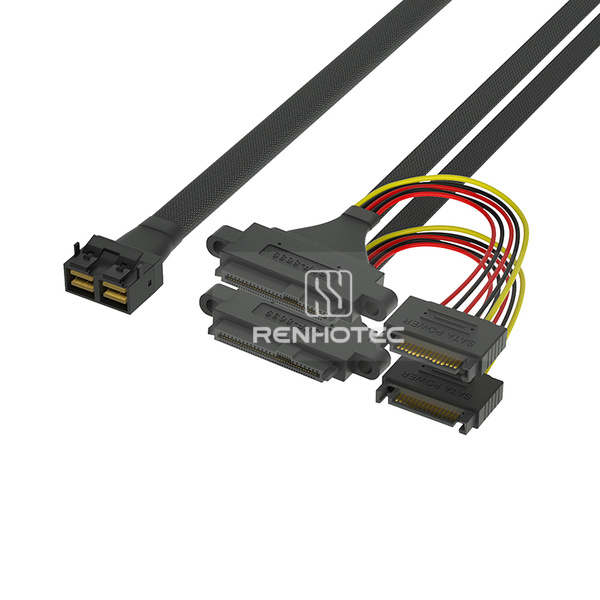 |
RHT-726-3010 | Mini-SAS HD SFF-8643 8i to 2 x U.2 SFF-8639 Breakout Cable, 15-pin power, Mounting ears |
|
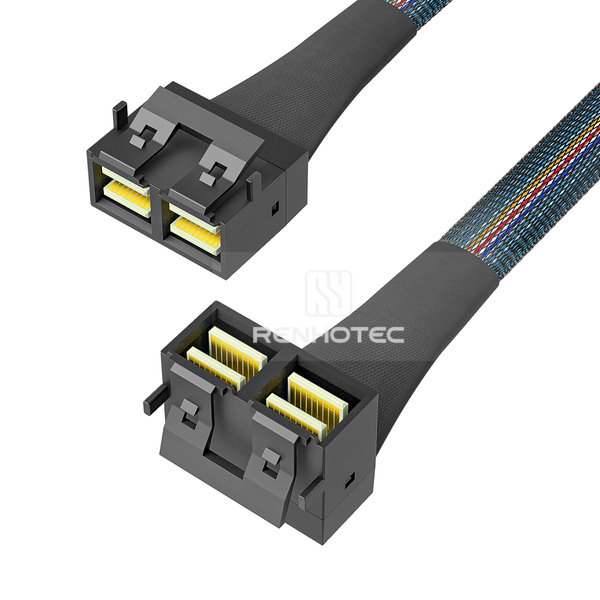 |
RHT-726-3011 | Mini-SAS HD SFF-8643 8i Cable, Right angle |
|
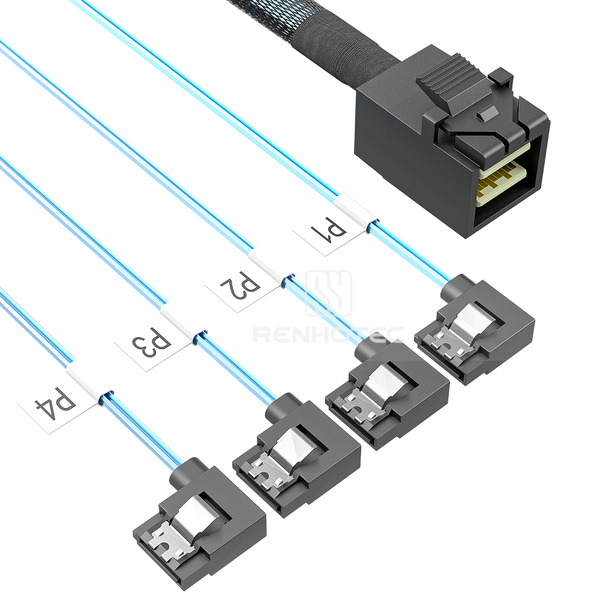 |
RHT-726-3012 | Mini-SAS HD SFF-8643 to 4 x SATA Breakout Cable, Right bend |
|
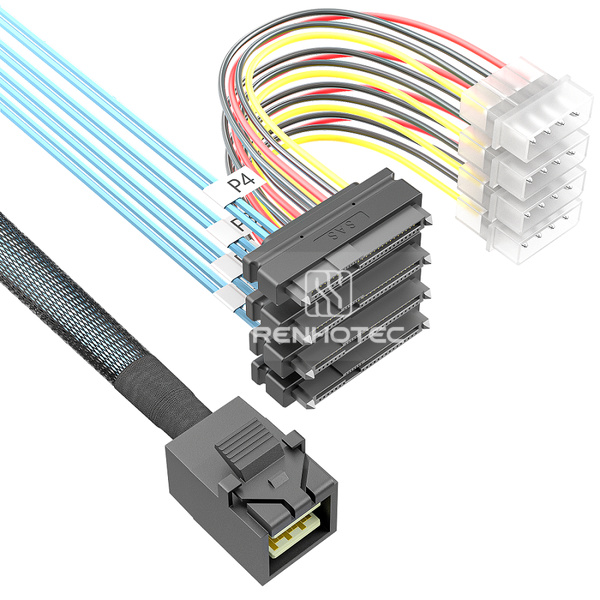 |
RHT-726-3013 | Mini-SAS HD SFF-8643 to 4 x SAS SFF-8482 Breakout Cable, 4-pin power |
|
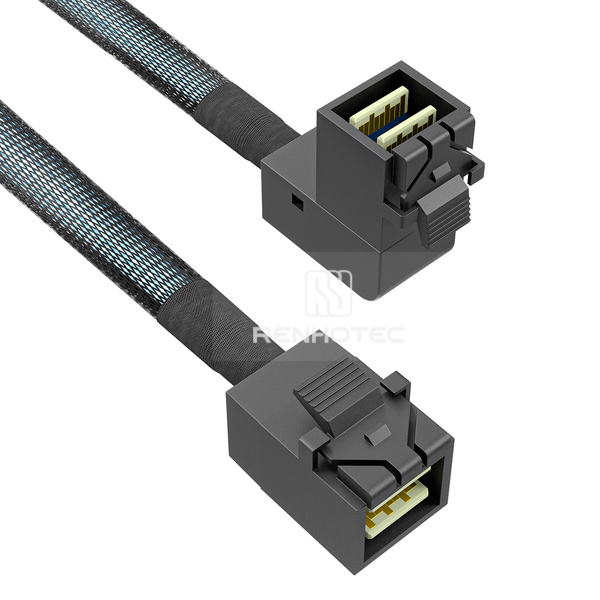 |
RHT-726-3014 | Mini-SAS HD SFF-8643 Cable, Right angle |
|
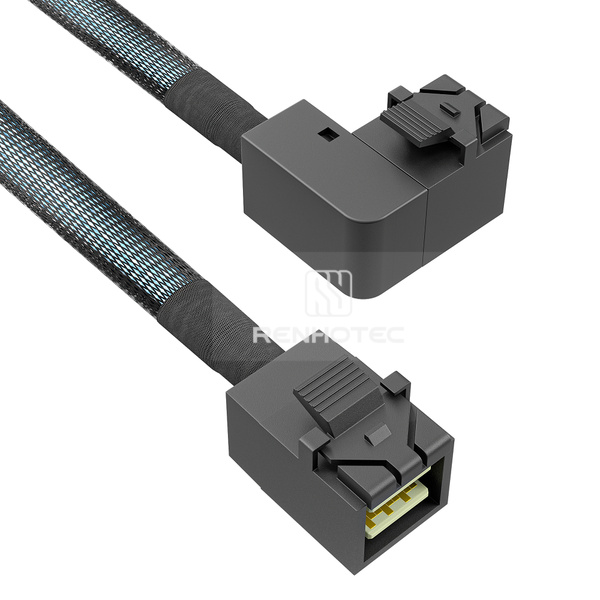 |
RHT-726-3015 | Mini-SAS HD SFF-8643 Cable, Left bend |
|
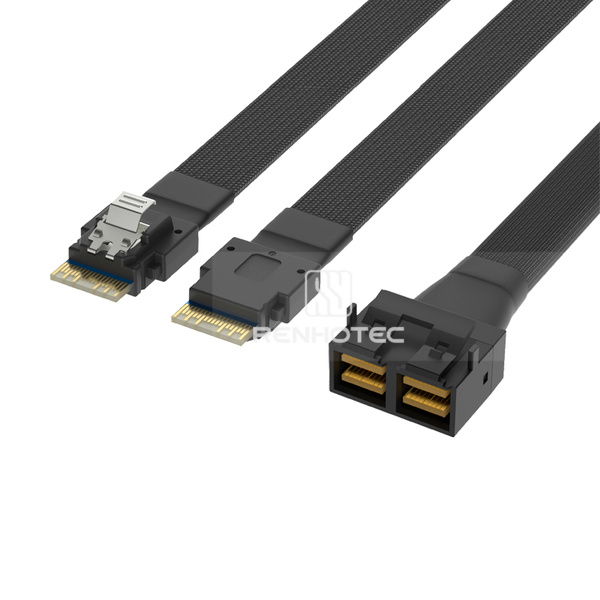 |
RHT-726-3016 | Mini-SAS HD SFF-8643 8i to 2 x SlimSAS SFF-8654 4i Breakout Cable |
|
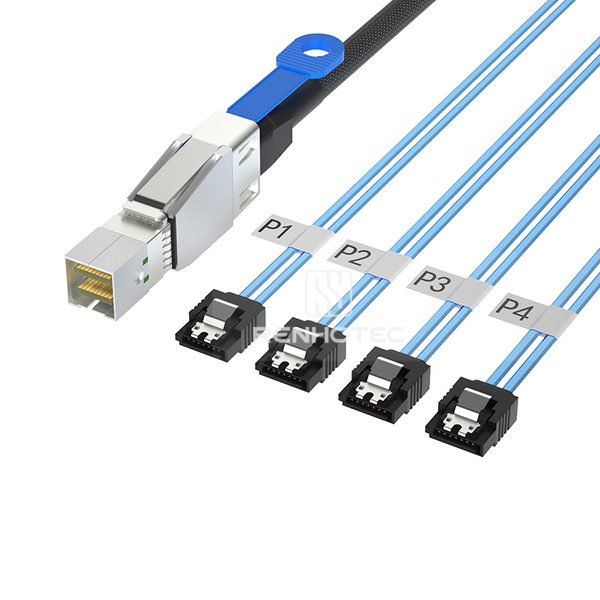 |
RHT-726-3017 | Mini-SAS HD SFF-8644 to 4 x SATA 7-pin Breakout Cable |
|
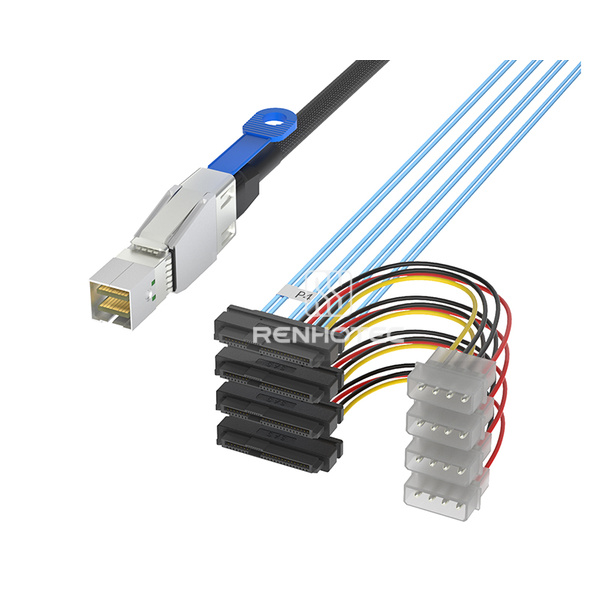 |
RHT-726-3018 | Mini-SAS HD SFF-8644 to 4 x SAS SFF-8482 Breakout Cable, Power leads |
|
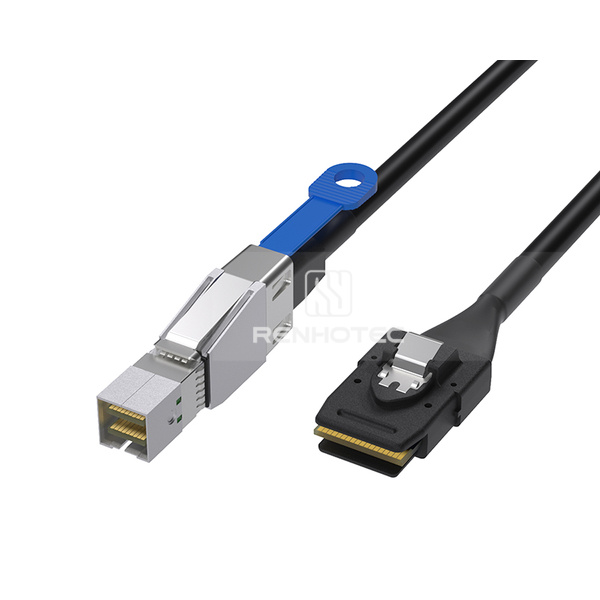 |
RHT-726-3019 | Mini-SAS HD SFF-8644 to SFF-8087 Cable |
|
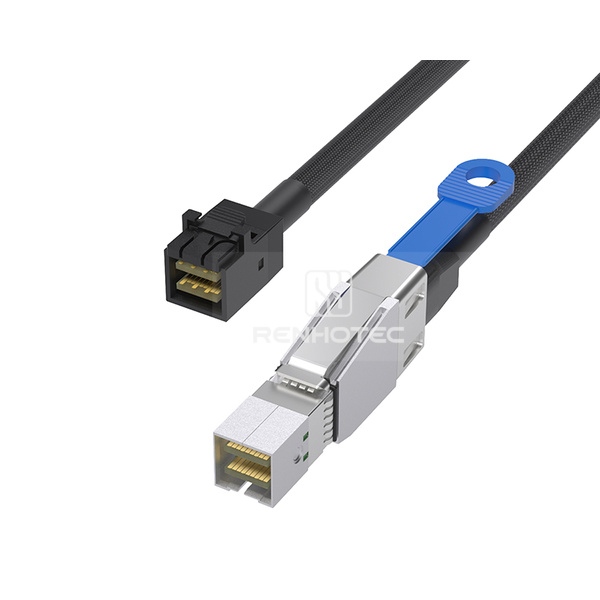 |
RHT-726-3020 | Mini-SAS HD SFF-8644 to SFF-8643 Cable |
|
|
RHT-726-3021 | Mini-SAS HD SFF-8644 Cable |
|
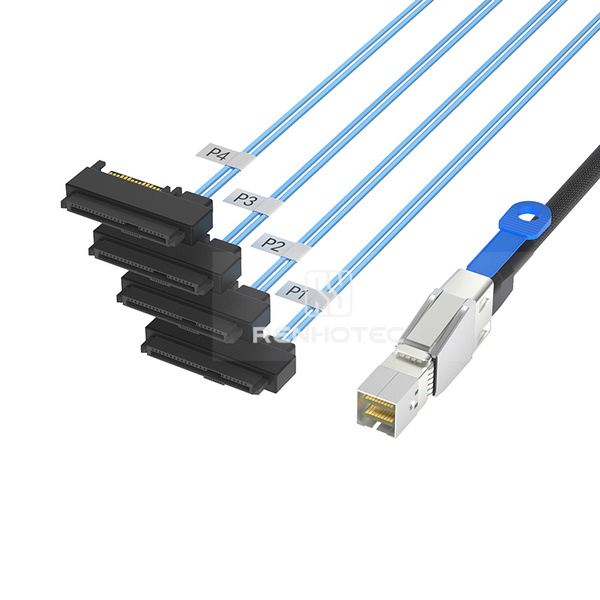 |
RHT-726-3022 | Mini-SAS HD SFF-8644 to 4 x SAS SFF-8482 Breakout Cable, 15-pin power |
|
OCuLink-to-OCuLink assemblies and connections to Mini-SAS, Mini-SAS HD and U.2.
| Product image | Renhotec SKU | Cable configuration | Key specifications |
|---|---|---|---|
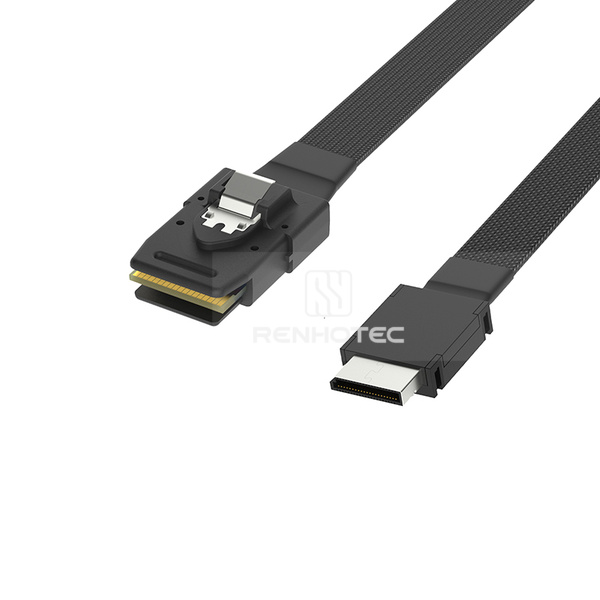 |
RHT-726-4001 | OCuLink SFF-8611 4i to Mini-SAS SFF-8087 Cable |
|
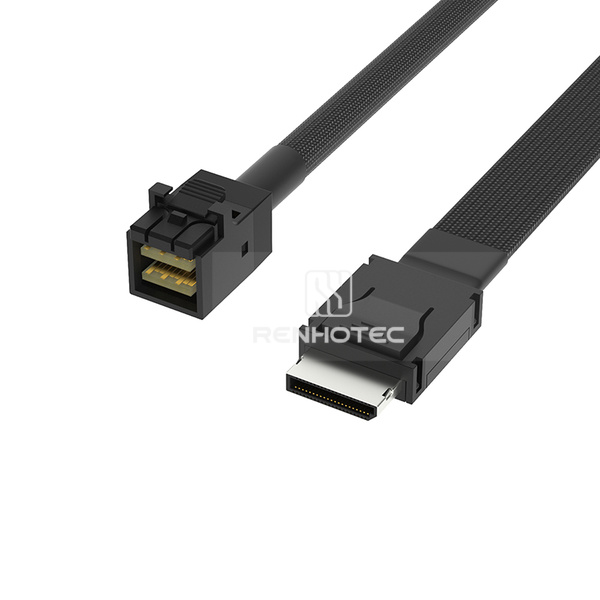 |
RHT-726-4002 | OCuLink SFF-8611 4i to Mini-SAS HD SFF-8643 Cable |
|
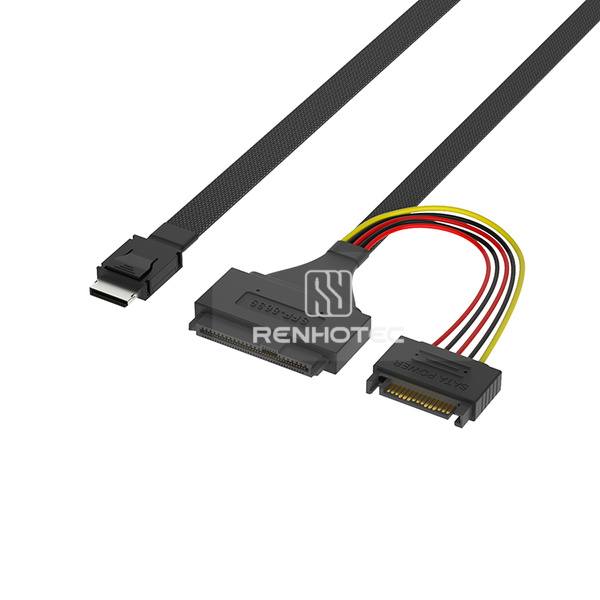 |
RHT-726-4003 | OCuLink SFF-8611 4i to U.2 SFF-8639 Cable, 15-pin power |
|
|
RHT-726-4004 | OCuLink SFF-8611 4i Cable, Straight to straight |
|
Assemblies with SlimSAS, OCuLink or Mini-SAS HD connections and 15-pin power leads; selected models include mounting ears.
| Product image | Renhotec SKU | Cable configuration | Key specifications |
|---|---|---|---|
|
RHT-726-5001 | SlimSAS SFF-8654 4i to U.2 SFF-8639 Cable, 15-pin power |
|
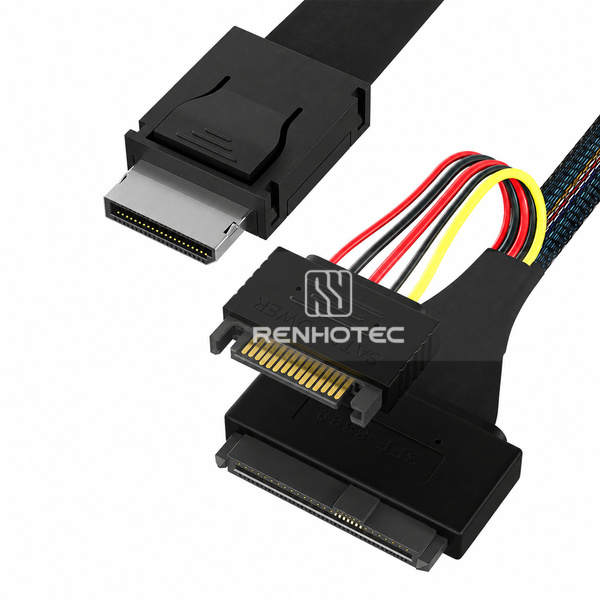 |
RHT-726-5002 | OCuLink SFF-8611 4i to U.2 SFF-8639 Cable, 15-pin power |
|
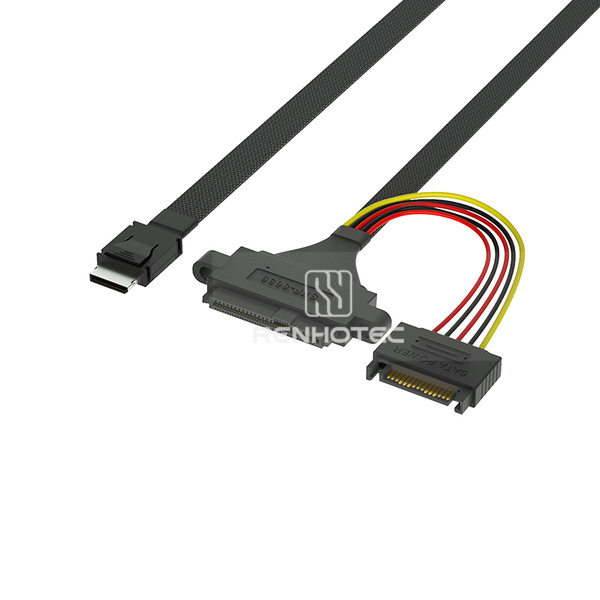 |
RHT-726-5003 | OCuLink SFF-8611 4i to U.2 SFF-8639 Cable, 15-pin power, Mounting ears |
|
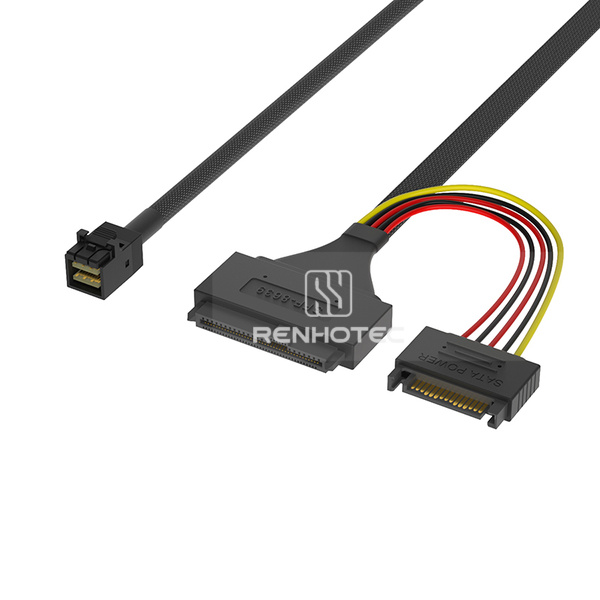 |
RHT-726-5004 | Mini-SAS HD SFF-8643 to U.2 SFF-8639 Cable, 15-pin power, Mounting ears |
|
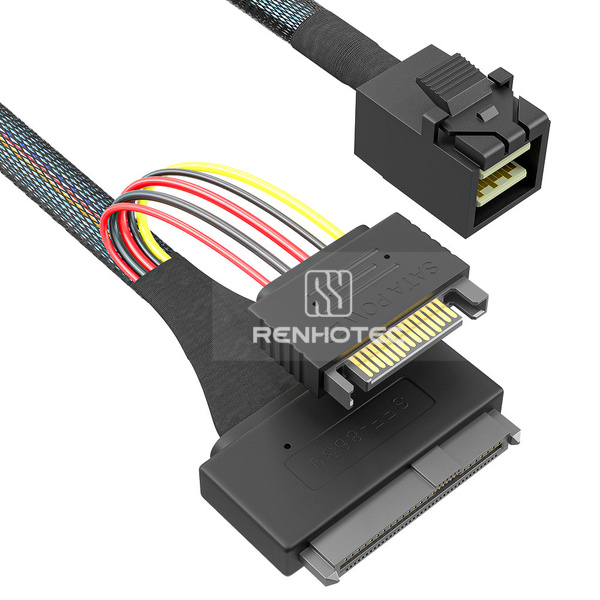 |
RHT-726-5005 | Mini-SAS HD SFF-8643 to U.2 SFF-8639 Cable, 15-pin power |
|
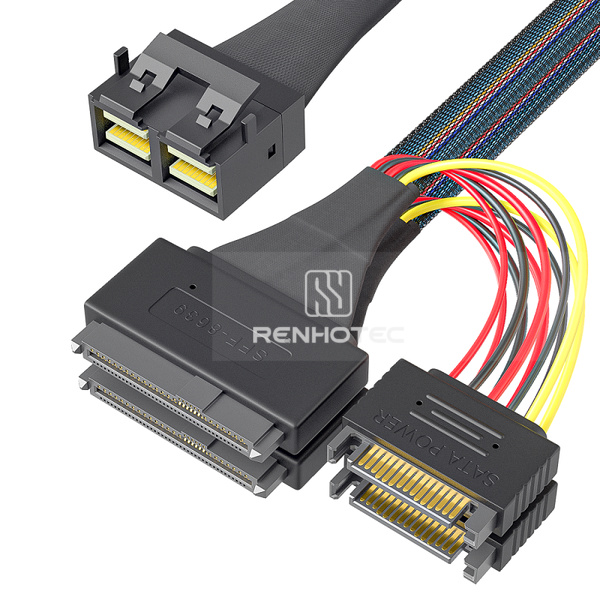 |
RHT-726-5006 | Mini-SAS HD SFF-8643 8i to 2 x U.2 SFF-8639 Breakout Cable, 15-pin power |
|
A practical starting point for your cable selection.
Compare six cable families and their direct, cross-interface and breakout configurations in one place.
Use a Renhotec SKU to keep the connector arrangement and required details clear throughout your inquiry.
Share your mating interfaces, cable route and application requirements with our team for configuration review.
How can we help you?
Send us the SKU, connector requirements, cable length and quantity. Include host and device details or a drawing if available.
Start with the exact connector at each end, the host and device interfaces, and the required cable route. Then confirm pin assignment, cable length, exit direction, breakout arrangement and any power leads against the selected SKU and drawing.
No. Connector fit alone does not establish protocol support, pin assignment, operating speed or system compatibility. Share your host, controller and device details so the specific cable configuration can be reviewed.
A direct cable joins two connector ends. A breakout cable divides one end into multiple branches. Select the branch count and endpoint types for the intended system, and confirm signal direction and wiring before ordering.
The products presented here are identified as U.2 / SFF-8639 assemblies. U.3 support must be confirmed for the exact cable and system; it is not implied by a shared connector form.
Include the Renhotec SKU if known, connector A and B, cable length, exit direction, breakout and power requirements, quantity, and host or device information. A drawing or clear photos of the mating interfaces will help identify the required configuration.