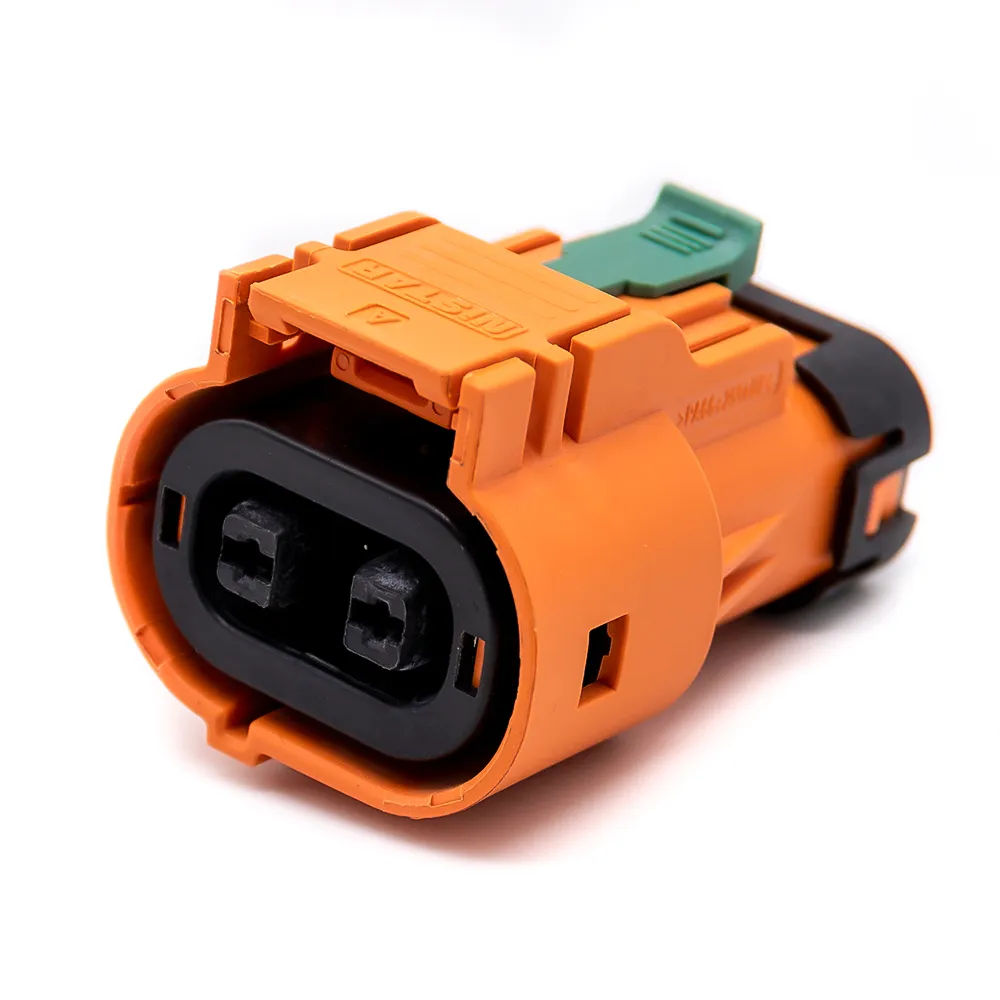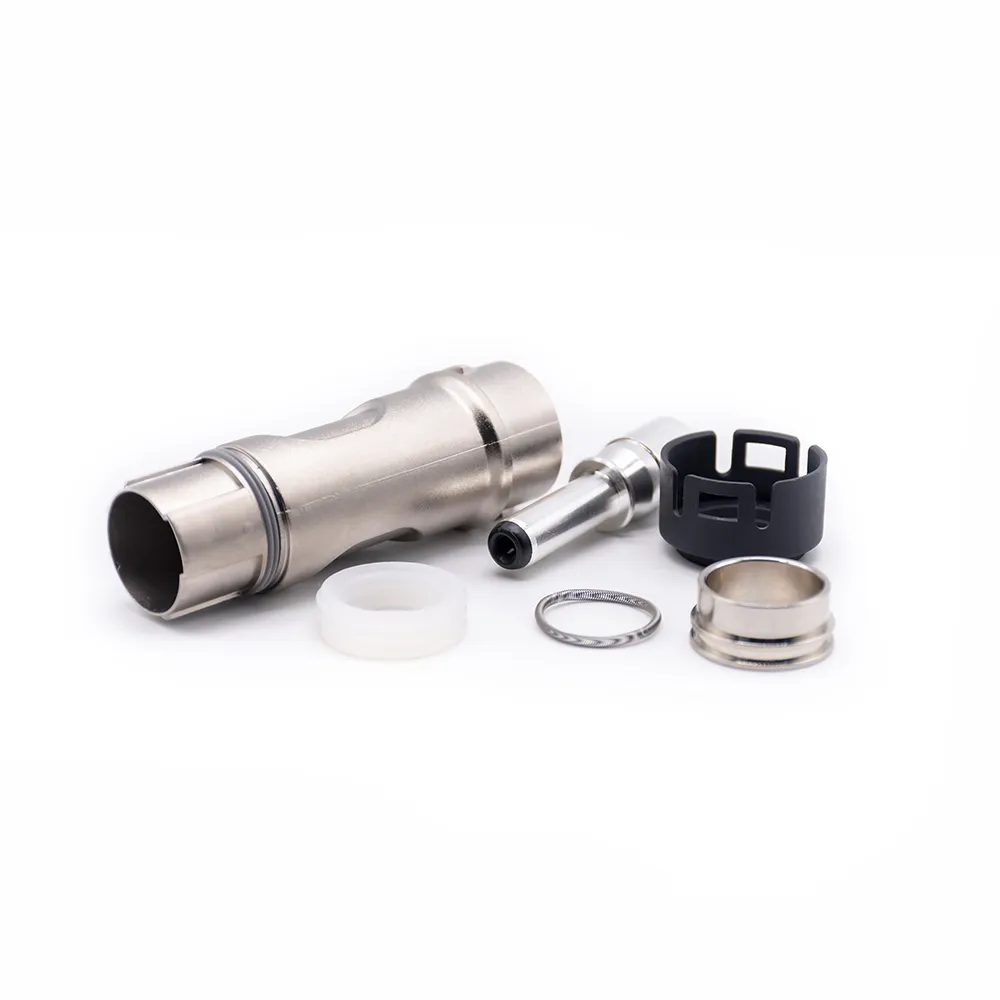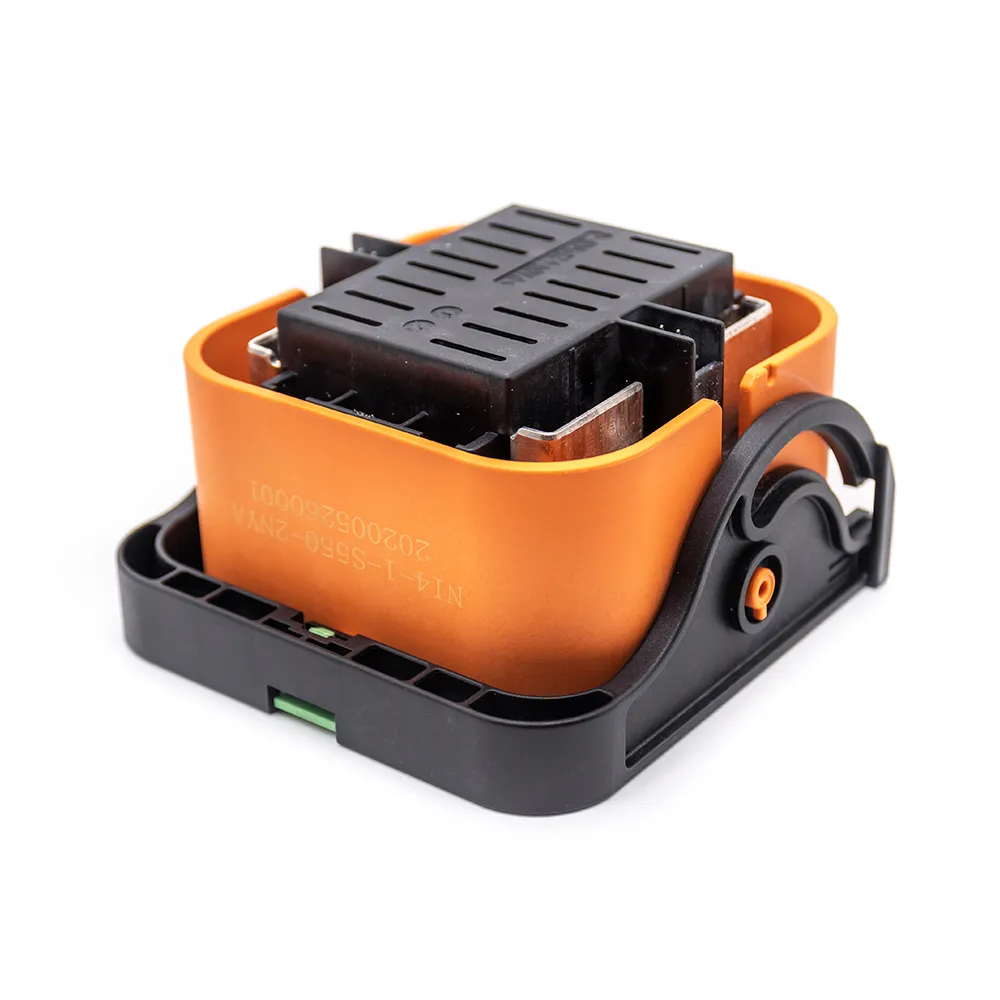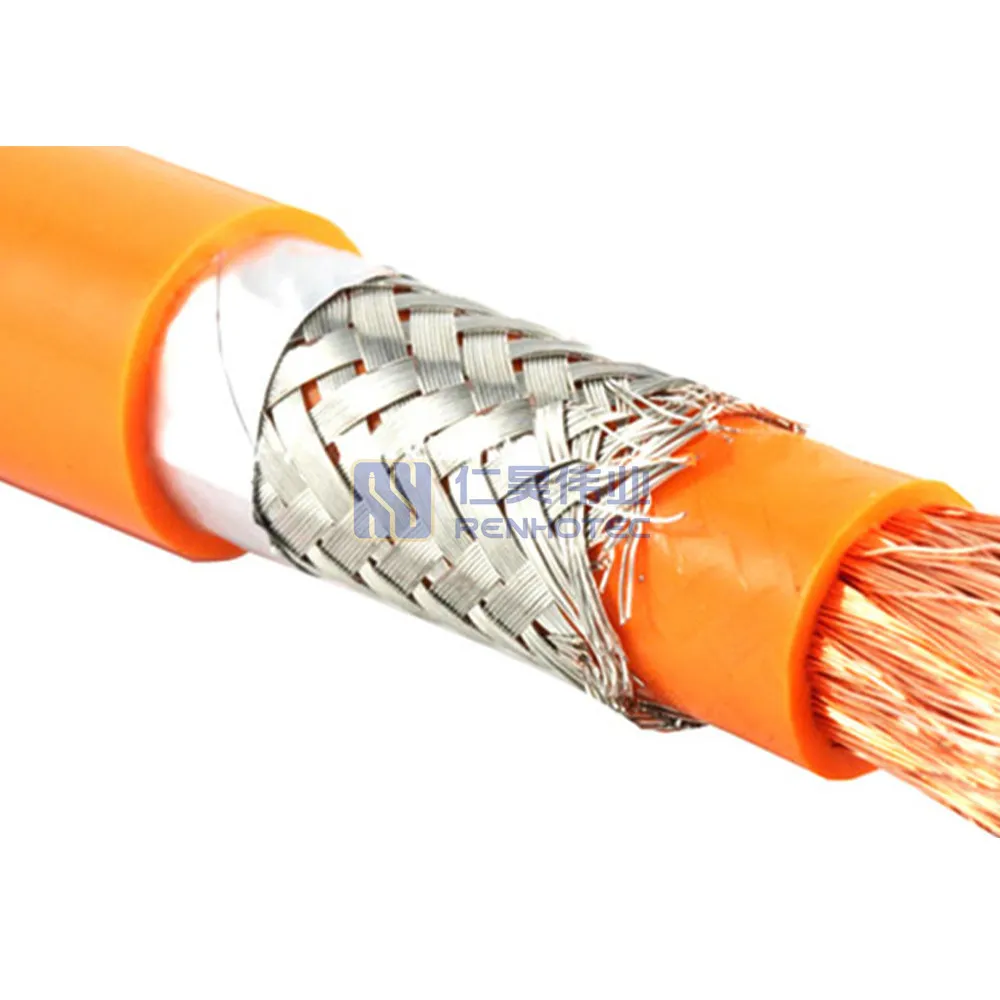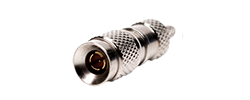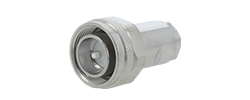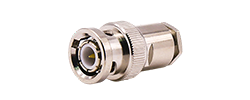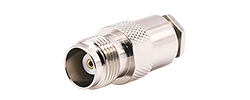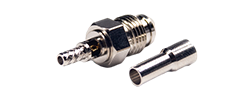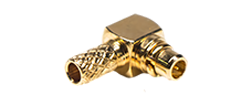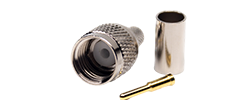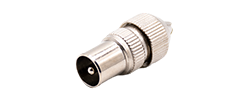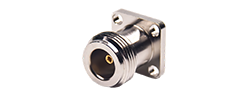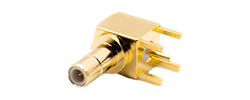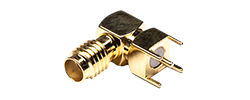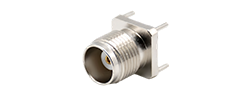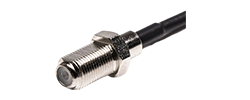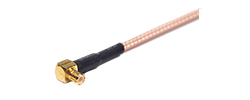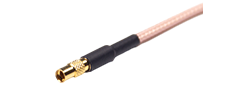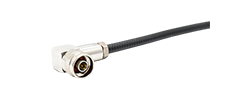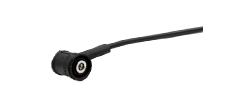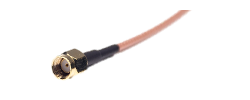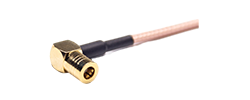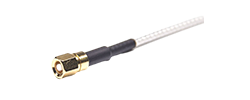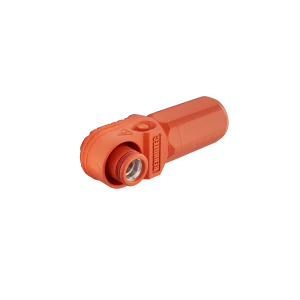
60A - 120A
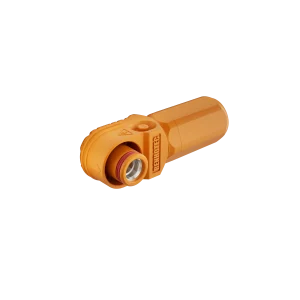
125A - 200A
250A - 350A
400A - 480A
RF connector identification
Match the thread location with the center pin or socket, then use the pairing matrix to choose the other end.
SMA plug: pin. RP-SMA plug: socket. Both use an internally threaded coupling nut. Their matching jacks have external mating threads and the opposite center contact.

Internal threads
Center pin
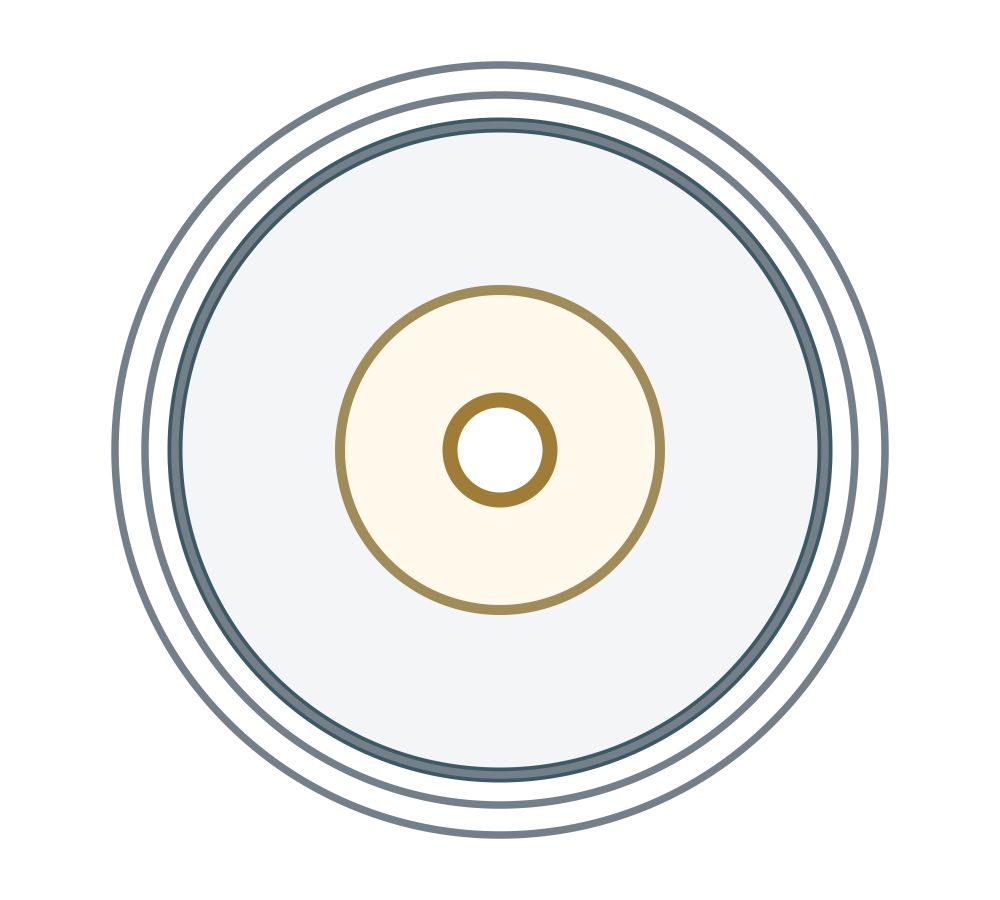
External threads
Center socket
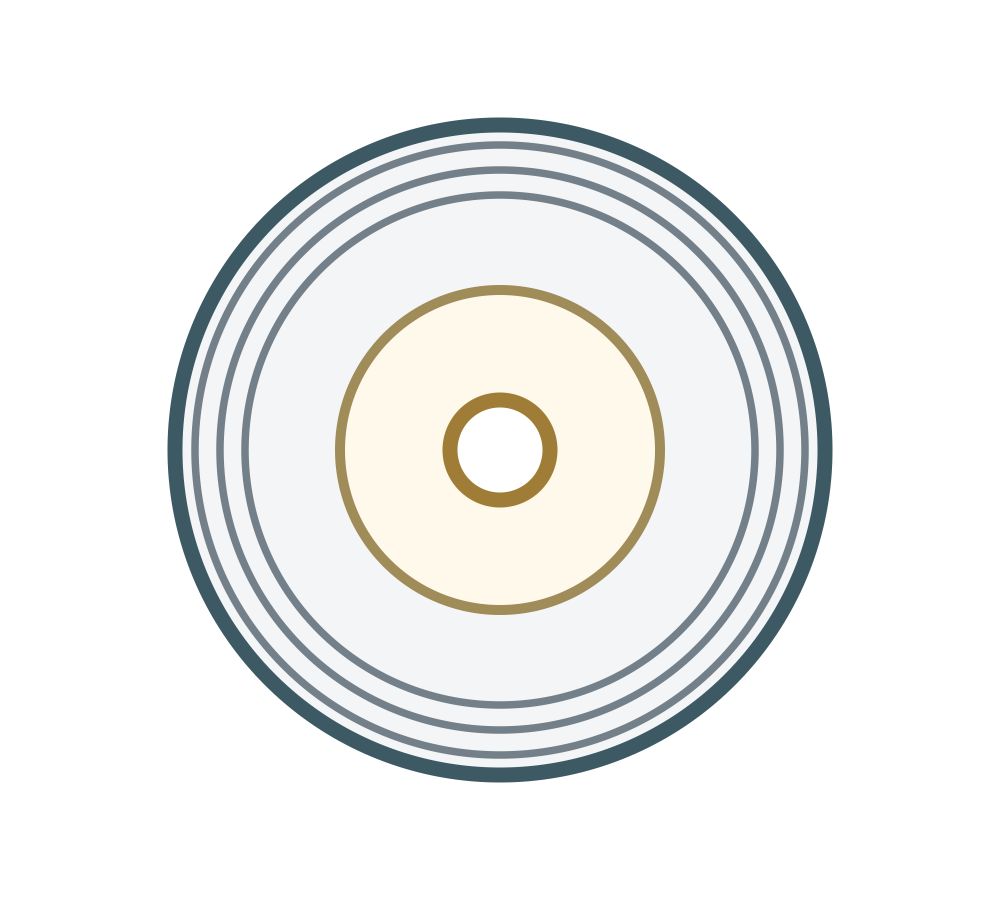
Internal threads
Center socket
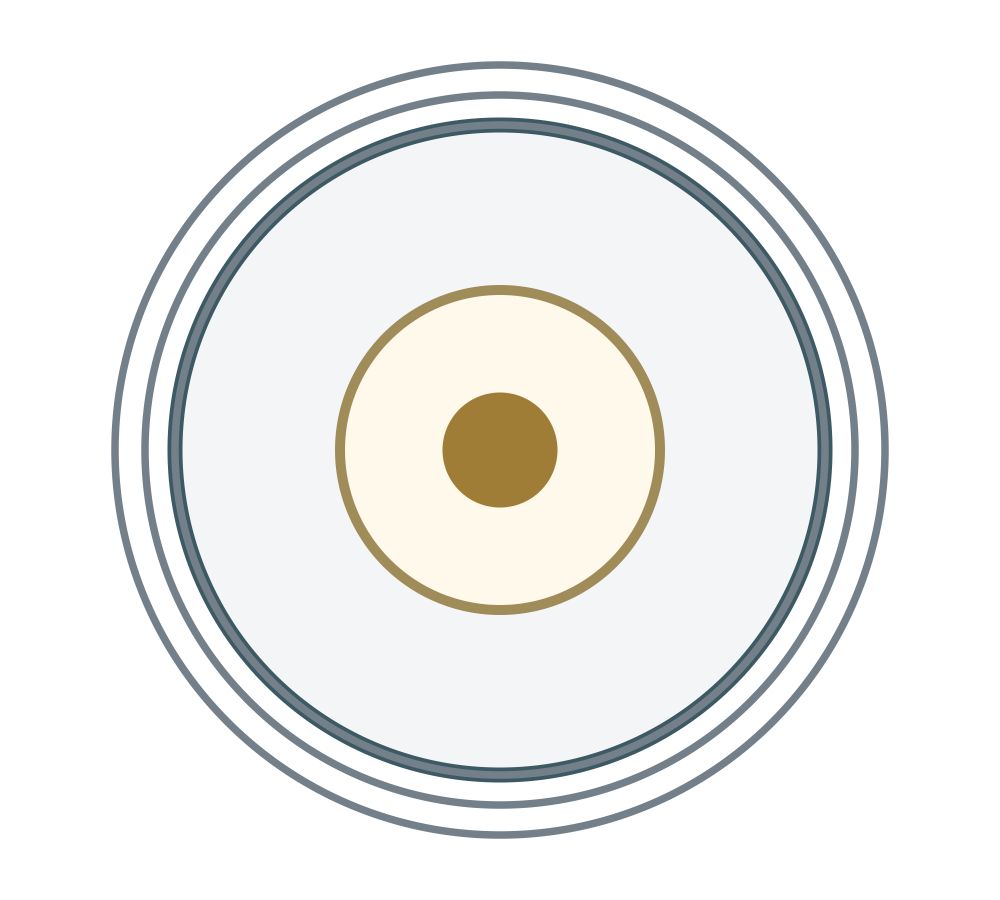
External threads
Center pin
A screw-on fit can leave two sockets facing each other or bring two pins into contact. Identify both features before mating. The center-contact distinction is documented in TE Connectivity’s RF connector catalogue, page 3 and Renhotec’s SMA reference.
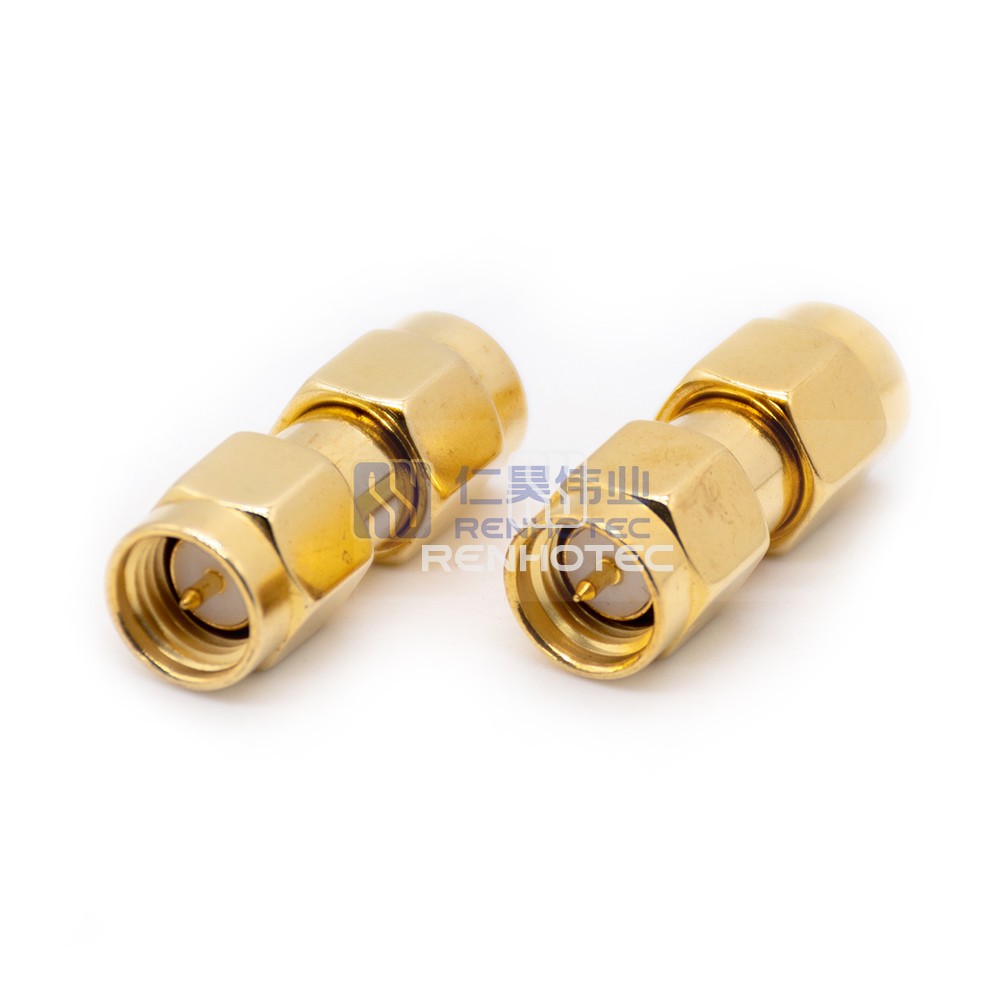
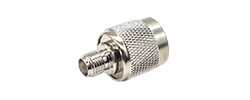
RHT-612-0029 is a straight SMA plug-to-plug adapter. Look inside the hexagonal coupling nut: the mating threads surround a projecting center pin.
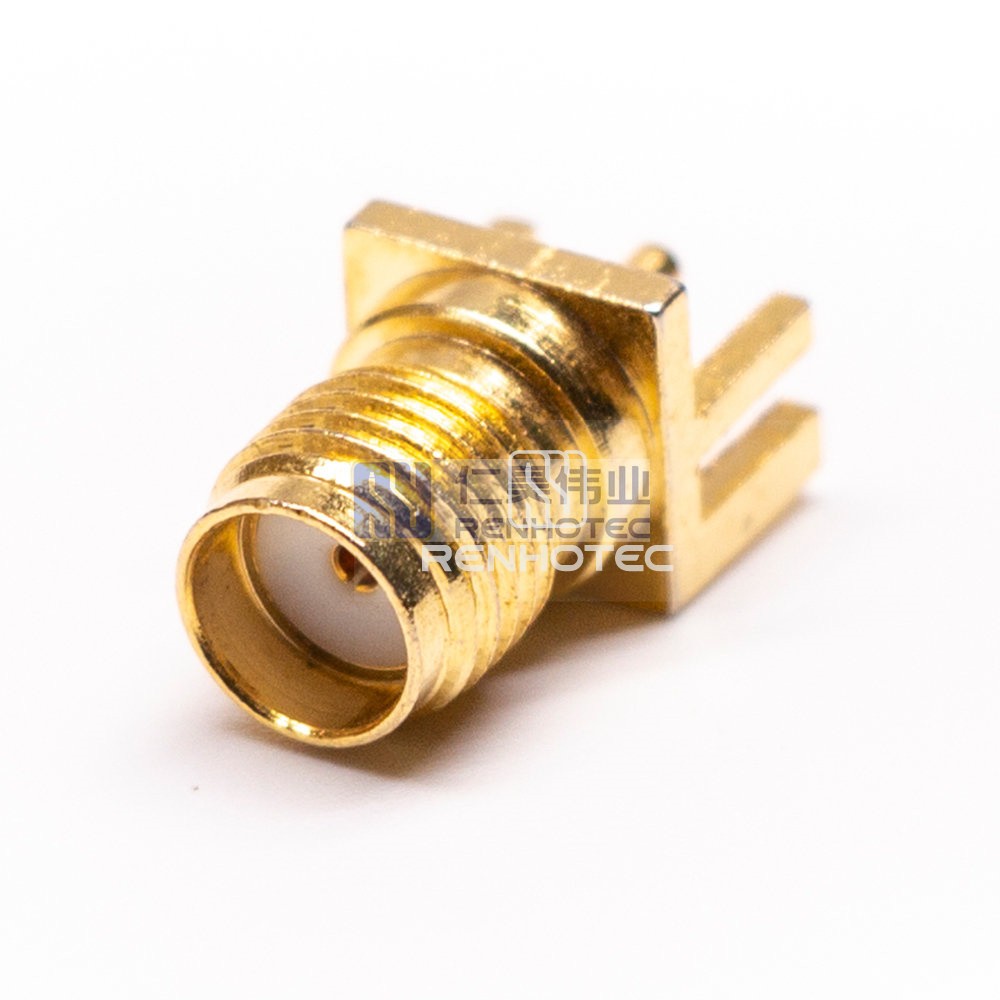
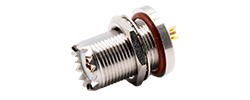
RHT-612-0007 shows external mating threads and a center socket. The mounting and rear termination are separate from these mating-interface features.
Use a clear, straight-on view of the disconnected interface. Look for the small center pin or the opening of the center socket. Distinguish the coupling threads from a separate mounting thread used to hold a bulkhead connector in a panel.
When sending a photo for identification, include one view into the mating face and another from the side. A side photograph may show the panel nut clearly while hiding the center contact that determines SMA versus RP-SMA.
If a listing says only “SMA female,” compare its drawing and contact type. Some listings use gender loosely. Writing “external mating threads, center socket, SMA jack” removes more ambiguity than relying on “female” by itself.
| Cable-side end | SMA jack External threads + socket | RP-SMA jack External threads + pin |
|---|---|---|
| SMA plug Internal threads + pin | Matching interface Pin enters socket | Do not mate Pin faces pin |
| RP-SMA plug Internal threads + socket | No proper center connection Socket faces socket | Matching interface Pin enters socket |
“Matching interface” in this table establishes the mechanical/contact pairing. The parts still need suitable impedance, frequency range, power handling and installation conditions for the system. Do not force a connection to test whether it is the right type.
Two plugs or two jacks also require an appropriately specified adapter or different cable ends; they do not become a mating pair merely because their center contacts differ. Identify each exposed end independently before selecting the adapter.
Write the connector needed at each end of the adapter. Product names such as “SMA to RP-SMA” leave plug/jack details unresolved.
Worked example
The cable’s SMA plug needs an SMA jack. The device’s RP-SMA jack needs an RP-SMA plug. The required adapter therefore presents those two ends: SMA jack to RP-SMA plug.
This example establishes interface matching. It does not establish the antenna’s band, impedance or suitability for the radio.
After identifying the ends, check the adapter’s operating band, impedance and insertion-loss or return-loss specifications where relevant. An adapter adds another interface and may add mechanical leverage at the equipment port. For a permanent installation, a cable with the correct ends can reduce the number of joints.
An SMA-to-RP-SMA adapter changes the physical connection. It does not retune an antenna, change radio configuration or guarantee an improvement in range.
Neither “SMA” nor “RP-SMA” establishes a single frequency or power rating for every product. The connector design, cable, termination and length all contribute to the assembly’s limits. Manufacturer family pages are useful for finding options; select from the specific part drawing and performance data.
| Field | Why it affects the choice | What to specify |
|---|---|---|
| Operating frequency | Connector and cable performance depend on frequency | Actual band, including its upper limit |
| Impedance | Mismatches affect RF performance | System impedance and the matching component specification |
| Cable type and length | Loss, flexibility and termination dimensions differ | Named cable or required loss/mechanical envelope |
| Connector ends | SMA and RP-SMA contact combinations differ | Family, plug/jack and center contact at both ends |
| Mounting | Panel thickness and cable exit can prevent assembly | Bulkhead/flange/free-hanging style and clearance |
| Environment | Outdoor exposure or movement changes the requirements | Sealing condition, temperature and expected flexing |
A thread match also does not establish weather sealing. For an outdoor bulkhead, consider the panel seal, mated interface and cable entry as parts of the installation. Check the documented sealing condition, including whether a protective cap is needed when disconnected.
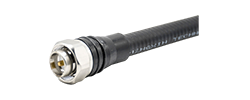
For an RP-SMA-to-N cable route, Renhotec lists R02-S01-10054-800 as an RP-SMA plug to N plug assembly using LMR400. Use that end combination as the starting point, then check the required length and RF performance for your operating band.
For a cable or adapter request, specify each end by family, plug/jack and center contact, then add the fields above. Browse Renhotec SMA configurations, or send both mating-face photos and the operating requirements when an existing end is unidentified.
In this connector name, reverse polarity describes the center-contact arrangement relative to the housing. It is not an instruction to swap signal and shield or reverse antenna polarization.
No. Identify the actual equipment connector from its drawing or a clear face view. The application name is not a reliable substitute for the interface specification.
Order the correct connector or assembly. Contact dimensions, support and termination belong to a specific design; an improvised change has no established fit or RF performance.
Follow the equipment’s procedure for disconnecting an antenna or RF cable. Identify the contact and threads without using the mating connector as a gauge.
Look for a bent or recessed pin, a damaged socket and cross-threading. Keep debris out of the interface. A deformed contact should be investigated before another connector is attached.
Engage the coupling as instructed for the product. Do not use the cable jacket as a handle or apply force to overcome a mismatched center contact.
Torque requirements depend on the selected connector and construction. Use the specified method and tool, then support the cable so its weight does not load the equipment port.