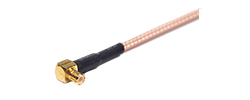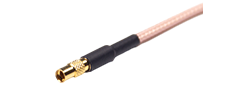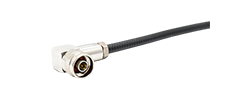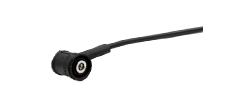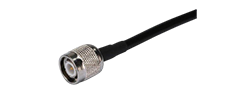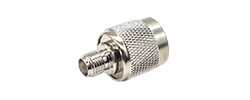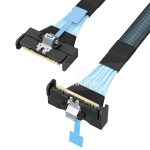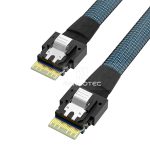
60A - 120A
125A - 200A
250A - 350A
400A - 480A
OCuLink 4i · internal storage
Compare four internal storage configurations, follow a model-specific contact map, and identify the separate power path for a U.2 SSD.
OCuLink is a compact cable interconnect used in PCIe and storage systems. To select an OCuLink cable, identify the host port’s function, the destination connector and the required wiring. Matching two housings is only the mechanical part of the decision.
An internal server cable may connect a board to an NVMe backplane or directly to a U.2 drive. An external graphics setup has a different endpoint and power arrangement. This guide focuses on internal storage cabling and four Renhotec 4i configurations.
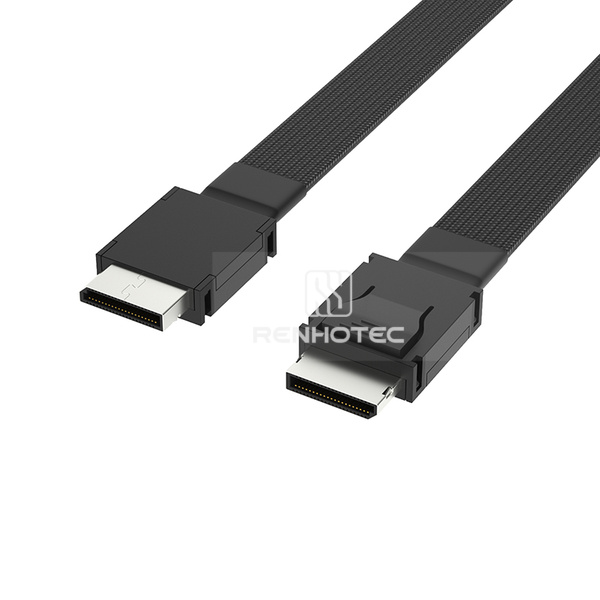
OCuLink to OCuLink
RHT-726-4004 has two straight 4i ends. Its wiring drawing remains part of the specification: identical-looking ends do not tell you how their contacts correspond.
The PCI-SIG OCuLink specification descriptions cover internal and external small-form-factor PCIe connectors and cables. Different revisions and implementations have their own electrical requirements. A family name is therefore insufficient evidence for a particular cable’s PCIe generation, reach or transfer performance.
Cable assembly
SNIA lists this as “MiniLink 4/8X I/O Cable Assemblies.” Suppliers commonly use the number when describing OCuLink cable assemblies.
Connector specification
SNIA lists this as “MiniLink 4/8X Shielded Connector.” It is a related connector specification, not a different storage protocol.
The titles can be checked in the SNIA SFF specification index. Keep the number written on the equipment or assembly drawing when requesting a replacement; supplier listing conventions can vary.
The Renhotec products in this guide are listed as 4i. Do not order an 8i cable as an automatic performance upgrade: connector width, port implementation and the endpoint’s supported links have to agree. For comparison with other connector families, use the server and storage interface guide.
The other end of the cable often tells you more about the installation than the OCuLink name alone. Supermicro’s FAQ for two X11 motherboard variants lists OCuLink, Mini-SAS HD and U.2 alternatives according to the backplane or drive-side arrangement. That is a platform-specific example, not permission to substitute these cables freely.
| Destination | What to establish | Useful evidence |
|---|---|---|
| OCuLink backplane or board | Both port roles and the required end-to-end mapping | Board/backplane part numbers, connector labels and cable list |
| SFF-8643 Mini-SAS HD | The protocol and assignment of that particular port | Port-mode table and supported cable drawing |
| SFF-8087 Mini-SAS | The intended signal route; connector shape alone cannot establish protocol conversion | Host and destination wiring, with an explicit use case |
| U.2 SFF-8639 drive | Supported drive path, power input and drive mounting | SSD model, host support and complete powered assembly drawing |
An OCuLink-to-Mini-SAS HD cable can be used in a documented PCIe route even though “SAS” appears in the connector name. Conversely, plugging it into a SAS-only port does not create a PCIe controller. Treat a mixed-end cable as a defined set of connections, not as a protocol converter.
These entries compare the confirmed endpoint arrangement. The SKU links lead to Renhotec’s OCuLink family section. Host/target suitability and performance qualification must be matched to the application.
| SKU | End A | End B | Listed configuration |
|---|---|---|---|
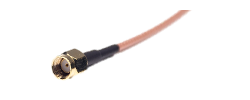
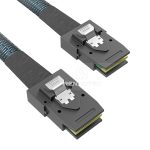
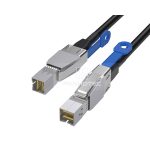
| RHT-726-4001 | OCuLink SFF-8611 4i | Mini-SAS SFF-8087 | Other mechanical details not stated |
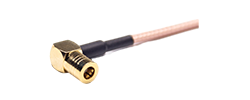
| RHT-726-4002 | OCuLink SFF-8611 4i | Mini-SAS HD SFF-8643 | Other mechanical details not stated |
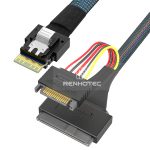
| RHT-726-4003 | OCuLink SFF-8611 4i | U.2 SFF-8639 | 15-pin SATA power connector |
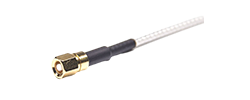
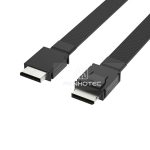
| RHT-726-4004 | OCuLink SFF-8611 4i | OCuLink SFF-8611 4i | Straight; Straight |
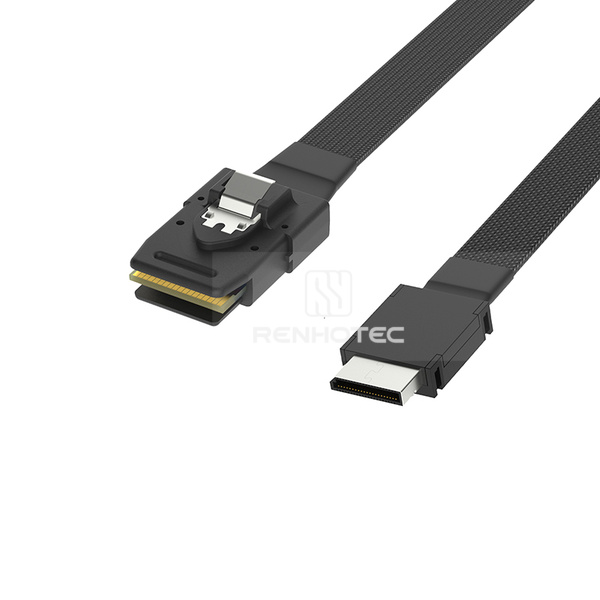
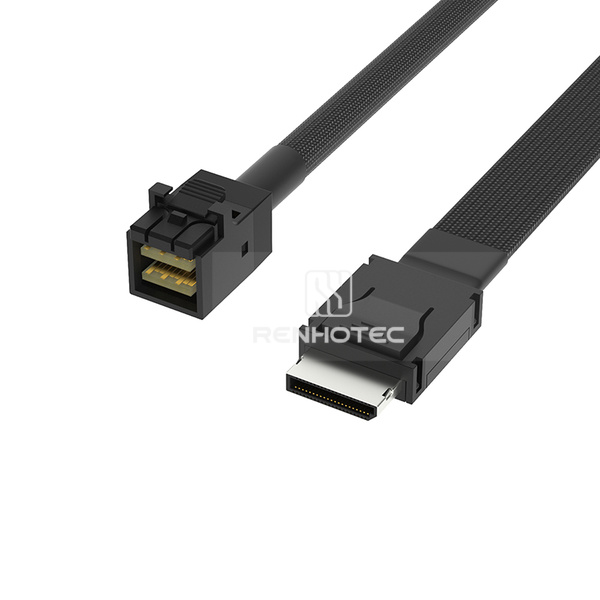
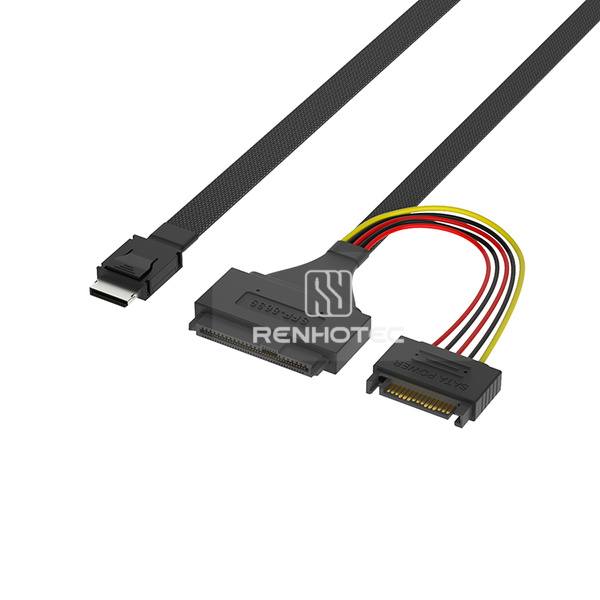
For 4003, measure both the host-side run and the power branch. The power lead may need to reach a different part of the chassis from the signal cable. The U.2 cable guide explains how to read a drive-side power assignment and compare mounting configurations.
When considering 4001 or 4002, include the destination board drawing with the request. A photograph identifies the connector family and exit direction, but cannot show the port’s protocol, sideband assignments or clock arrangement.
For a board-to-board route with two documented OCuLink 4i ports, RHT-726-4004 supplies the same-family physical arrangement. For a direct U.2 SSD connection, RHT-726-4003 changes the far end to SFF-8639 and adds the 15-pin power branch. A 4002 cable instead ends in SFF-8643, so it belongs to a route terminating at that board or backplane port. These endpoint choices narrow the cable list before the model-specific electrical match is reviewed.
In the 4004 configuration, “straight to straight” describes the connector exits. It does not mean every electrical contact keeps the same letter designation at the other end.
RHT-726-4004 · drawing R1.0 / 2024-06-17
The drawing names the two ends P1 and P2. Each cell below gives the positive contact followed by the negative contact, in that order.
| Pair index | P1 Rx → P2 Tx (+ / −) | P1 Tx → P2 Rx (+ / −) |
|---|---|---|
| 0 | A3/A4 → B3/B4 | B3/B4 → A3/A4 |
| 1 | A6/A7 → B6/B7 | B6/B7 → A6/A7 |
| 2 | A15/A16 → B15/B16 | B15/B16 → A15/A16 |
| 3 | A18/A19 → B18/B19 | B18/B19 → A18/A19 |
Signal names follow this drawing’s wiring table. This is a contact correspondence reference for the stated assembly, not a mating-face illustration, complete pinout or universal OCuLink wiring prescription.
For example, the drawing connects P1 A15 to P2 B15 and labels those contacts Rx2+ and Tx2+. That correspondence can be checked without guessing which physical contact is on the left of an angled product photograph.
Ground, reserved and sideband entries also appear in the complete drawing. The excerpt does not replace them. A system-specific replacement review must include those connections, the viewing direction of each connector drawing and the required revision. Do not borrow the 4004 map for a mixed-end 4001, 4002 or 4003 assembly.
“PCIe compatible” leaves several practical questions open. Specify the generation, usable lane width, cable length, connector arrangement and any adapter or backplane in the route. Ask what evidence qualifies that exact assembly under those conditions.
Record the controller or CPU-connected port and its mode. Check shared-lane restrictions and any settings required by the equipment manual.
Include adapters, backplane traces and intermediate connectors. A short cable does not eliminate losses or compatibility requirements elsewhere in the channel.
Leave access to the latch and support the cable independently. Measure the real chassis route and request the assembly’s bend limits; do not choose a bend radius from the sleeve’s appearance.
After installation under the equipment’s service procedure, check device enumeration and reported link width/speed. Keep the result separate from an application benchmark, which also depends on workload and the storage device.
A continuity test answers whether specified contacts are connected. It does not establish signal integrity at the requested generation. Likewise, a successful test with one short sample does not qualify every available cable length.
For intermittent detection, record whether the fault follows movement, a particular port or a particular drive before changing another variable. Use the equipment’s service procedure for reseating; latch access does not establish support for unplugging a live link.
An eGPU setup requires a supported host PCIe route, adapter or dock, graphics card and its specified power system. The four Renhotec storage configurations above do not establish graphics compatibility. Select against the host and dock’s cable requirements; drive-side U.2 power guidance cannot qualify an external graphics connection.
Provide the host and destination models, connector labels, port mode, required generation and lane width, routed length, exit direction and power arrangement. For an existing cable replacement, include its part number and drawing revision.
For a board-to-backplane route, include both port names and any sideband or clock requirements. For a direct U.2 connection, add the SSD model and available power input. These details distinguish assemblies that can look similar in a product photograph.