60A - 120A
125A - 200A
250A - 350A
400A - 480A
SFF-8639 · drive-side selection
Build a complete route from the host to the SSD, including the power branch and the space needed to service the drive.
A U.2 SSD cable connects a compatible drive-side SFF-8639 interface to the host connection specified by the system. In a direct-attached NVMe installation, the assembly also needs a suitable power input. The host end may be SlimSAS, OCuLink, Mini-SAS HD or another interface; “U.2” alone does not identify the complete cable.
Write down the SSD model and the exact motherboard, controller or backplane port before ordering. A 2.5-inch chassis bay tells you where a drive can sit. It does not tell you which storage interface reaches that bay, whether the host exposes PCIe lanes there, or how the drive receives power.
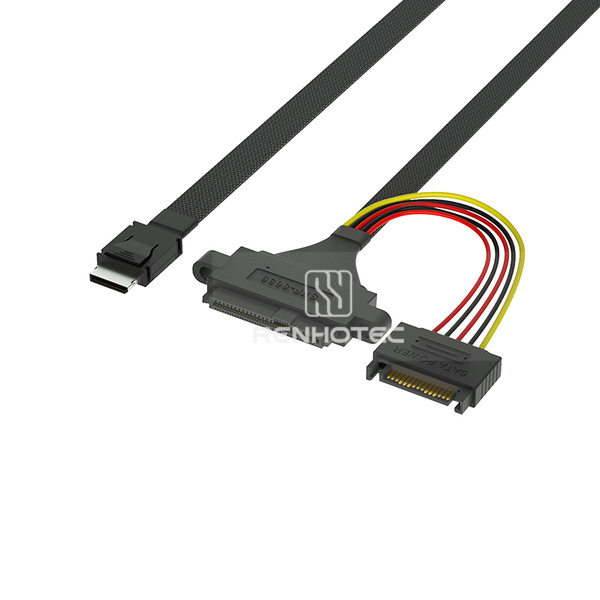
Three endpoints to identify
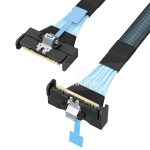
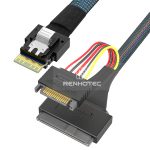
The broad connector goes to the U.2 drive. The compact OCuLink plug carries the host-side connection. The short colored-wire branch terminates in a separate 15-pin power connector.
This guide covers cable selection for U.2 SSD installations, including six Renhotec configurations. If you are identifying an unknown cable family first, start with the server and storage cable guide.
Read the board manual beside the connector label. The same connector family can appear in different storage implementations. A passive cable cannot turn a SAS-only controller into an NVMe controller.
| Starting point | What the assembly needs | What decides whether it works |
|---|---|---|
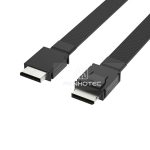
| OCuLink storage port | Specified OCuLink-to-U.2 wiring and a suitable power branch | Port mode, drive support, sideband requirements and the approved cable configuration |
| SlimSAS storage port | Correct 4i/8i host arrangement and the required number of U.2 endpoints | How the host allocates the PCIe links; one connector does not establish the number of supported drives |
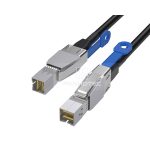
| SFF-8643 port | Mini-SAS HD-to-U.2 assembly for the specified PCIe route | Whether that port carries the required NVMe connection, rather than only SAS/SATA |
| M.2 socket | A suitable M.2 PCIe adapter plus its specified U.2 cable and power arrangement | Socket mode, lane availability, adapter compatibility, physical clearance and system support |
| Server backplane bay | The server’s supported backplane and controller cable set | Bay-specific drive support, controller configuration and backplane wiring |
For example, StarTech’s M2E4SFF8643 routes an M.2 PCIe x4 interface through an SFF-8643 connector for a U.2 SSD. That product demonstrates why the words “Mini-SAS HD” describe the connector without establishing the protocol of every port using it.
For a server with a backplane, preserve the original route when identifying a replacement. A cable intended to attach directly to a drive may omit functions required by a managed backplane. Record both the backplane part number and its connector label; a chassis model alone can cover several storage options.
A SATA data port cannot supply the PCIe path required by a U.2 NVMe SSD through a passive cable. A supported PCIe host route and a separate power connection are both needed.
A SATA-shaped power input on a U.2 cable supplies power to the assembly; it does not make the SSD a SATA data device. Follow the selected SSD’s power requirements and the assembly drawing. Do not infer the required supply solely from the wire colors or the fact that a connector fits.
Drawing reference · RHT-726-5003 · R1.0 / 2024-06-17
The drawing labels the U.2 end P0 and the 15-pin power input P2. These are electrical contact identifiers, not positions to count from the product photograph.
| P2 input contacts | Drawing label | P0 contacts |
|---|---|---|
| P1–P3 | 3.3 V | E3 |
| P4–P6 | GND | P4–P6 |
| P7–P9 | 5 V | P7–P9 |
| P10–P12 | GND | P12 |
| P13–P15 | 12 V | P13–P15 |
Model-specific transcription of the drawing’s power table. It does not specify which rails a particular SSD consumes, and it is not a universal U.2 pinout. Match the drawing revision to the assembly before using it for a wiring check.
The unusual-looking first row is a useful reason to check the drawing: “15-pin input” does not imply a same-number connection at the drive end. When replacing a harness, compare contact assignments as well as housing type. A continuity check can establish a wire path on a disconnected assembly; it cannot establish high-speed performance or system compatibility.
Some manufacturer cable sets use a different power input. Supermicro’s CBL-SAST-0956, for example, specifies a four-pin power connection. That is a distinct assembly detail, not a reason to substitute an arbitrary four-pin lead.
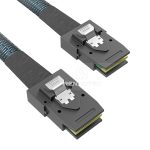
All six entries below specify SFF-8639 at the drive end and a separate 15-pin power connection. The main differences are the host-side connector, the number of drive endpoints and whether mounting ears are explicitly listed. SKU links open the corresponding Renhotec family configuration section.
| SKU | End A | End B | Listed configuration |
|---|---|---|---|
| RHT-726-5001 | SlimSAS SFF-8654 4i | U.2 SFF-8639 | 15-pin SATA power connector |
| RHT-726-5002 | OCuLink SFF-8611 4i | U.2 SFF-8639 | 15-pin SATA power connector |
| RHT-726-5003 | OCuLink SFF-8611 4i | U.2 SFF-8639 | 15-pin SATA power connector; Mounting ear at U.2 end |
| RHT-726-5004 | Mini-SAS HD SFF-8643 | U.2 SFF-8639 | 15-pin SATA power connector; Mounting ears at U.2 end |
| RHT-726-5005 | Mini-SAS HD SFF-8643 | U.2 SFF-8639 | 15-pin SATA power connector |
| RHT-726-5006 | Mini-SAS HD SFF-8643 8i | 2 × U.2 SFF-8639 | 15-pin SATA power connectors |
RHT-726-5002 and RHT-726-5003 share the listed OCuLink-to-U.2 endpoint types; mounting ears are an explicit feature of 5003. Likewise, 5004 explicitly lists ears, while 5005 does not. An omitted mounting field is not proof that two complete assemblies are otherwise interchangeable.
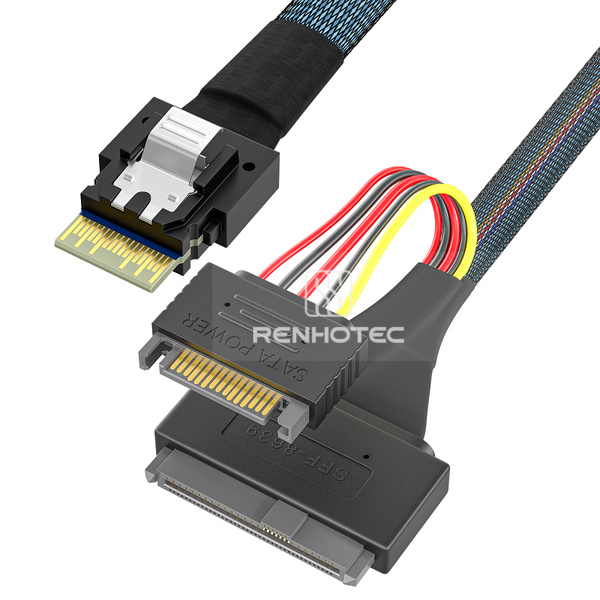
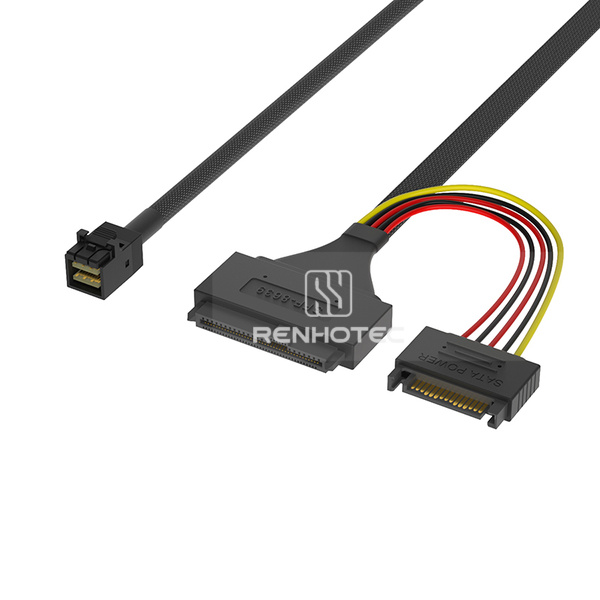
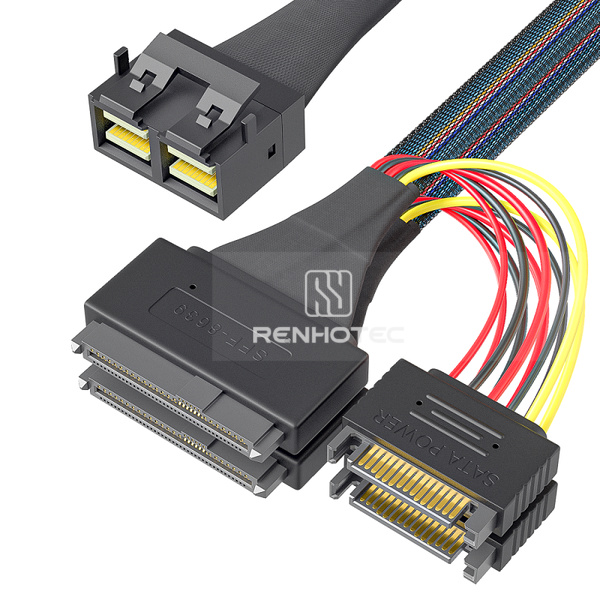
For 5006, obtain the host’s lane allocation and the branch-to-drive mapping. Two U.2 plugs establish the physical arrangement. The host must expose the required links for two drives, and the power arrangement must serve both. Do not assume a bifurcation setting exists on every motherboard or that enabling it alone makes a cable compatible.
Other host families also have drive-side options: the SlimSAS U.2 comparison separates five assemblies by host width, drive count, power input and mounting details.
With one supported NVMe drive, an OCuLink 4i host route and a specified 15-pin power feed, the 5002 and 5003 endpoint descriptions match the starting requirements. If the carrier needs screw-mounted ears on the U.2 housing, start with RHT-726-5003, where that feature is explicitly listed. Check its mounting drawing against the carrier, the host link assignment against the wiring drawing, and the power contacts against the SSD requirements. Measure the signal run and the power lead independently; they go to different destinations.
Check compatibility for the drive and platform together. Similar drive connectors do not settle the routing inside the system. U.3 relates to SFF-TA-1001 and universal storage backplanes; it is not a blanket upgrade label for a U.2 cable.
KIOXIA describes its U.3-capable PCIe 4.0 drives as supporting universal backplanes that accommodate SAS, SATA and NVMe SSDs. That describes the backplane ecosystem. It does not mean one NVMe SSD changes into a SAS or SATA device, or that a passive adapter supplies the missing controller support.
Look for an explicit statement covering the proposed U.3 drive in the existing U.2 platform. Check firmware, supported drive list and cable/backplane requirements.
Use the controller, backplane management and cable arrangement specified for that system. Do not carry over a U.2 wiring assumption from a matching housing.
The Renhotec entries above are described here by their confirmed U.2 configurations. Selection for a U.3 system requires a separate wiring and system review.
Plan the support before choosing the final cable length. A cable can reach the SSD and still obstruct the drive carrier, pull sideways on the housing or leave no access to the release mechanism.
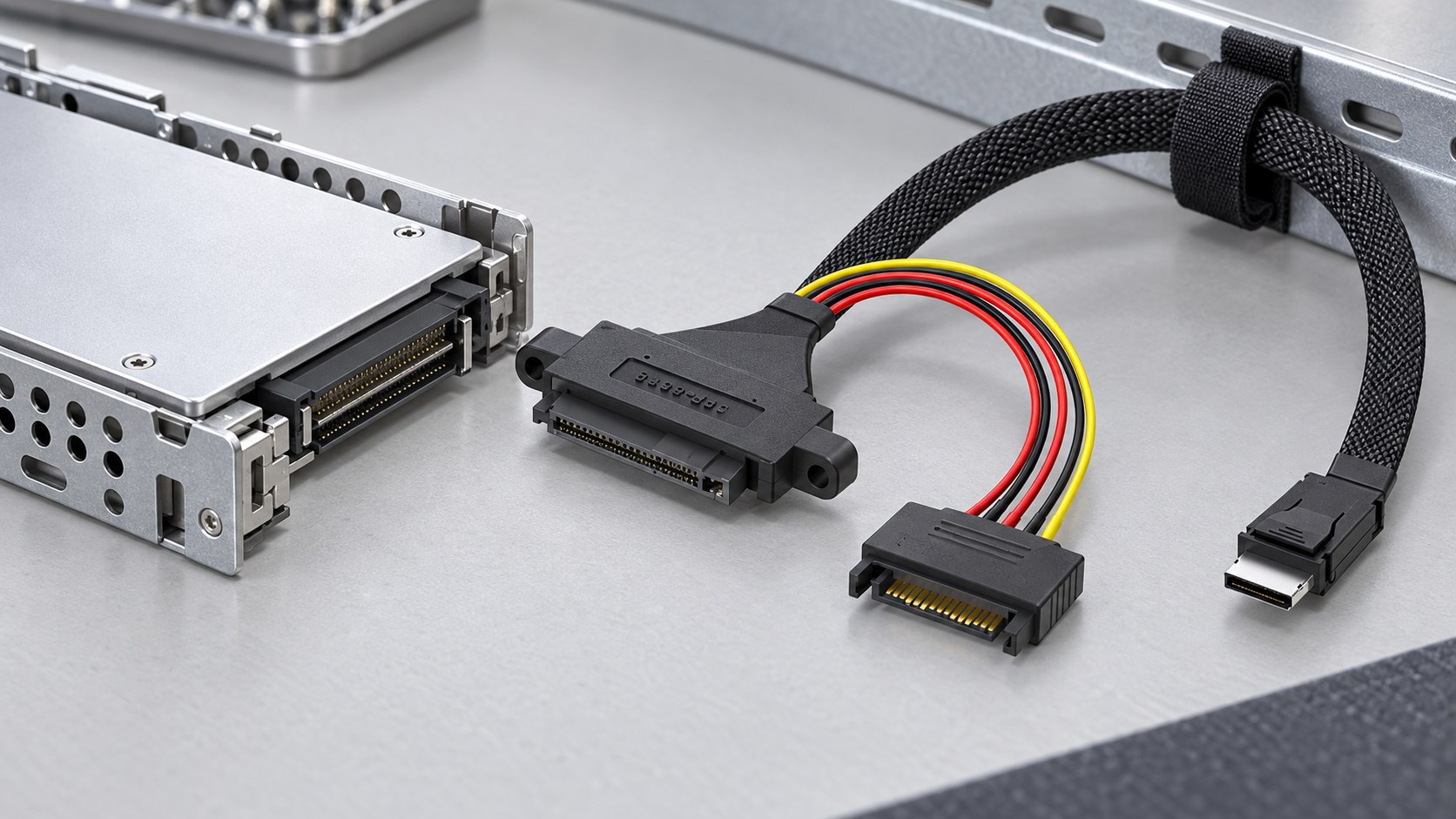
Follow the intended chassis path around walls, fans and adjacent assemblies. Allow for connector bodies and service movement, using the cable supplier’s bend and handling limits.
Measure the signal run and the separate power lead. A long host cable does not establish that the power branch reaches the approved supply connection.
If the U.2 housing has ears, match hole positions and fastener requirements to the drawing. Avoid selecting a screw or tightening value from appearance. Support the cable so the connector is not carrying its weight.
Check that the carrier can move as intended and that releases remain accessible. Whether removal is allowed under power is a system capability; use the server’s service procedure.
| Observation | First useful check | What it separates |
|---|---|---|
| New drive absent from firmware | Host port mode and support for that SSD, then specified power and wiring | Unsupported route versus connection or supply problem |
| One drive appears on a two-drive harness | Independent host links, branch assignments and power to each endpoint | Link allocation versus the mere presence of two plugs |
| Drive appears, but link width or speed is lower | Negotiated link report, platform capability, adapter limits and cable qualification | A working electrical link versus the requested performance |
| Drive disappears after moving the carrier | With the system safely powered down, inspect seating, strain and cable damage | A mechanical disturbance versus a persistent configuration issue |
Change one variable at a time and record the exact port, drive and cable. Start with a known-supported assembly if available. Repeated operating-system reinstalls are unlikely to resolve a drive that the platform cannot enumerate.
For a cable review, send the SSD model, host board or controller model, connector labels at both ends, any backplane part number, drive count, power connector, routing length and mounting requirements. Include the target PCIe generation and an existing cable drawing or part number when replacing a harness.
For a multi-drive assembly, identify which host link serves each drive. For a carrier-mounted connector, add the mechanical drawing. These details let the cable configuration be reviewed before a sample is built.