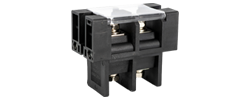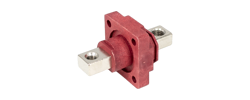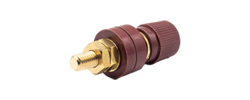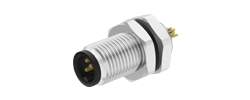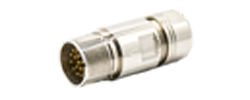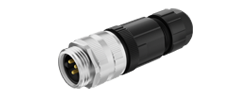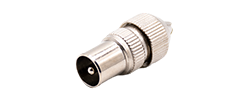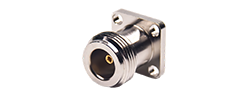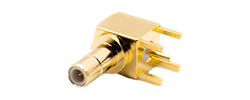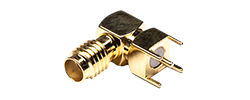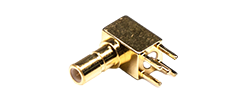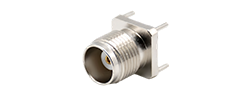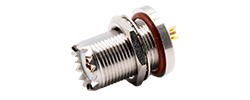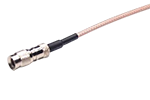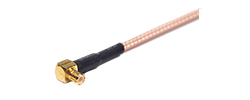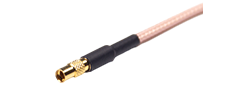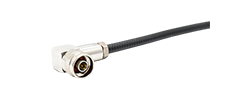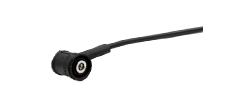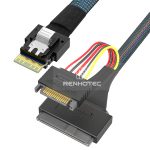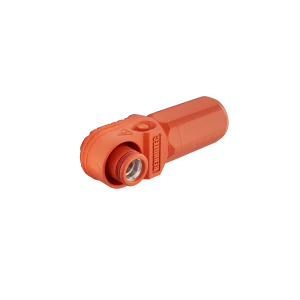
60A - 120A
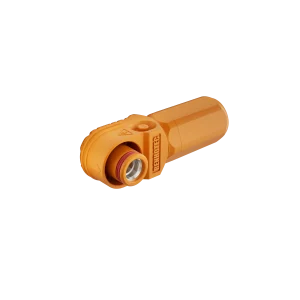
125A - 200A
250A - 350A
400A - 480A
Sensor wiring · A-coded M12
Locate each numbered contact, read the wire colors and trace a sensor connection to its controller.
The Renhotec M-series catalog lists brown at pin 1, white at pin 2, blue at pin 3 and black at pin 4 for four-contact A-coded cables. Its five-contact A-coded reference adds gray at pin 5. The connected device determines each conductor’s function.
Identify the connector coding, contact count and viewing direction before using a diagram. A mating-face view shows the contacts you see when looking into the disconnected connector. A termination-side drawing shows the rear of the insert and must be read in its stated orientation.
| Pin | Common color | Abbreviation |
|---|---|---|
| 1 | Brown | BN |
| 2 | White | WH |
| 3 | Blue | BU |
| 4 | Black | BK |
| 5 | Gray | GY |
Source: Renhotec M-Series Connector Catalog, printed page 38 (PDF page 41), “M12 wire definition.” These are the catalog’s conventional assignments; custom assemblies require their own wire map. This reference covers four- and five-contact A-coding only.
These mating-face views show the disconnected contacts with the key at the bottom. Pin 1 is lower left on the male and lower right on the female. The same numbered contacts meet when the connectors face each other.
Male
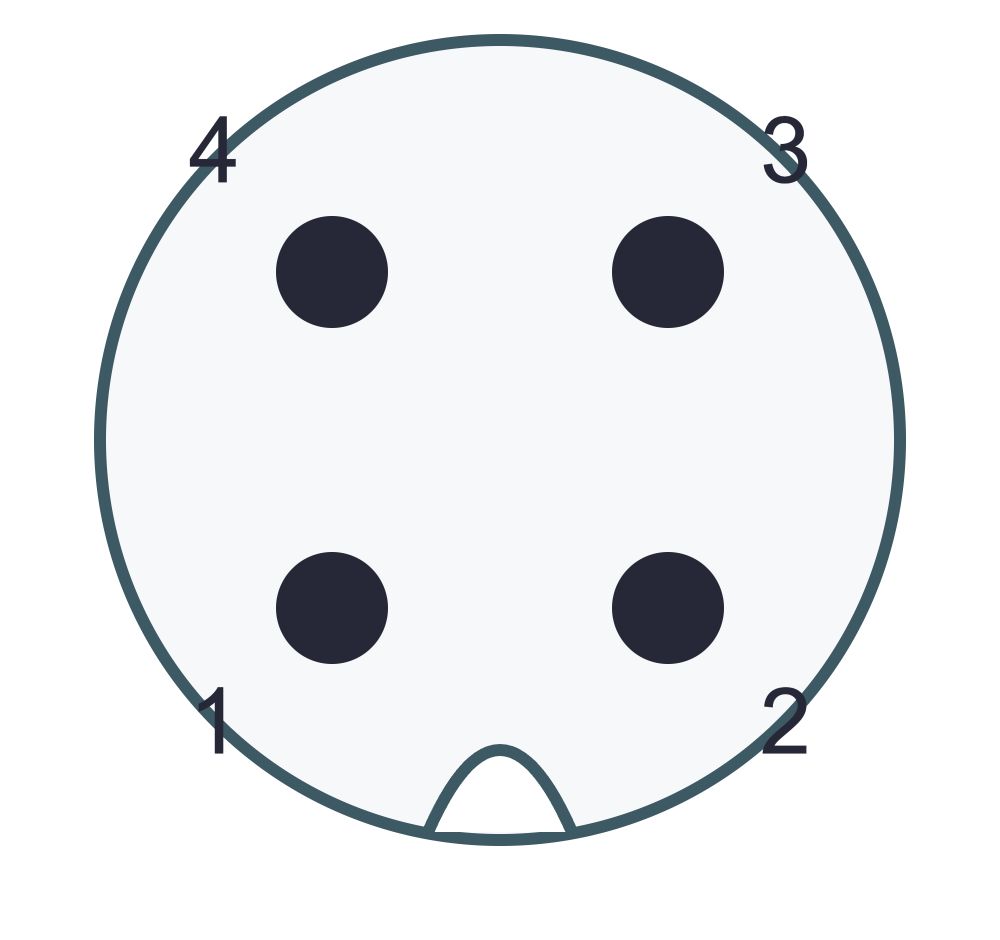
Female
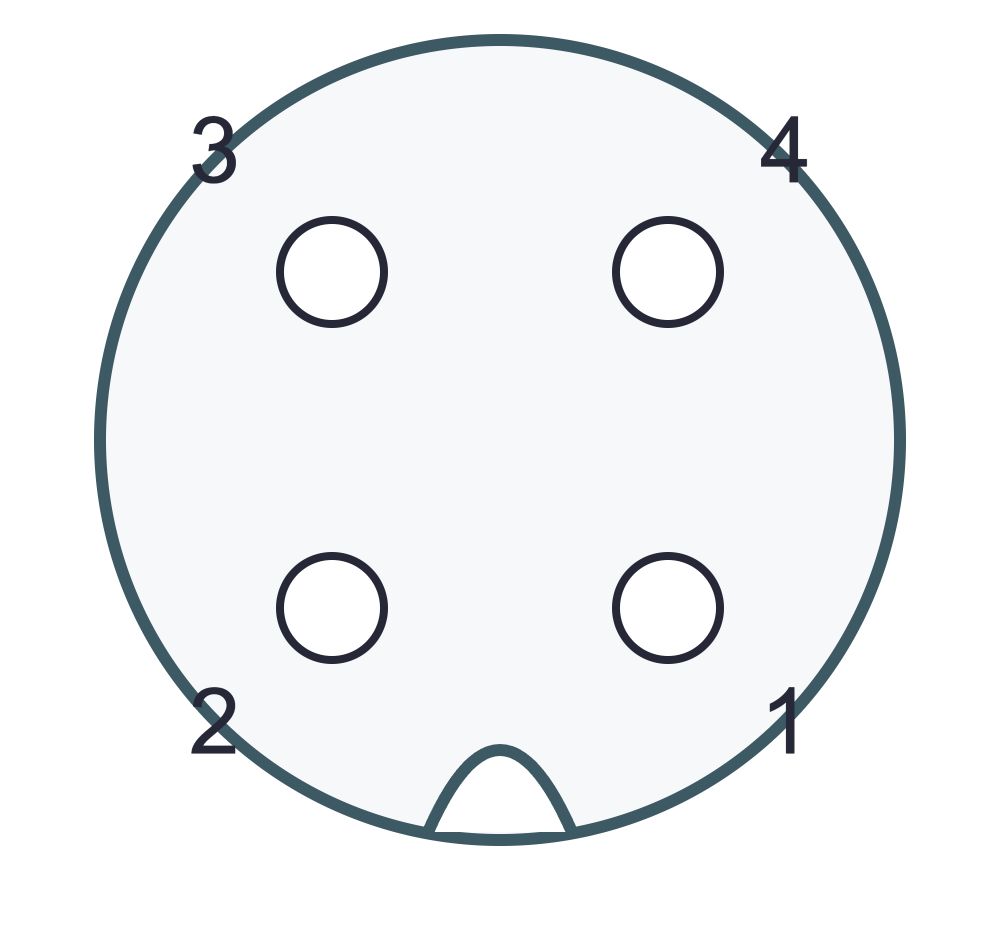
Male
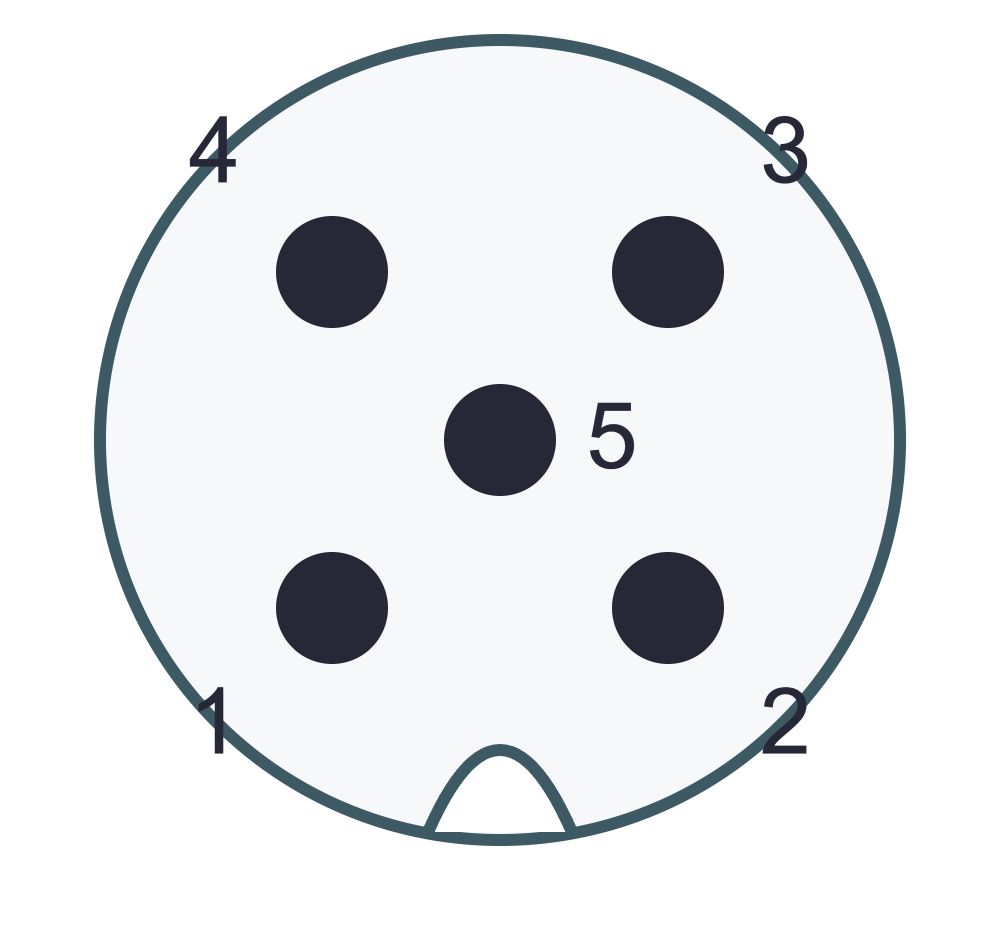
Female
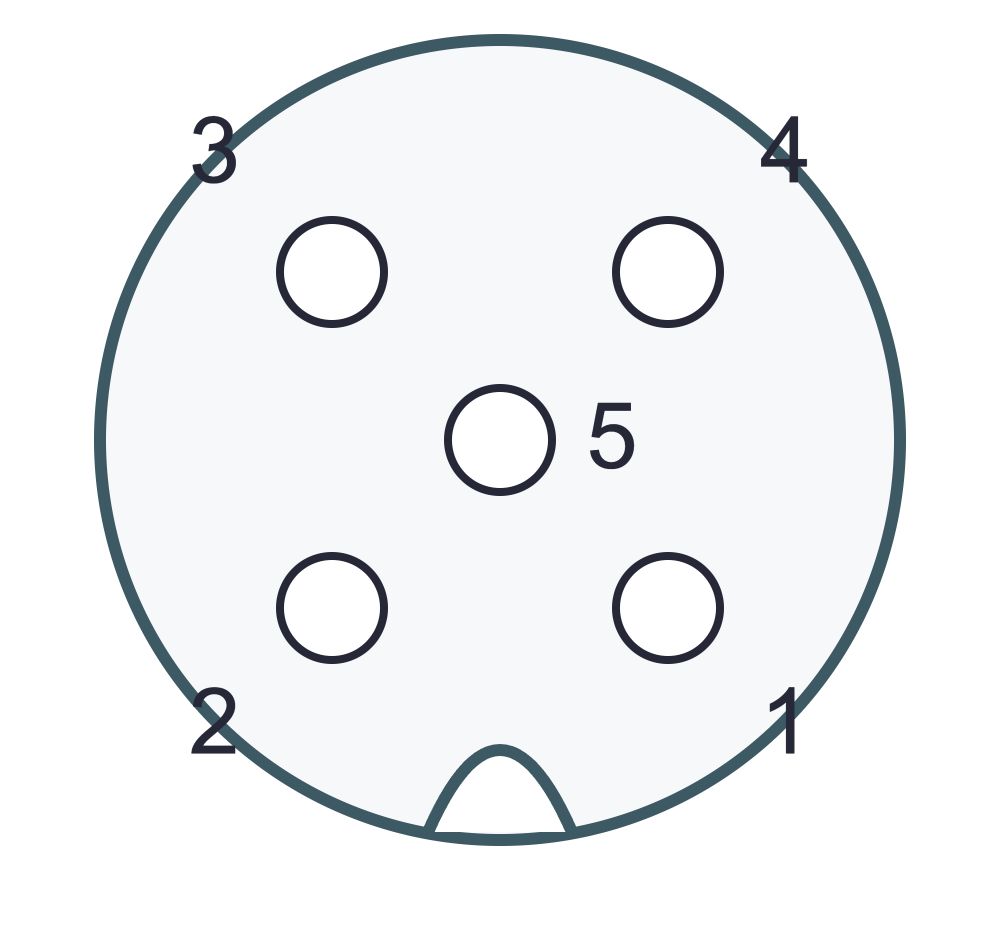
Numbering: Renhotec M-series catalog, printed page 38, rotated from key-up to key-down here. The five-contact view also agrees with Phoenix Contact 1454545, page 6. Simplified geometry, not to scale.
A termination-side drawing looks at the rear of the insert. Read its stated orientation and terminal markings; do not copy the front-view positions onto screw terminals. A photograph can show a key and contact marks, but it cannot establish hidden wiring.
A cable drawing identifies conductor connections. A sensor diagram identifies supply and signals. The input module or IO-Link master diagram identifies what the receiving port expects. All three must agree.
| Application | Common arrangement | The detail that changes the choice |
|---|---|---|
| Three-wire DC sensor | Supply, return and one output may use pins 1, 3 and 4 | Device voltage, PNP/NPN output and receiving-input compatibility |
| Sensor with a second output | An additional conductor can carry a second signal | Whether pin 2 is an output, input, teach function or unused on this device |
| IO-Link device | Pin 4 can carry C/Q communication | Master port class, operating mode and auxiliary-pin requirements |
| Five-contact device | The center contact adds another possible connection | Pin 5’s device assignment; do not assume it is protective earth or a shield |
For a concrete IO-Link example, ifm’s data splitter description distinguishes communication on pin 4 from the device-dependent signals passed on other pins. It illustrates why a general color chart cannot serve as the wiring instruction for every device.
PNP and NPN describe output behavior; they do not change the physical M12 housing into a different connector family. Match the sensor output to the controller input. For analog devices, confirm the signal type and return arrangement instead of assuming a digital-sensor diagram applies.
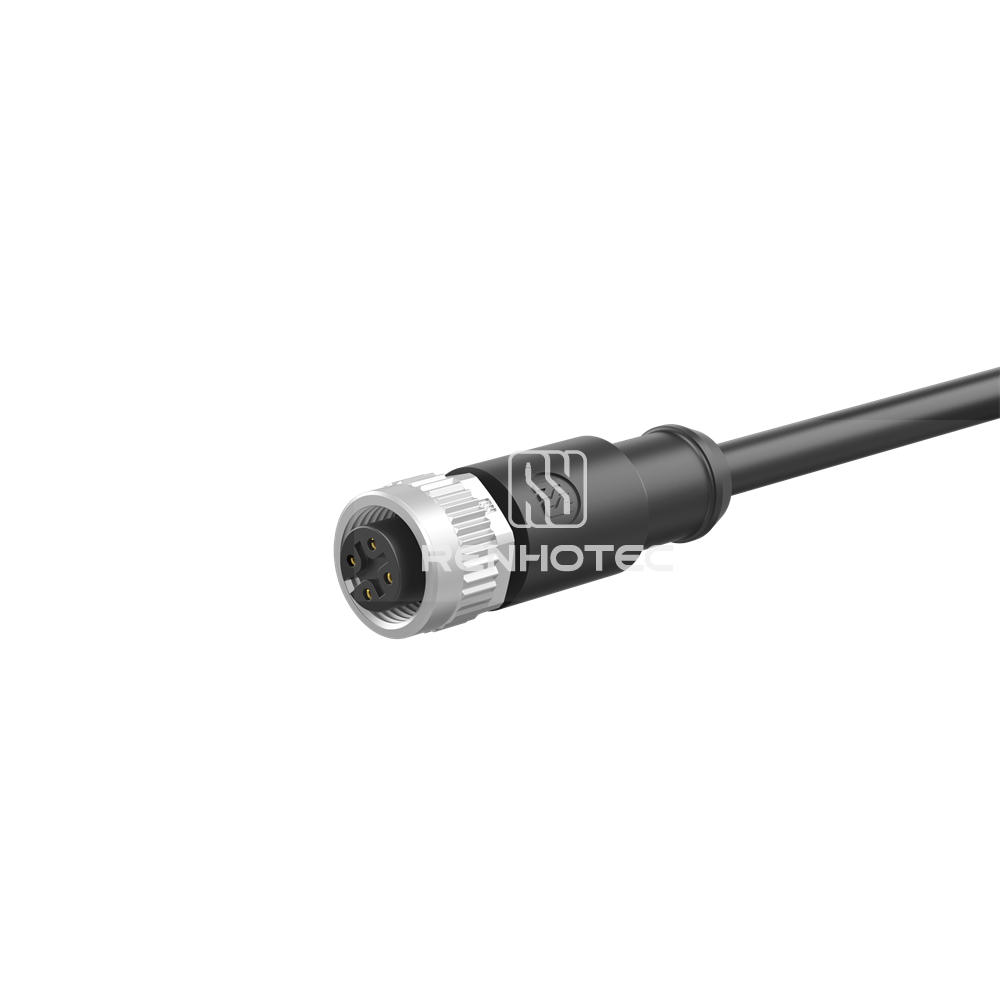
Single-ended cable example
Renhotec lists this as a straight, four-contact A-coded female cable, single-ended and shielded. It is a candidate when a sensor’s male A-coded port needs a cable to individual controller terminals.
The four sockets and key identify the connector end. Cable length, conductor termination and shield connection must match the installation.
Suppose the device diagram assigns supply to pin 1, return to pin 3 and output to pin 4, with pin 2 unused. For a cable ordered to the catalog’s conventional assignment, the connection list is:
Conditional wiring example, not a universal sensor pinout or a confirmed wiring drawing for every RHT-M12006 variant. Confirm the selected cable’s contact-to-conductor map and the device’s voltage/output type before connection.
Use the product page to identify the candidate cable, then request its current assembly drawing with your device diagram, required length and shield termination. For another contact count or cable end, browse the M12 A-coded cable range.
Record the sensor and input-module model numbers. Read the voltage, signal type, coding, contact count and pin assignment from their documentation. Isolate power before handling the connection.
Specify male/female, straight/angled, A-coding and contact count separately. A cable with a free wire end needs a conductor map; an extension cable needs an end-to-end map.
Build a short list from device pin to cable conductor to controller terminal. Use the actual cable colors. Include unused conductors and shield/drain connections so they are not accidentally assigned a function.
Inspect contact condition and use a suitable continuity method for the isolated cable when required. Keep test probes and procedures appropriate to the contacts. Do not test through powered electronics or assume a continuity result qualifies insulation and current capability.
Use the specified stripping dimensions, termination method, cable diameter and tightening instructions. Fit seals correctly and maintain the permitted bend radius. A generic M12 diagram does not supply these model-specific values.
Restore operation under the equipment procedure and confirm the expected sensor state or communication. Record the result at the controller, not only the sensor’s indicator lamp.
For an overmolded cable, do not reopen the molded connector to make a different assignment. Order the required wiring or an approved assembly. For a repairable field-wireable connector, check whether the terminal range and sealing parts match the chosen cable.
It may be suitable in a documented combination, but the extra contact alone does not establish compatibility. Check the mating interfaces, complete pin map, electrical ratings and the treatment of the extra conductor.
| Compare | Required match |
|---|---|
| Mechanical interface | A-coding, male/female mating parts, key and contact arrangement |
| Used circuits | Every required pin connected to the correct destination |
| Extra conductor | Disposition specified by the equipment instructions |
| Environment | Temperature, chemicals, motion and sealing requirements |
| Electrical load | Voltage/current and derating appropriate to the selected assembly |
Check the ratings of the replacement itself. A four-contact product’s current or voltage rating does not automatically apply to a five-contact version.
| Symptom | Check first | Avoid this assumption |
|---|---|---|
| Sensor does not power up | Supply and return at the assigned device pins; cable continuity while isolated | Brown and blue must be correct because the colors look familiar |
| Sensor lamp changes, PLC input does not | Output pin, PNP/NPN or signal type, input common and channel configuration | A working indicator proves the output reaches the PLC |
| IO-Link communication fails | Pin 4 route, master mode, supported device and complete port assignment | Any M12 port supports IO-Link |
| Fault appears when the machine moves | Strain, bending, contact seating and cable suitability for the actual motion | A fixed-installation cable is suitable for continuous flexing |
| Failure follows cleaning | Seal condition, assembly instructions and chemical compatibility | An IP number alone establishes resistance to the cleaning chemical |