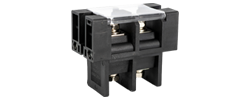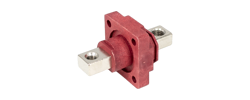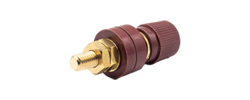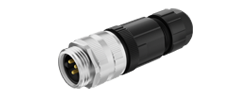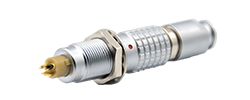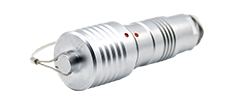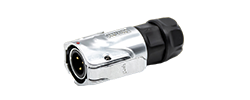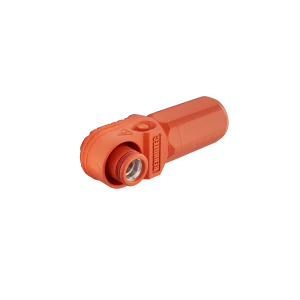
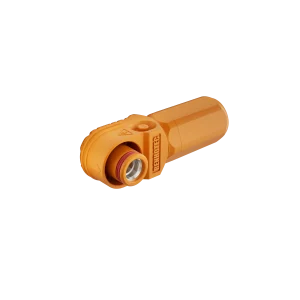
60A - 120A
125A - 200A
250A - 350A
400A - 480A
Renhotec / Product guides
A, B, D or X? Start with the mating face, then match the connector to the port’s job.
M12 connectors can look similar from the outside while carrying sensor signals, Ethernet data or power. Their coding changes the mating interface to help prevent the wrong connection. To identify a connector, look at the keying and contact arrangement together; counting the pins is only part of the job.
Read the interface
The coding letter identifies a keyed mating interface. Features in the insert align the contacts and distinguish interfaces that should not mate. A, B, D and X are different codes, not successive grades of quality.
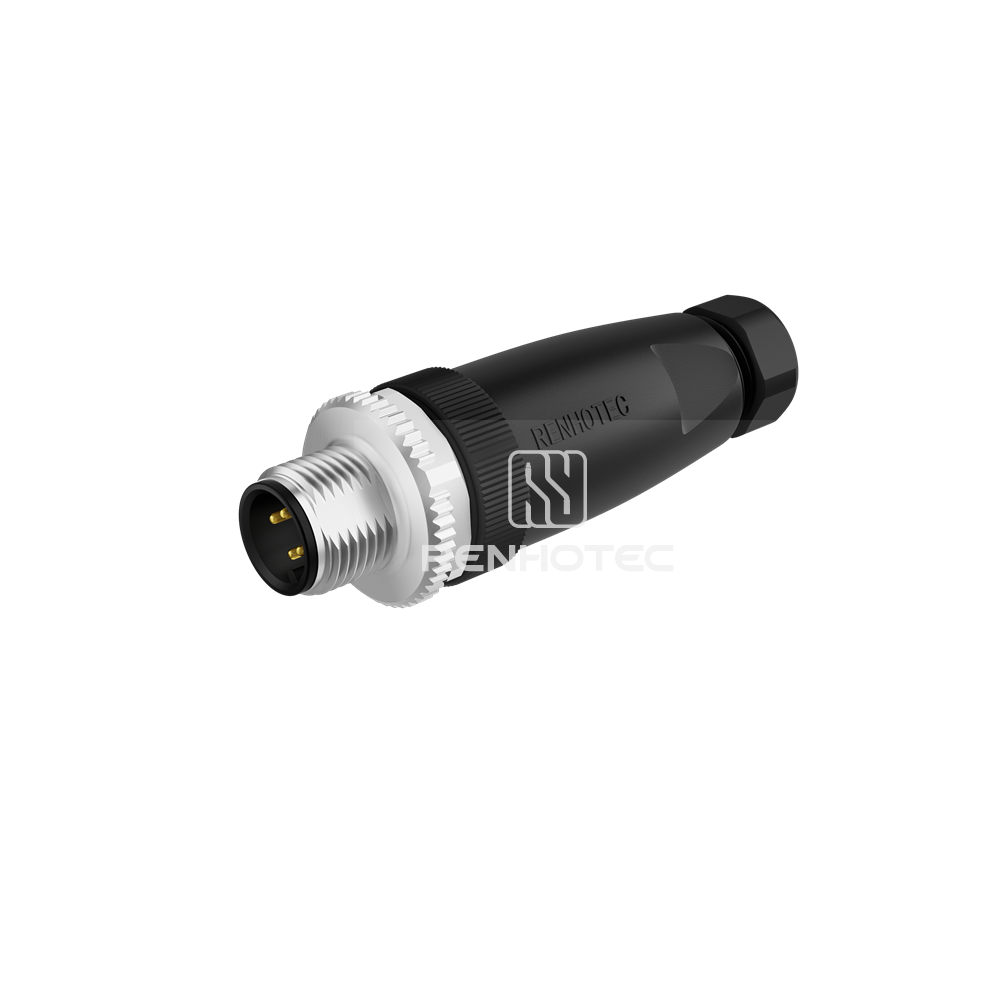
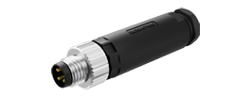
RHT-634-3370-04-PG7
Four-pin, A-coded male plug
For a screw-locking M12 interface, the mating thread is M12 × 1. That thread size does not tell you the pin functions, operating voltage or network protocol. The IEC 61076-2-101 interface specification distinguishes multiple contact arrangements and codings within the M12 family.
If you are still choosing between connector sizes, start with M8 vs M12 connectors.
Mating-face atlas
Look straight at the mating face and use the key as your orientation reference. Compare male with male, or female with female. A mating-face view and a wire-termination view face opposite directions, so contact positions cannot be copied between them without checking the drawing.
Narrow rounded key recess. A-coding also comes with other contact counts.
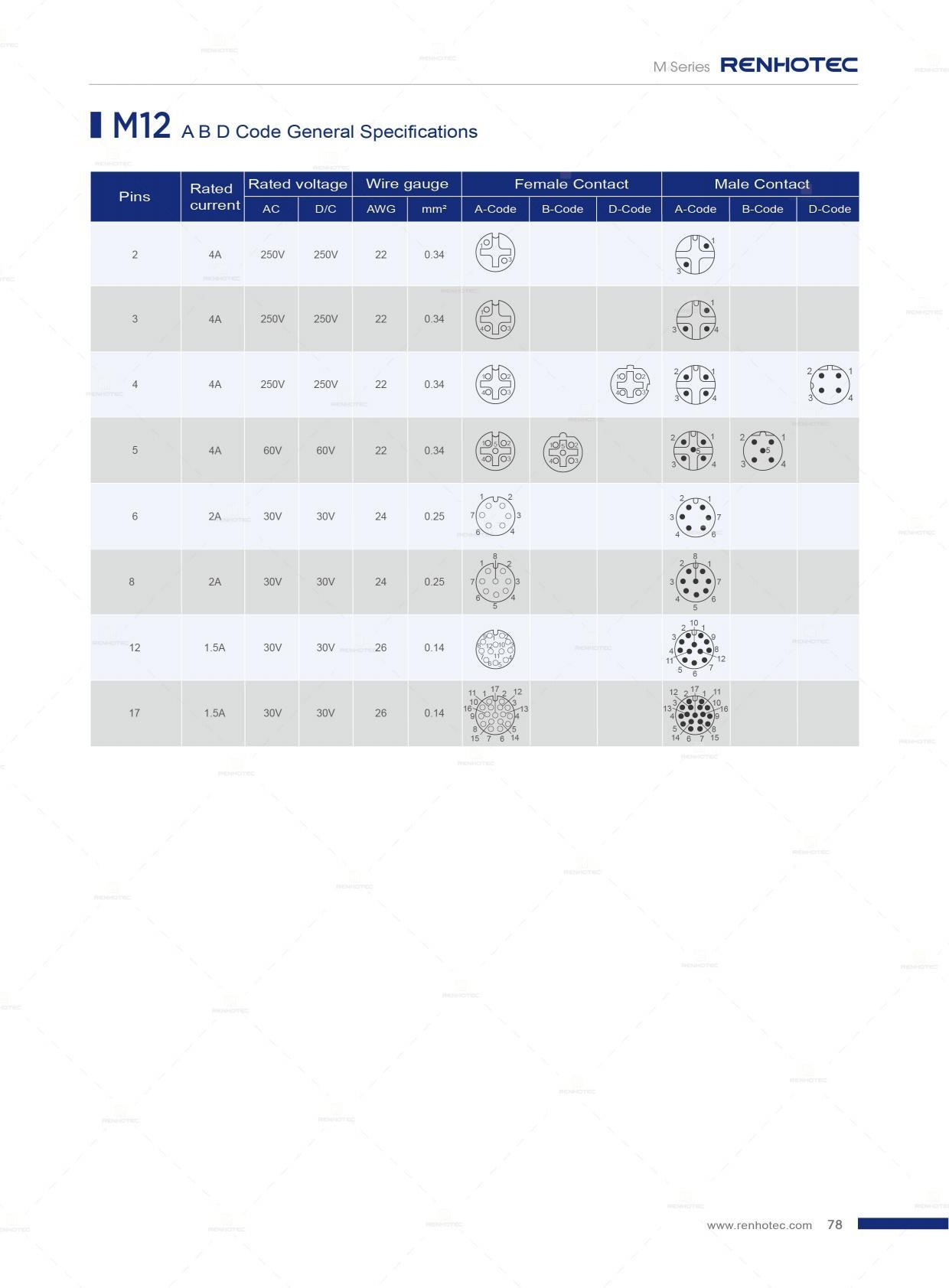
Catalog p. 78A central key profile between two shoulders, plus a centre contact in this five-contact arrangement.
Catalog p. 78A stepped top profile and a side recess. Four contacts alone do not distinguish it from A-coded.
Catalog p. 78Four separated contact pairs. Compare this partitioned face with the A-coded eight-contact face below.
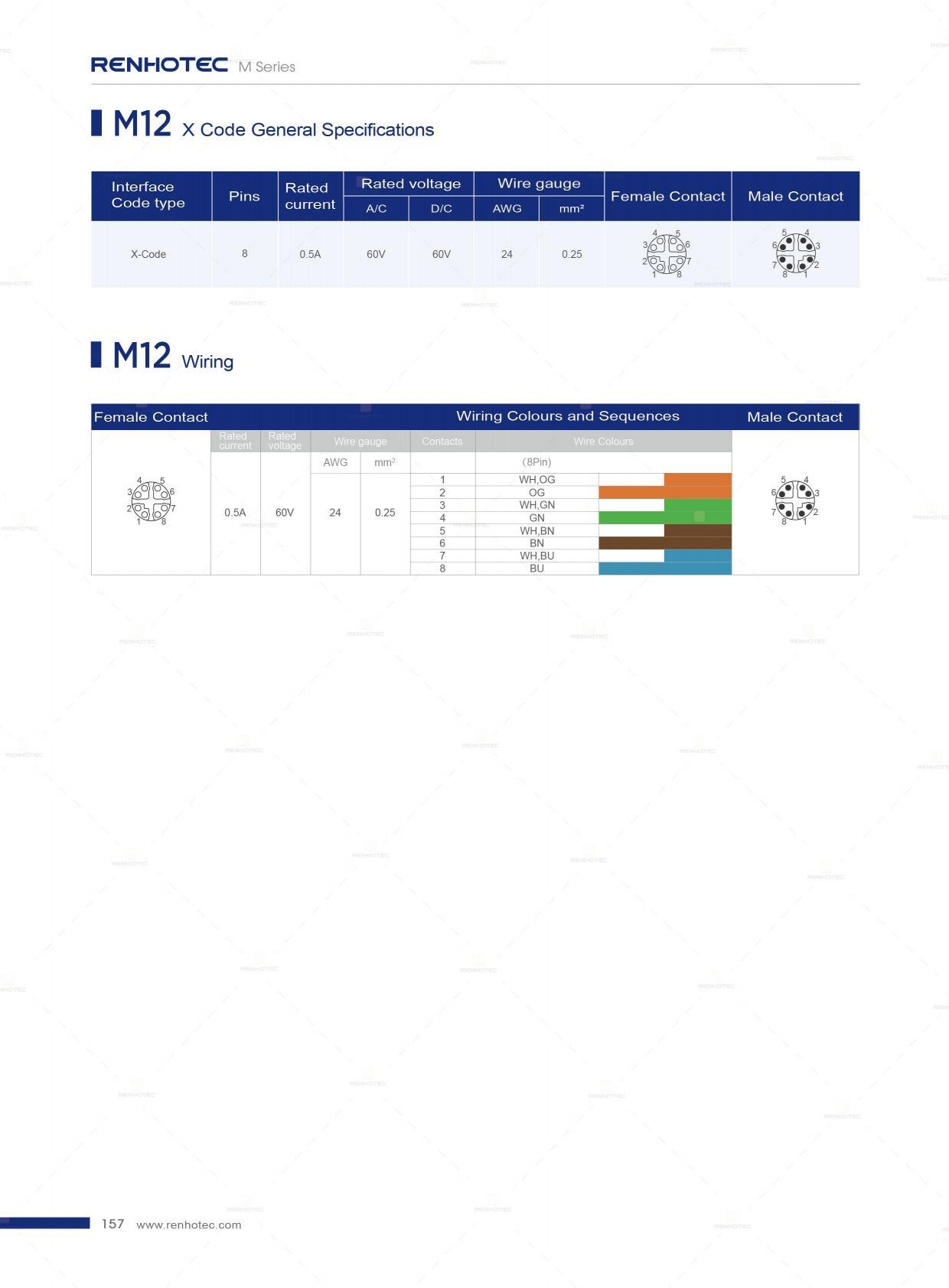
Catalog p. 157A-coded and D-coded can both have four contacts in similar positions. The A-coded face has a narrow rounded recess at the top. The D-coded face has a stepped top profile and an additional side recess in this orientation. Match the complete face before trying to engage the connector; do not force parts together to test a suspected match.
Scroll sideways to read all columns.
| Code | Typical use | What to establish next |
|---|---|---|
| A | Sensor and actuator connections; also specified DC-power and fieldbus interfaces | Contact count, device functions and the required signal assignment |
| B | PROFIBUS DP connections | The specified bus connector, cable and termination arrangement |
| D | Four-contact industrial Ethernet, commonly 100 Mbit/s | Equipment port, pair assignment and cable performance |
| X | Eight-contact Ethernet connections, with products supporting up to 10 Gbit/s | The required link speed and the performance of the entire assembly |
Typical uses: binder’s coding guide.
A, B, D and X are common codes, but other M12 codings exist. For an unfamiliar code on existing equipment, use its part number and mating drawing.
A closer comparison
An eight-contact A-coded connector has a different face from an eight-contact X-coded connector. The A-coded arrangement below places one contact in the centre. The X-coded face separates four pairs into individual sectors.
Seven outer contacts
+ one centre contact
Four pairs
in separated sectors
An adapter that changes the plug shape cannot by itself turn a sensor port into an Ethernet port. Even where two ends use the same coding, the assembly still has to connect the functions the equipment expects.
Select for the connection
When replacing a cable, the equipment port determines the coding you need. When designing a new connection, choose the electrical task and mating interface together.
Start with A-coded for a sensor or actuator port that specifies it. Contact count matters because it changes the available circuits, and the device determines what each contact does. A five-contact cable is not automatically a substitute for every four-contact sensor cable.
Once you have identified an A-coded sensor connection, use the M12 A-coded 4-pin and 5-pin wiring reference for the next step. Keep the equipment’s signal diagram alongside it. A wire color cannot establish a contact’s function on its own.
B-coded is a common choice for PROFIBUS DP interfaces. Match a replacement to the specified B-coded port and bus wiring.
Five-pin male B-coded panel receptacle with wires, for the equipment side of a connection.
A common interface for 100 Mbit/s industrial Ethernet. Use it when the equipment specifies a D-coded port and the assembled link meets the network requirements.
Four contact pairs support higher-speed Ethernet implementations. For a 1 Gbit/s or 10 Gbit/s application, select the cable assembly for that speed and match the equipment’s X-coded interface.
Changing from D-coded to X-coded usually involves more than replacing a plug: the port, pair arrangement and cabling must support the intended link. Conversely, an X-coded port does not guarantee that the device itself operates at 10 Gbit/s. See the manufacturer’s typical coding applications and the actual device specification.
Power connections
M12 power codings separate different power interfaces. S and K are commonly associated with AC power applications; T and L with DC power applications. These families are not interchangeable, and their names do not supply a complete operating rating. Power-coding application reference.
Scroll sideways to read all columns.
| Code | Selection starting point | A distinction to retain |
|---|---|---|
| S / K | AC power equipment specifying that exact code | S and K have different contact arrangements; match the required protective-earth connection |
| T / L | DC power equipment specifying that exact code | Check power circuits and the documented earth function; do not equate FE with PE |
| M | Equipment specifying an M-coded power interface | Match its contact arrangement and circuit assignment; it is not a substitute selected solely by contact count |
PE is protective earth; FE is functional earth. PE serves the equipment’s protective measure against electric shock. FE serves a functional purpose, such as interference control. A contact specified as FE cannot be treated as a protective-earth contact merely because both are earth connections. The Phoenix Contact M12 overview distinguishes L-coded configurations with FE from K- and M-coded configurations with PE.
Use the exact power connector and cable specifications for voltage, current, conductor size and installation conditions. IEC 61076-2-111:2025 covers several M12 power interfaces; a value applying to one interface or product must not be assigned to the whole family.
Follow the ports
A field-mounted I/O device can use M12 for several independent jobs. The Belden LioN-Xlight model below has A-coded I/O connections, D-coded Ethernet connections and L-coded power connections. Identifying one M12 port does not identify the other ports on the same housing.
8 I/O · 2 network · 2 power connections
8 connections · 5 contacts each
Four of the eight I/O connections are IO-Link Class A master ports; the model also provides eight digital inputs.
2 connections · 4 contacts each
D-coded interfaces connect this device to its EtherNet/IP network.
2 supply connections
The power assembly has its own interface, separate from the I/O and network connections.
For this device, select a sensor cable for an A-coded I/O port, a network cable for a D-coded network port, and the specified power assembly for an L-coded power port. Trace the cable’s destination before choosing a replacement, particularly where several M12 cables enter the same machine.
From identification to an order
A clear photograph helps identify a connector, but the equipment model and part number usually resolve details that a photograph cannot show. Record the port label before disconnecting an assembly, following the equipment’s isolation and maintenance procedure.
Record the coding, contact count, pin or socket contacts and locking style at each end. Compare the mating faces with the appropriate connector drawing. Cable-jacket color is not a reliable coding identifier.
State whether the connection carries sensor I/O, a specified network or power. Match contact assignments, shielding and any PE/FE requirements. An identical connector name does not prove an identical cable wiring arrangement.
Confirm the required operating conditions, cable length, straight or angled exit, routing space and cable suitability. Check the stated sealing conditions, including whether the protection rating requires the connector to be mated.
Include the equipment reference, both end descriptions and the required wiring or assembly drawing. For a repeat order, retain the part number and approved drawing revision together.
Browse Renhotec M12 connectors and cable assemblies once the interface is identified. For a configuration enquiry, send the equipment and connection details so the proposed assembly can be matched to the actual task.